Module 3 Formstorming

Weekly Activity

Yiyang Zhang


Project 3


Module 3

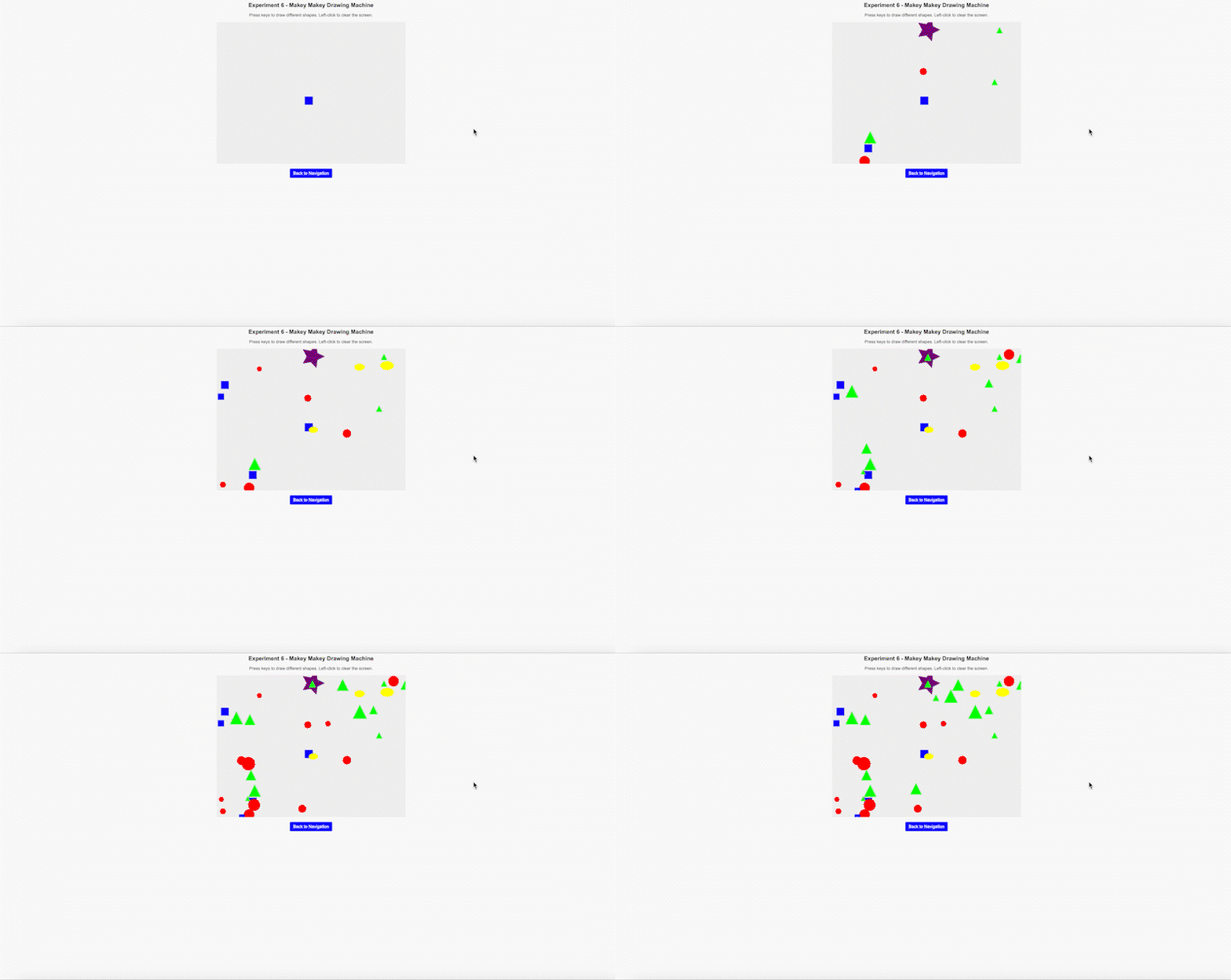
Is the makey makey time!
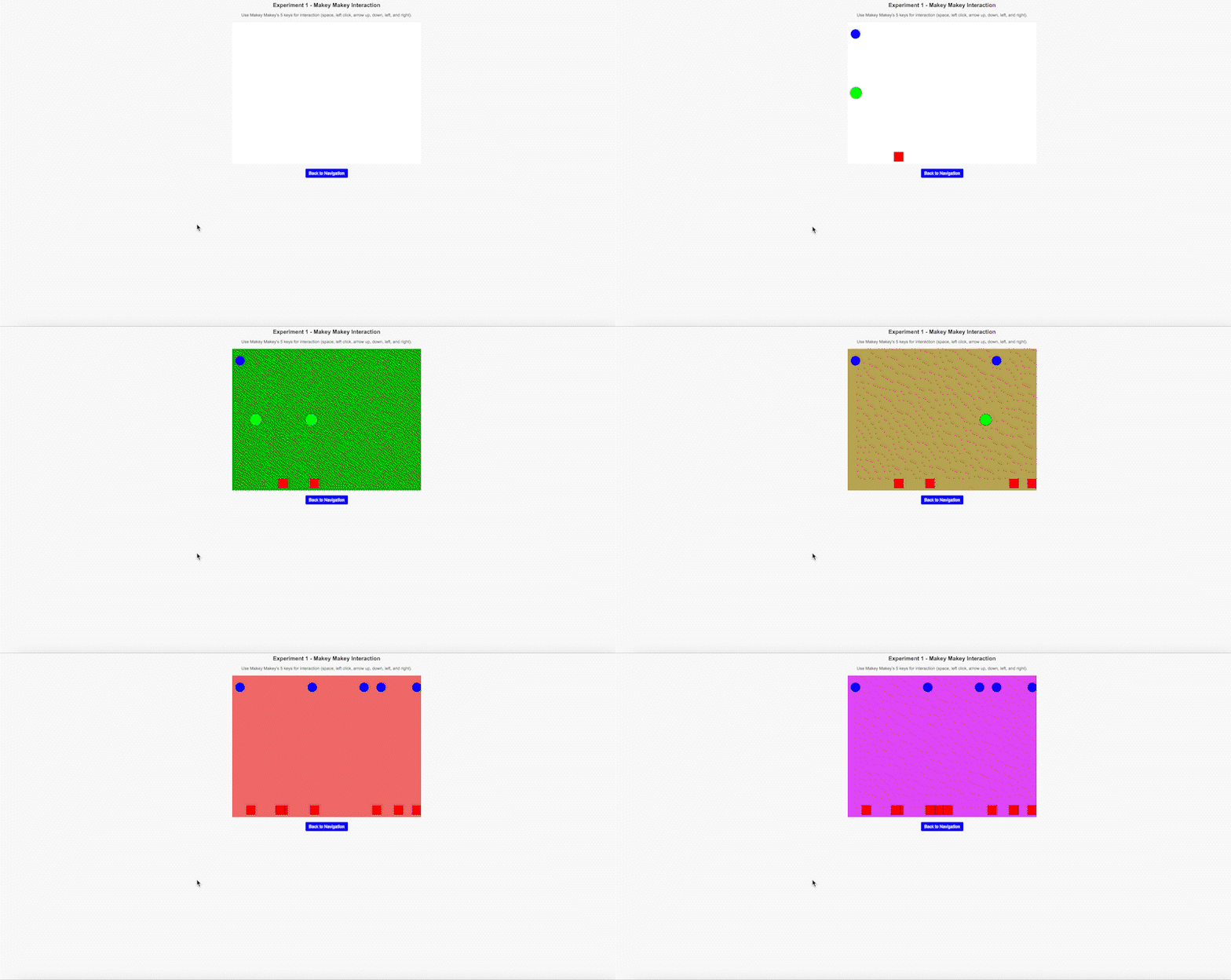
Activity 1

Click here to try

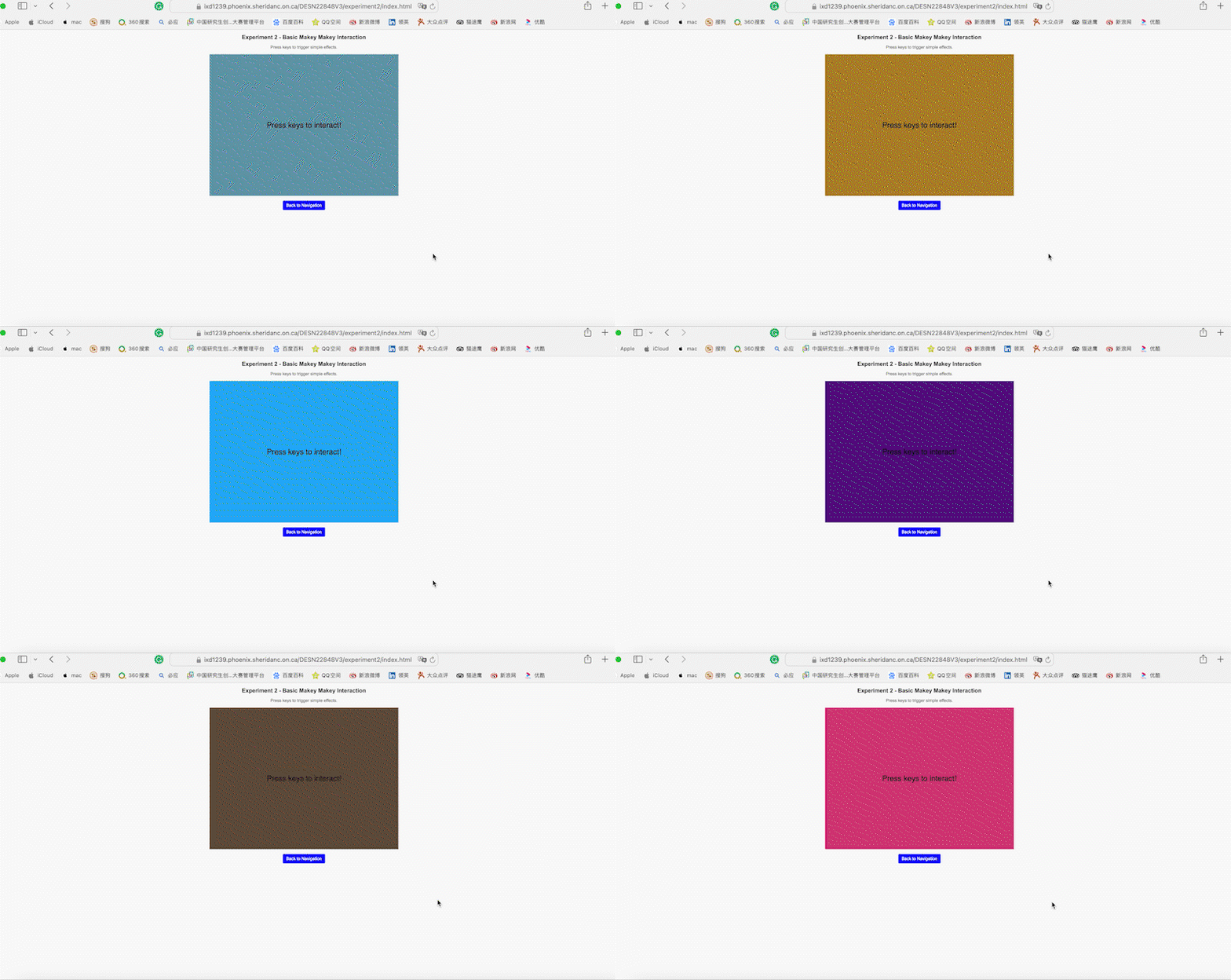
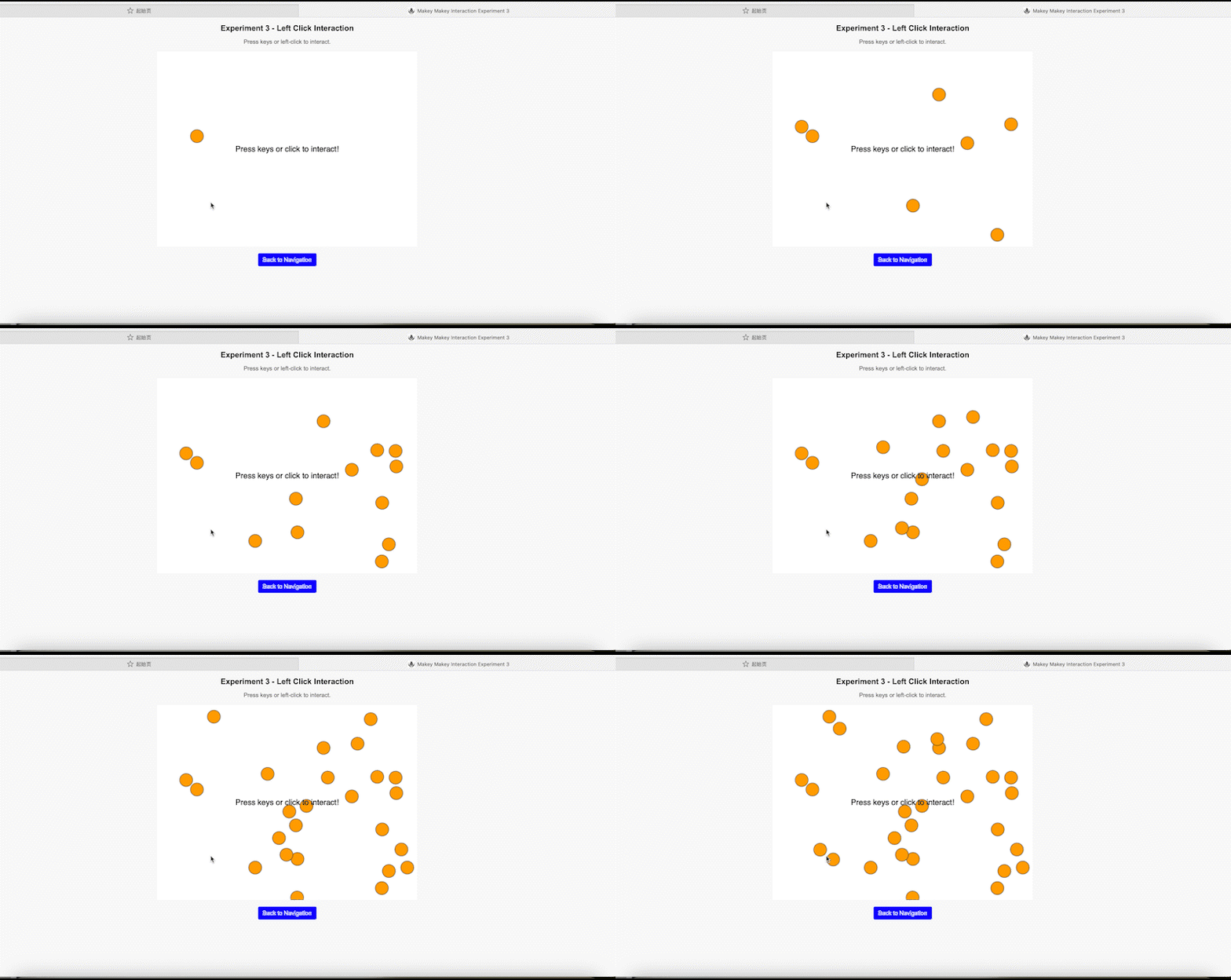
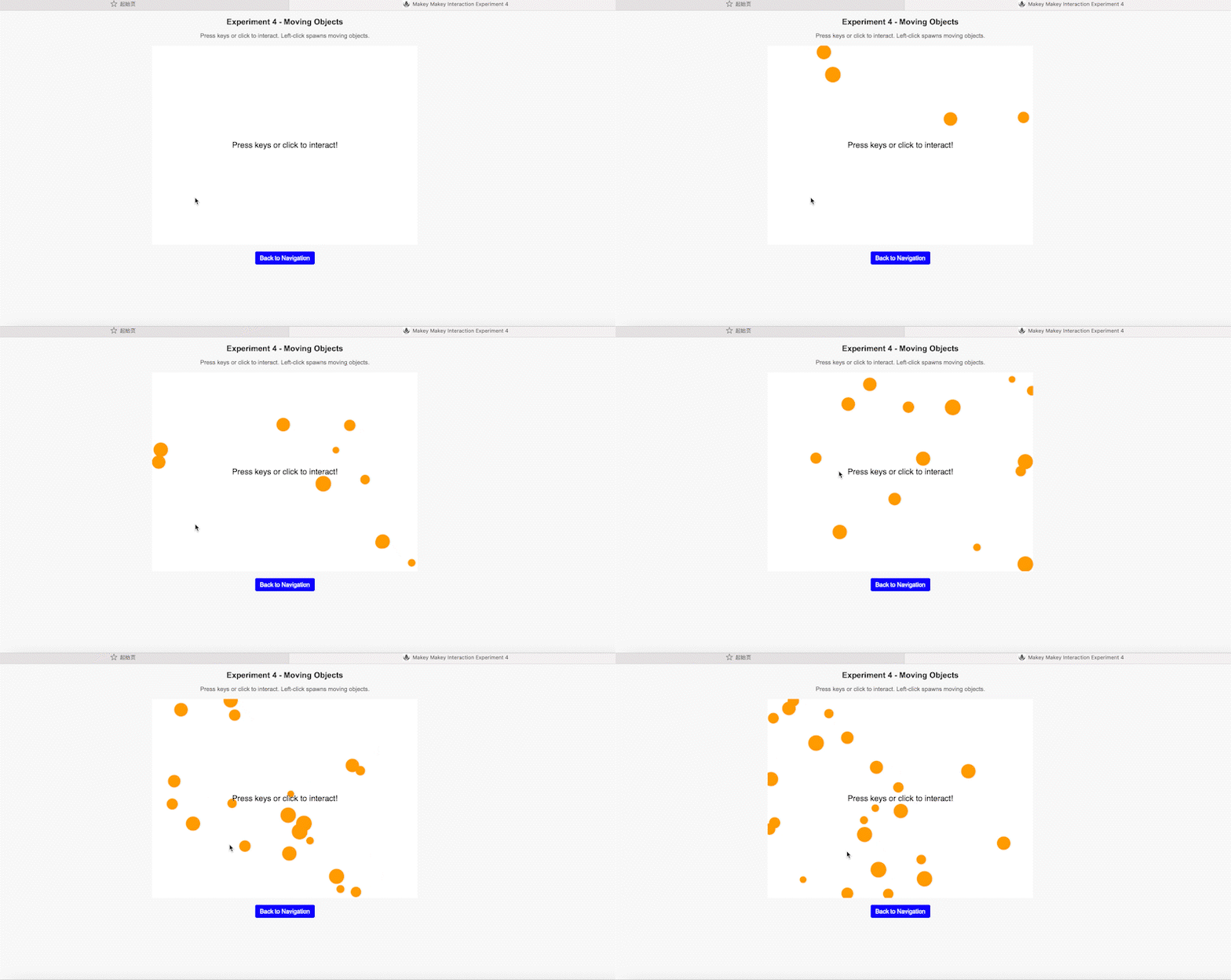
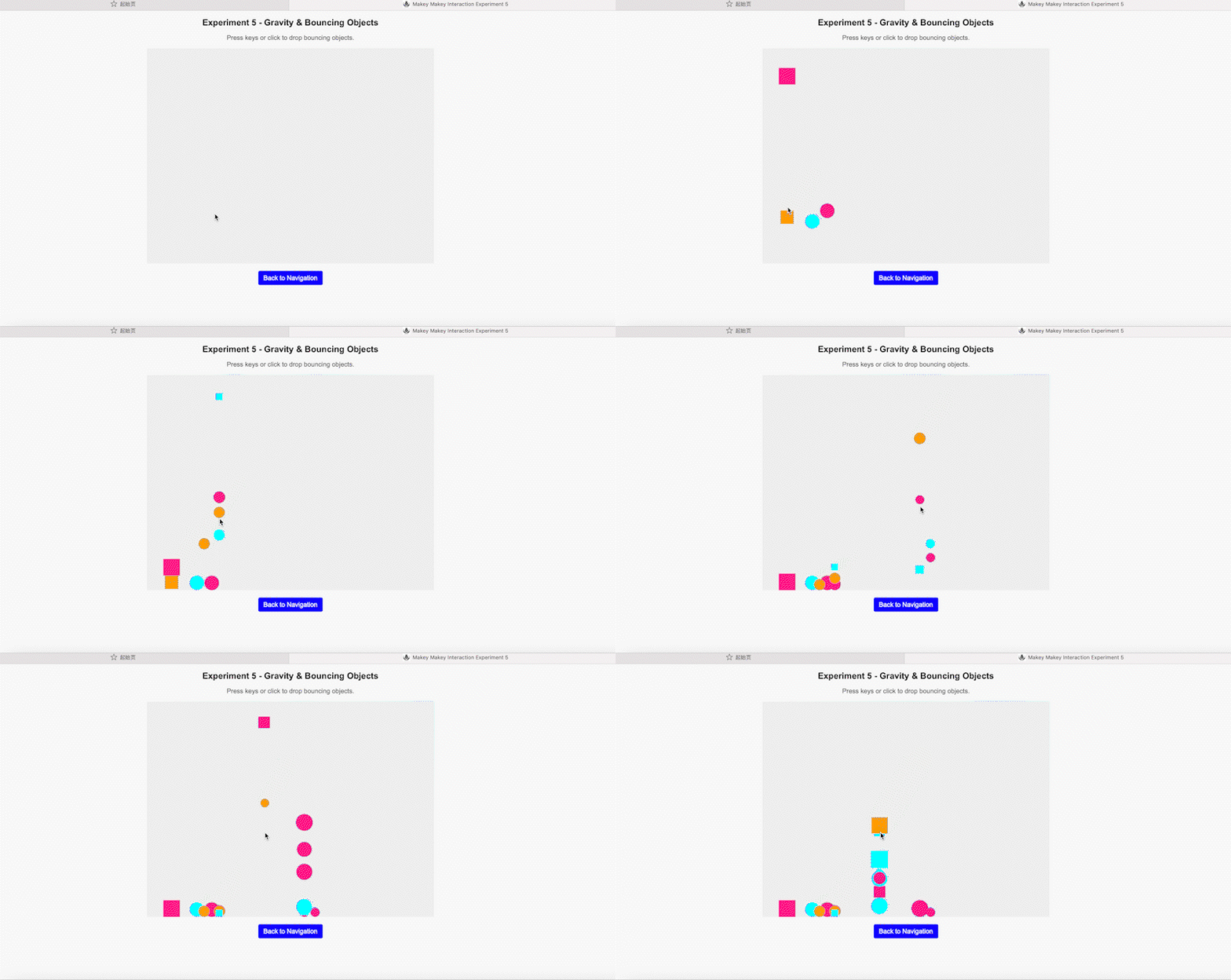
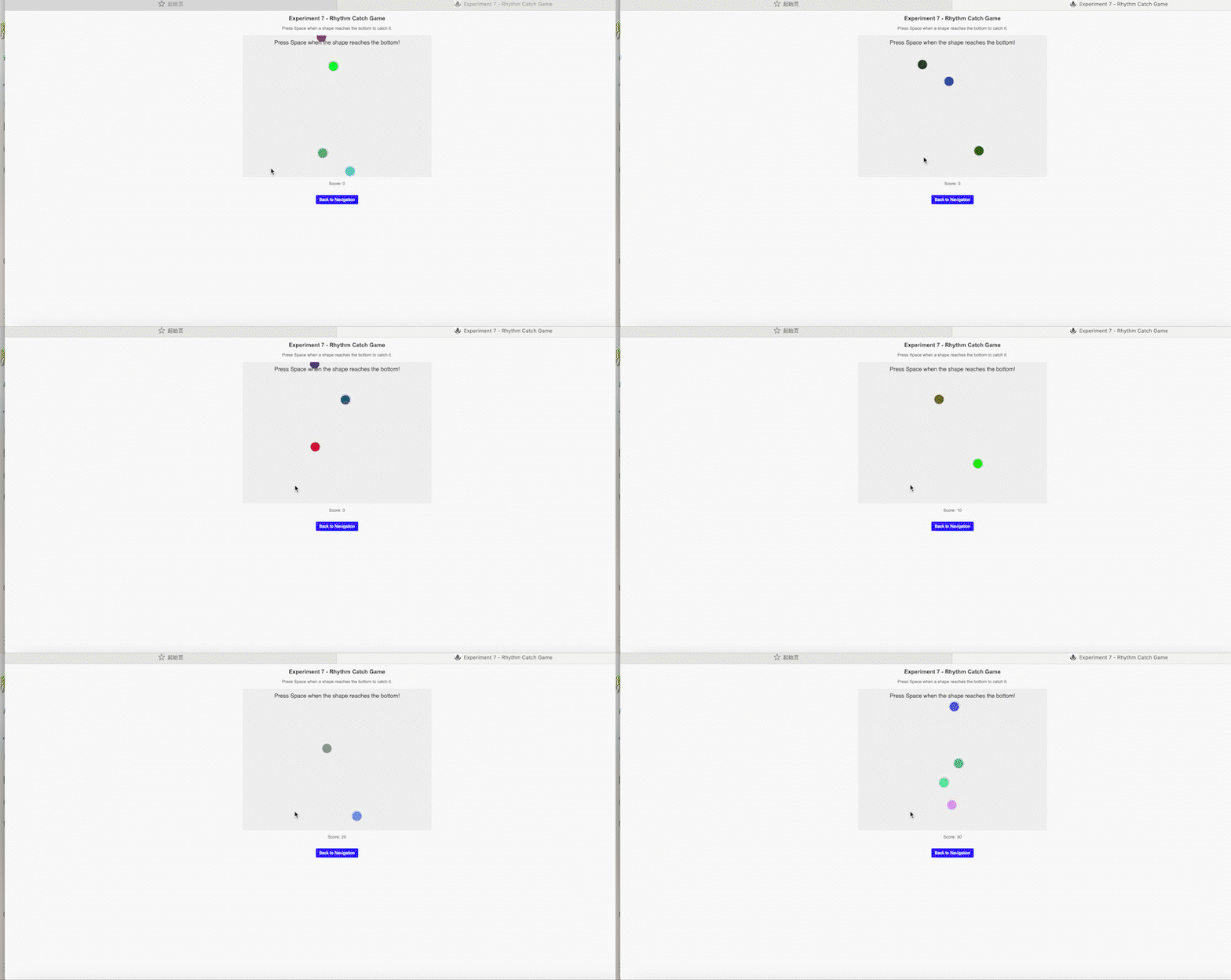
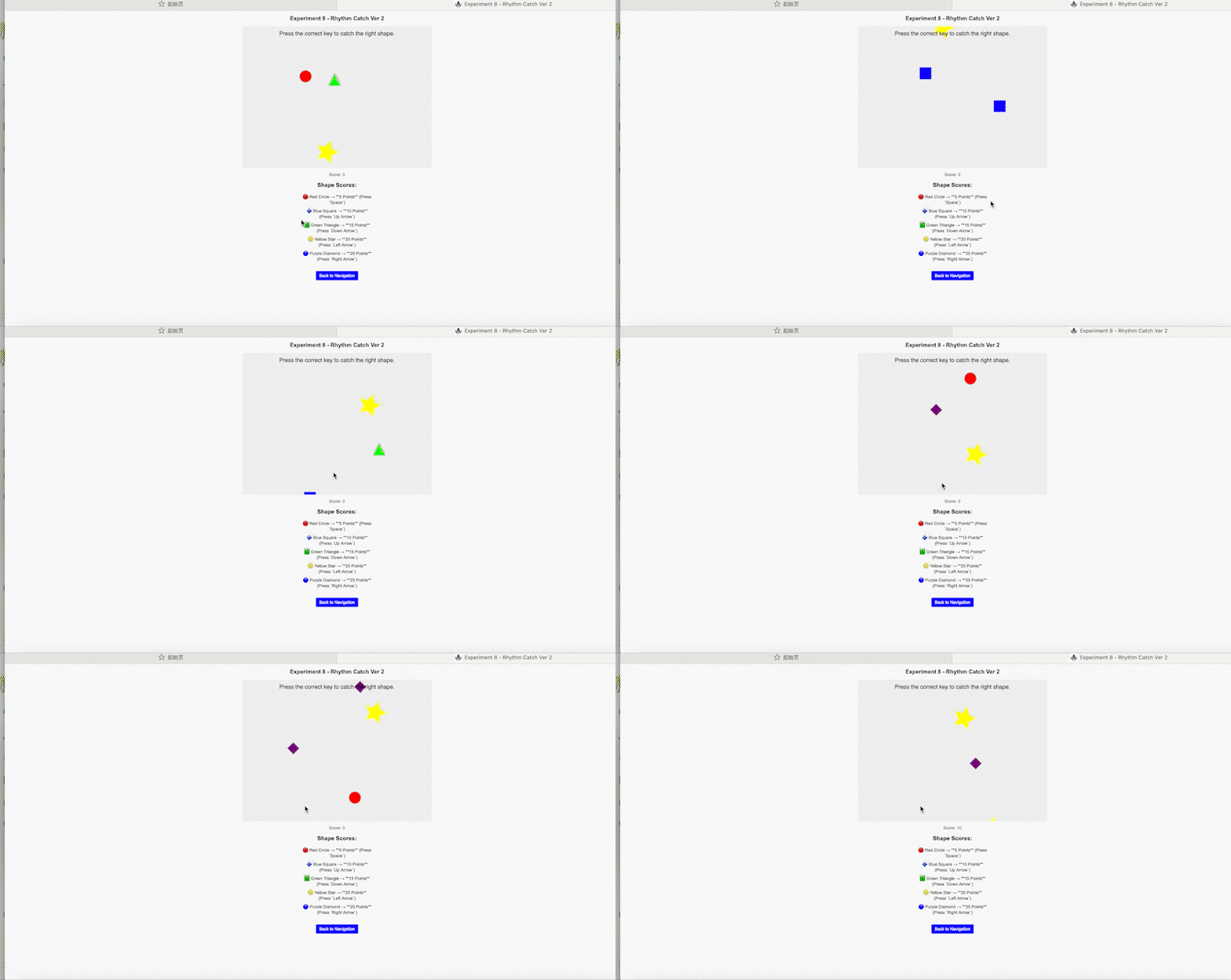
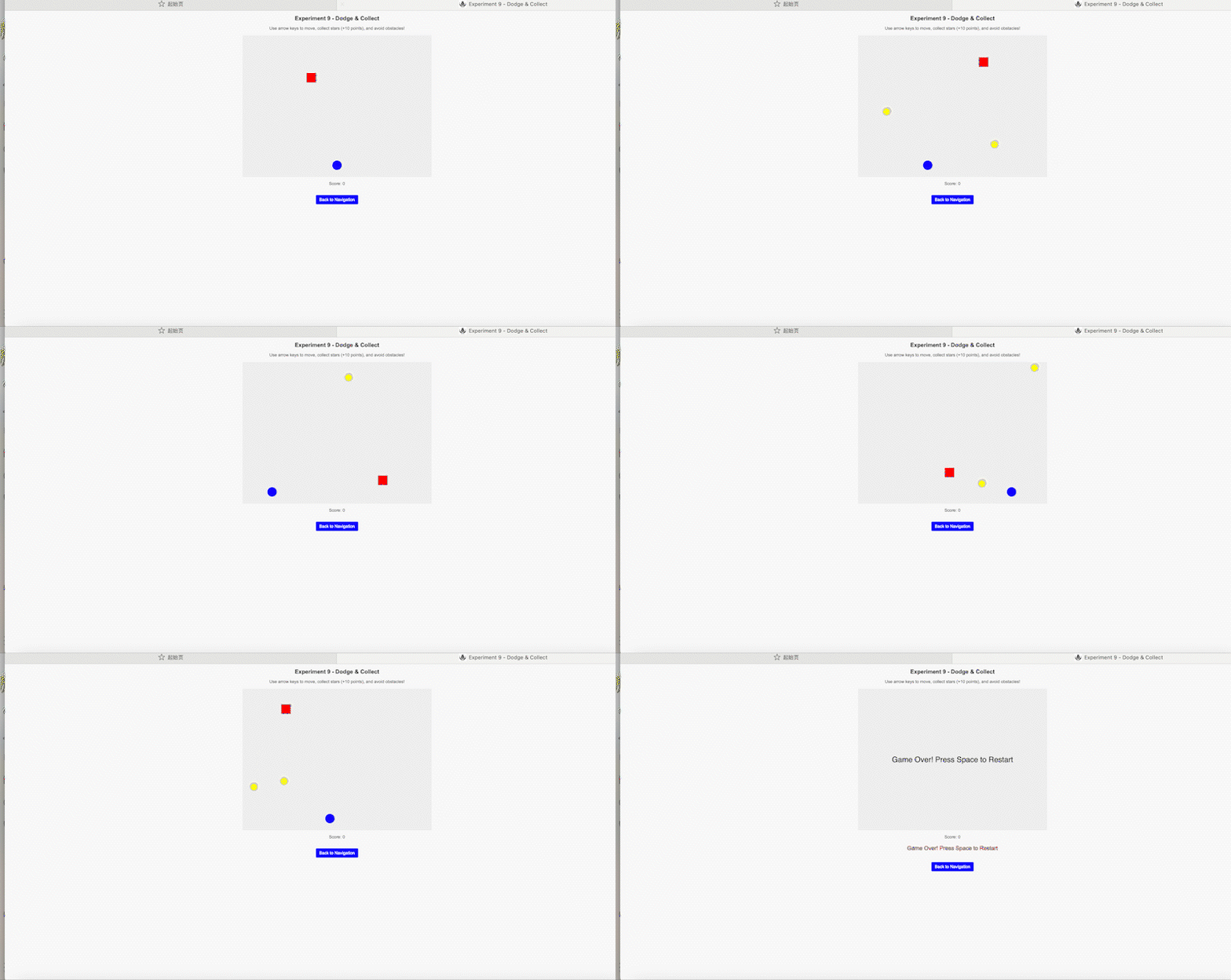
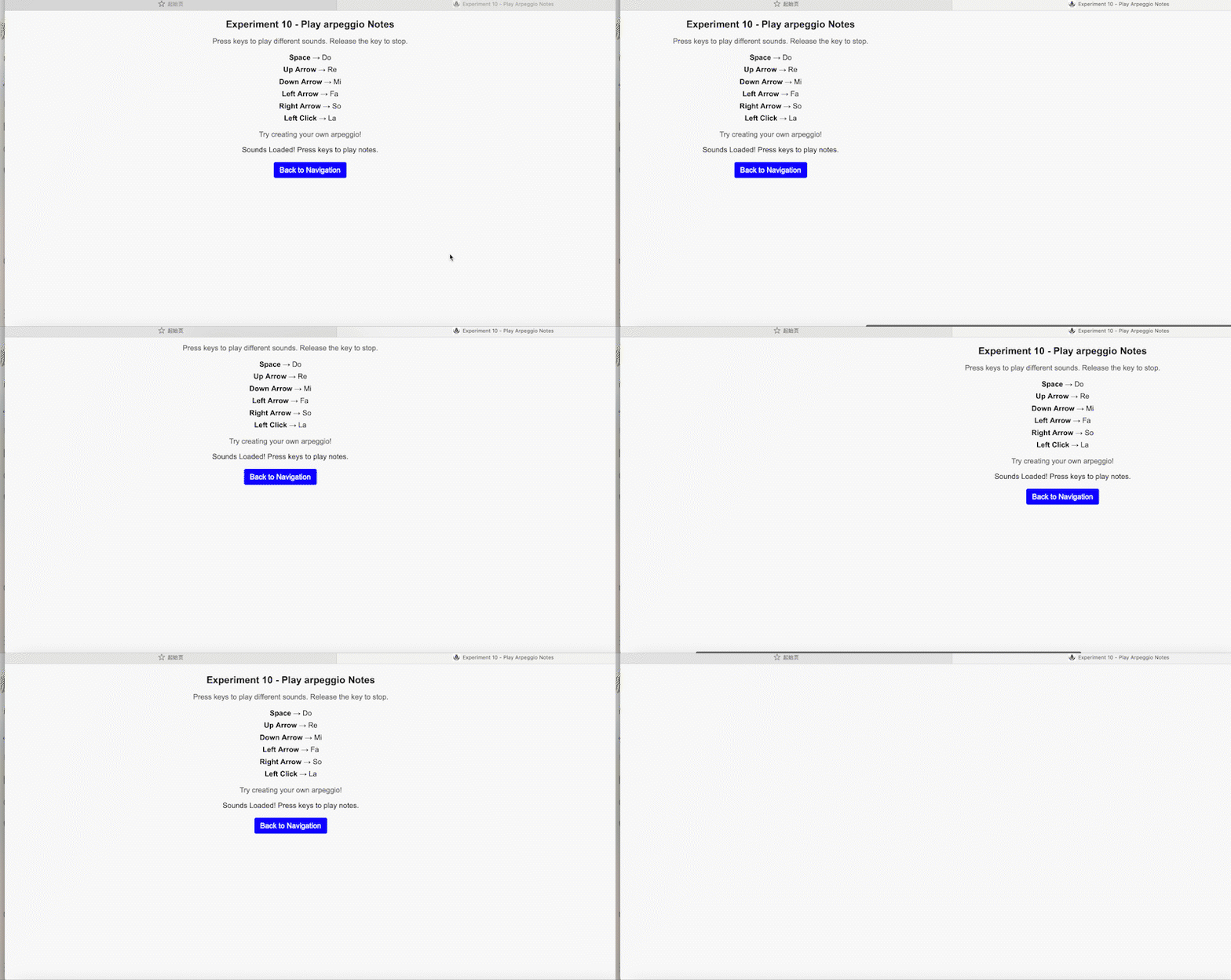
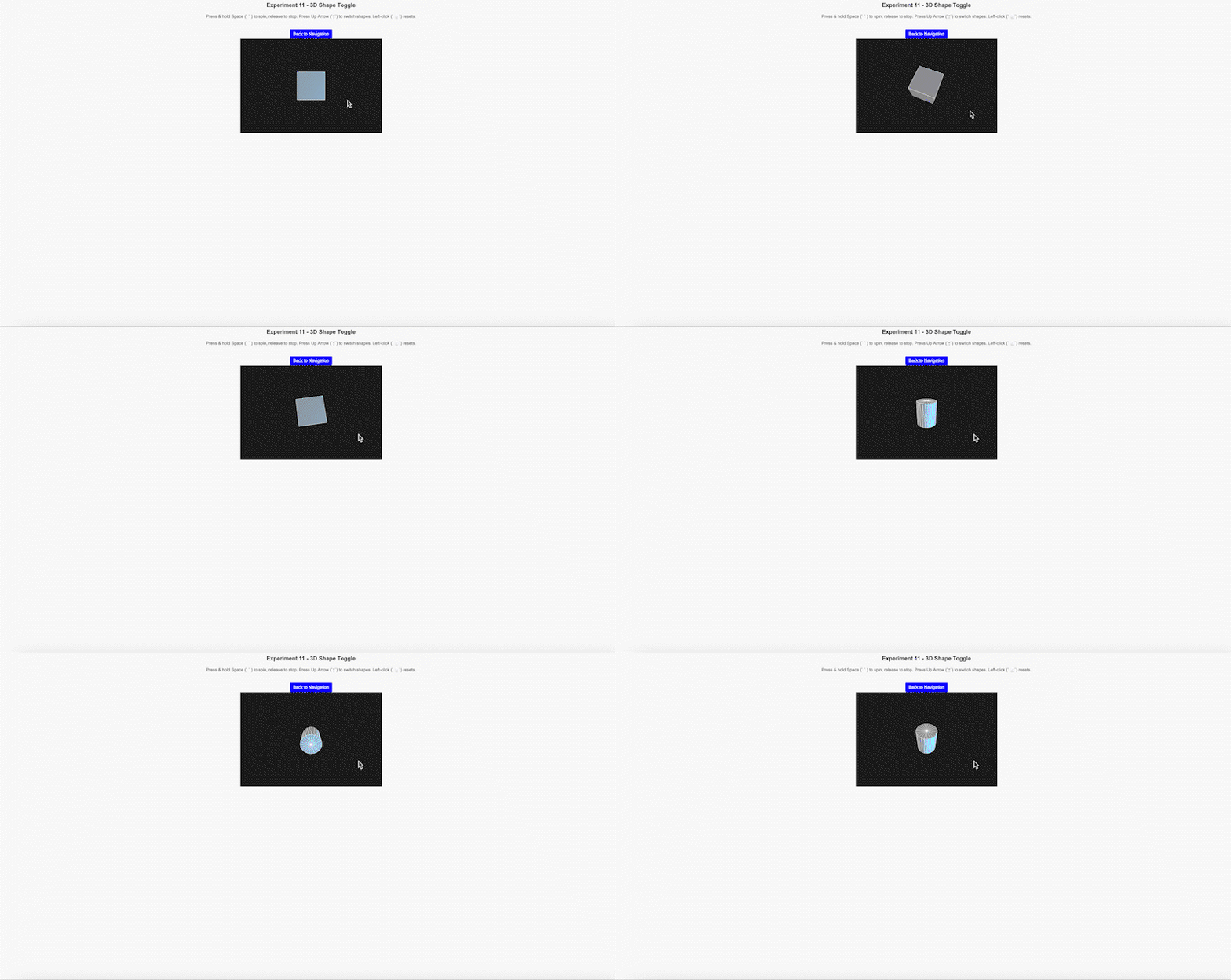
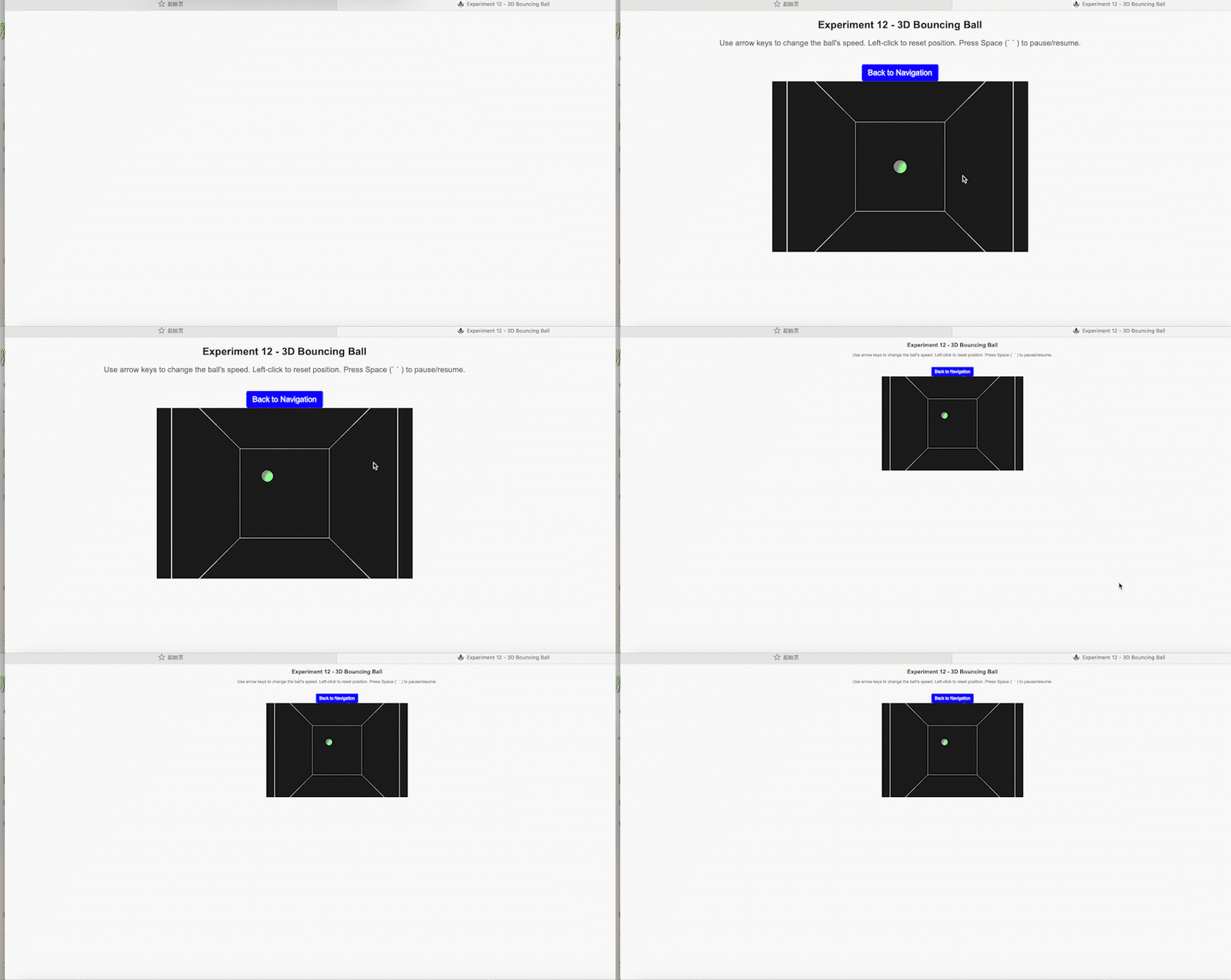
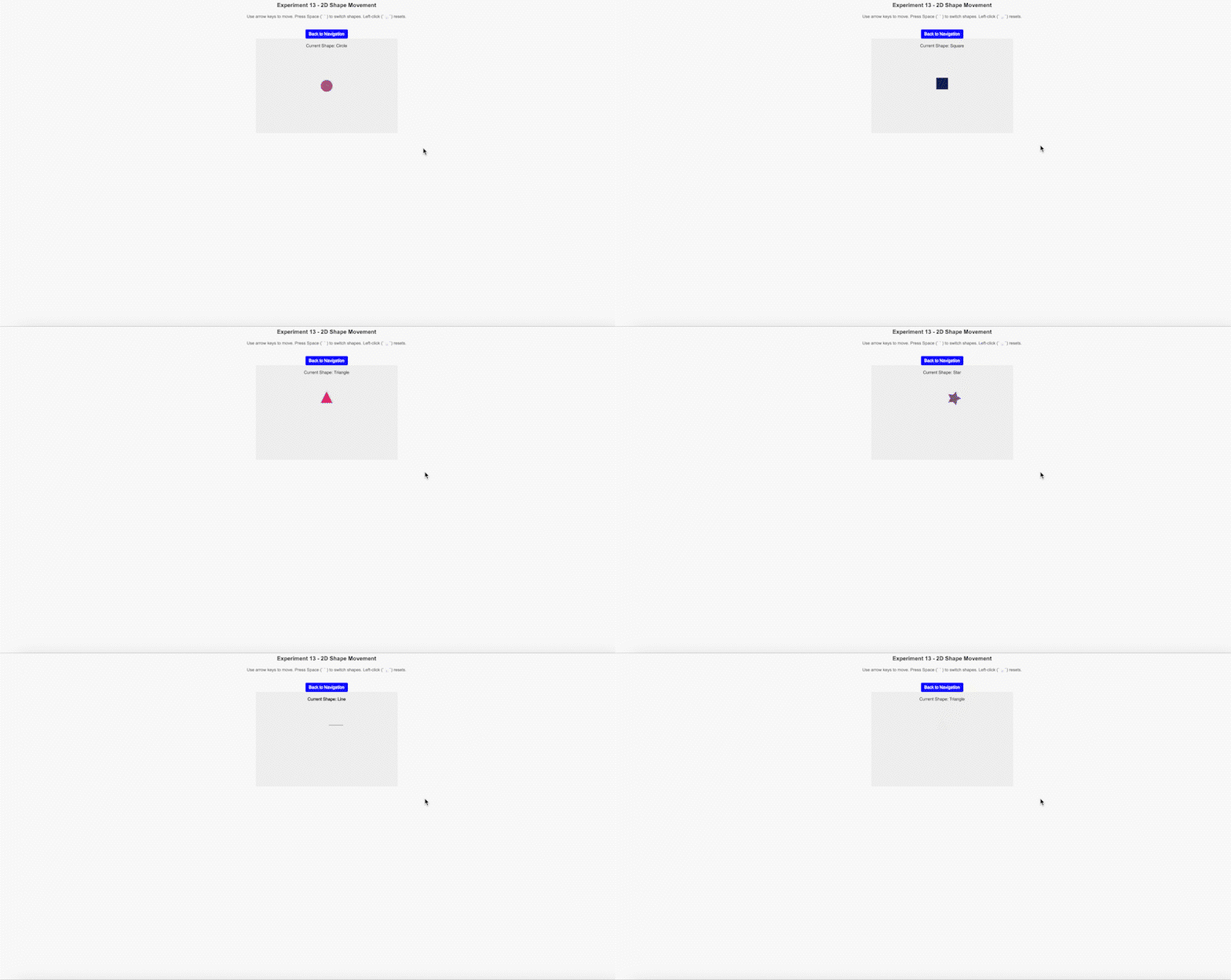
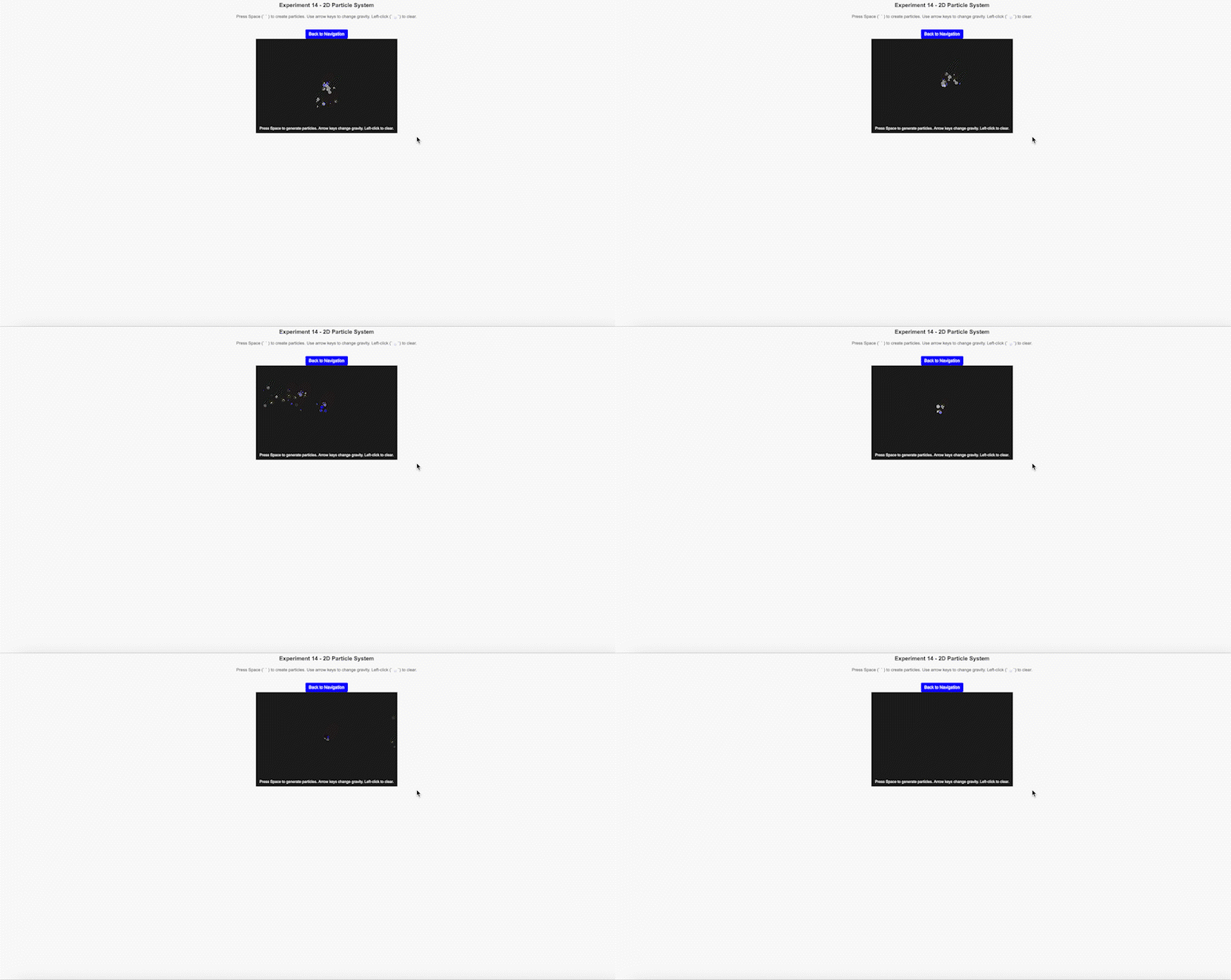
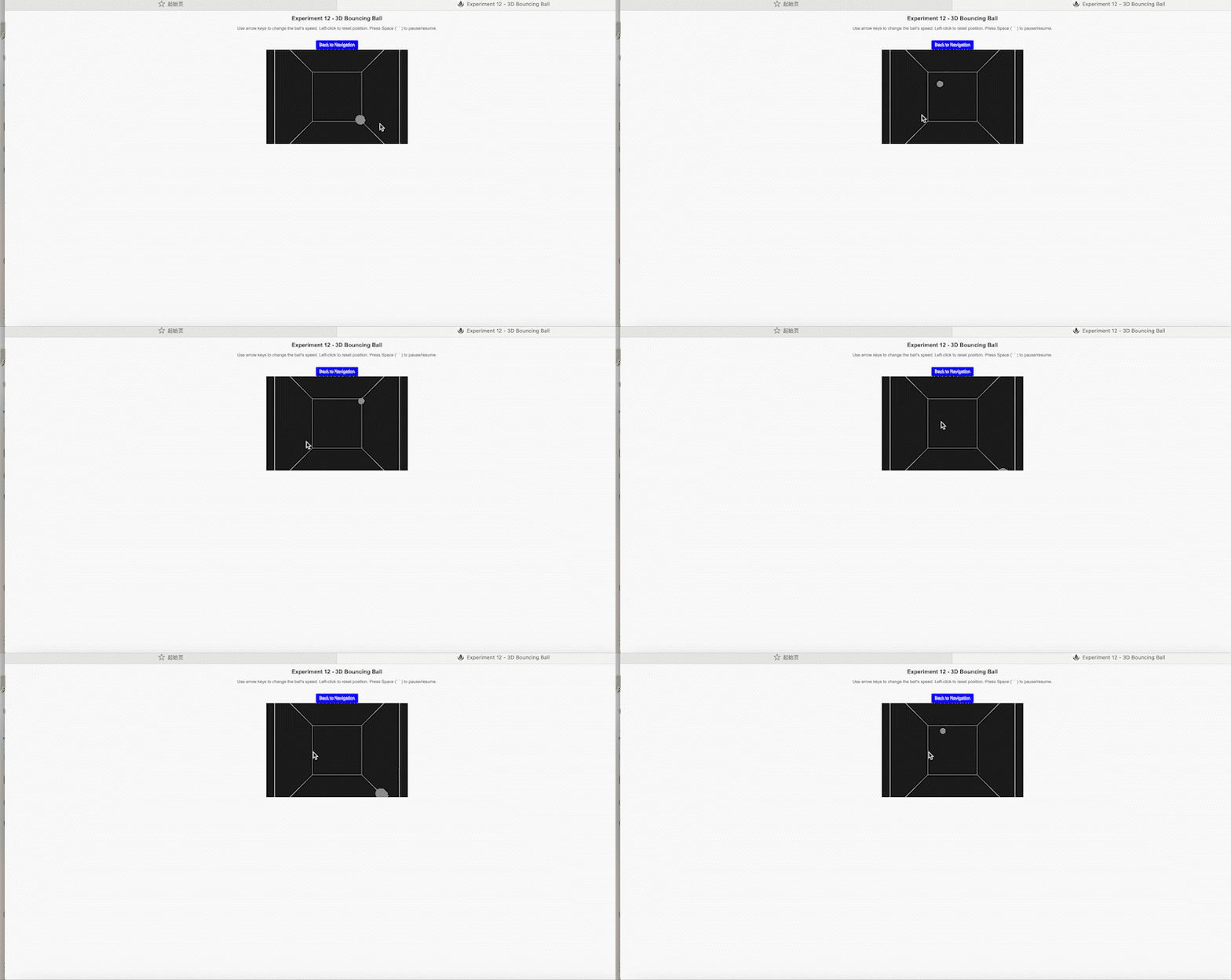
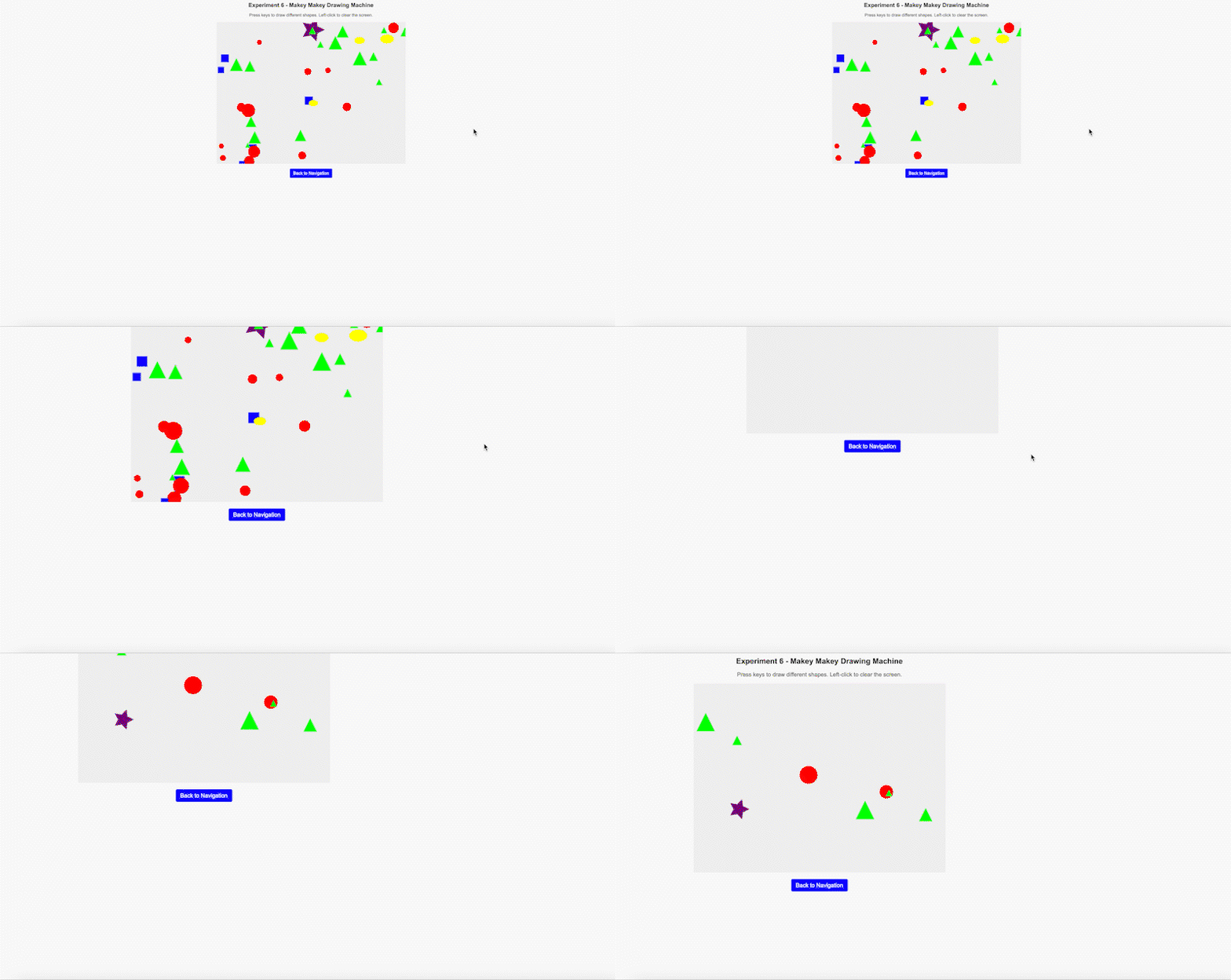
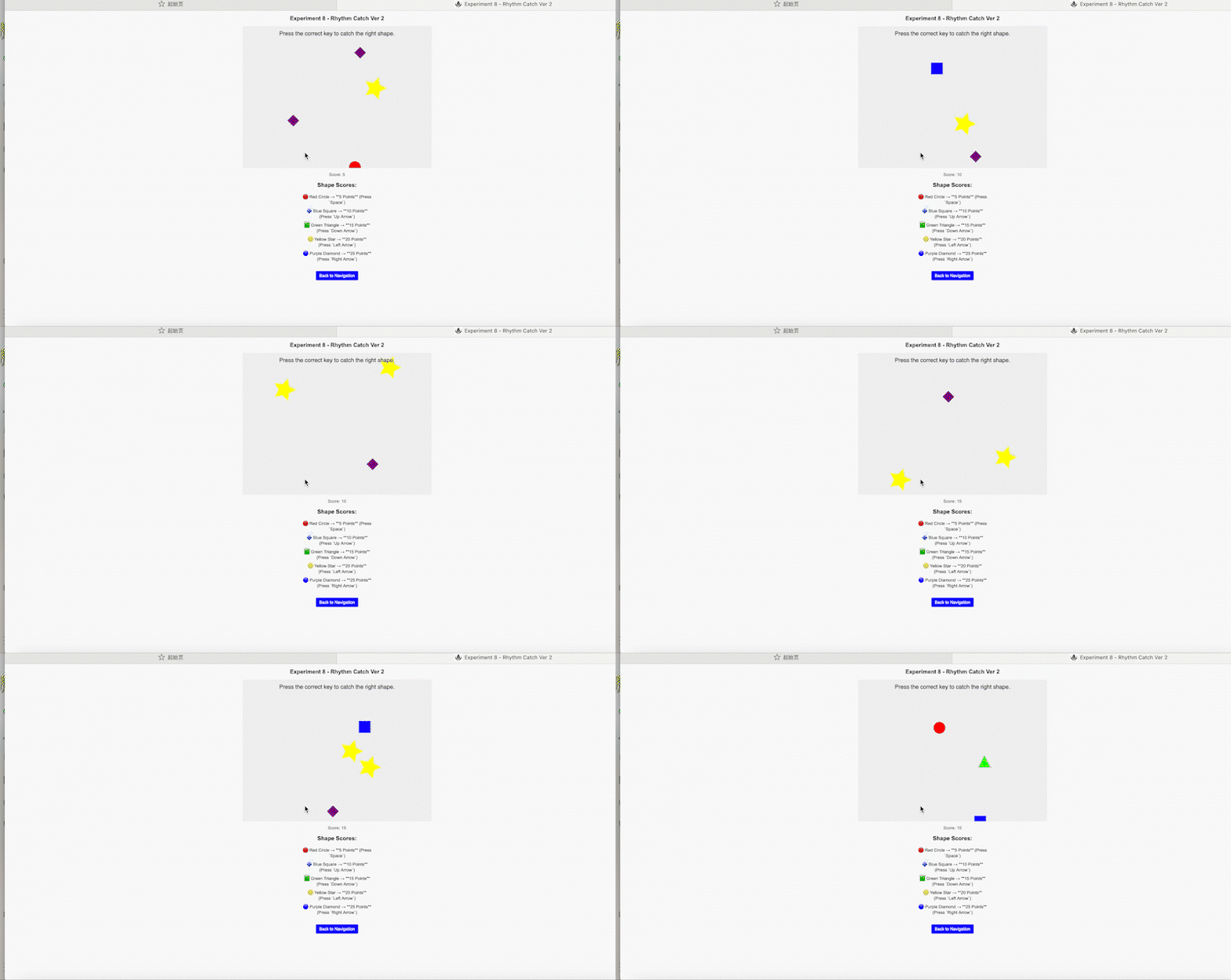
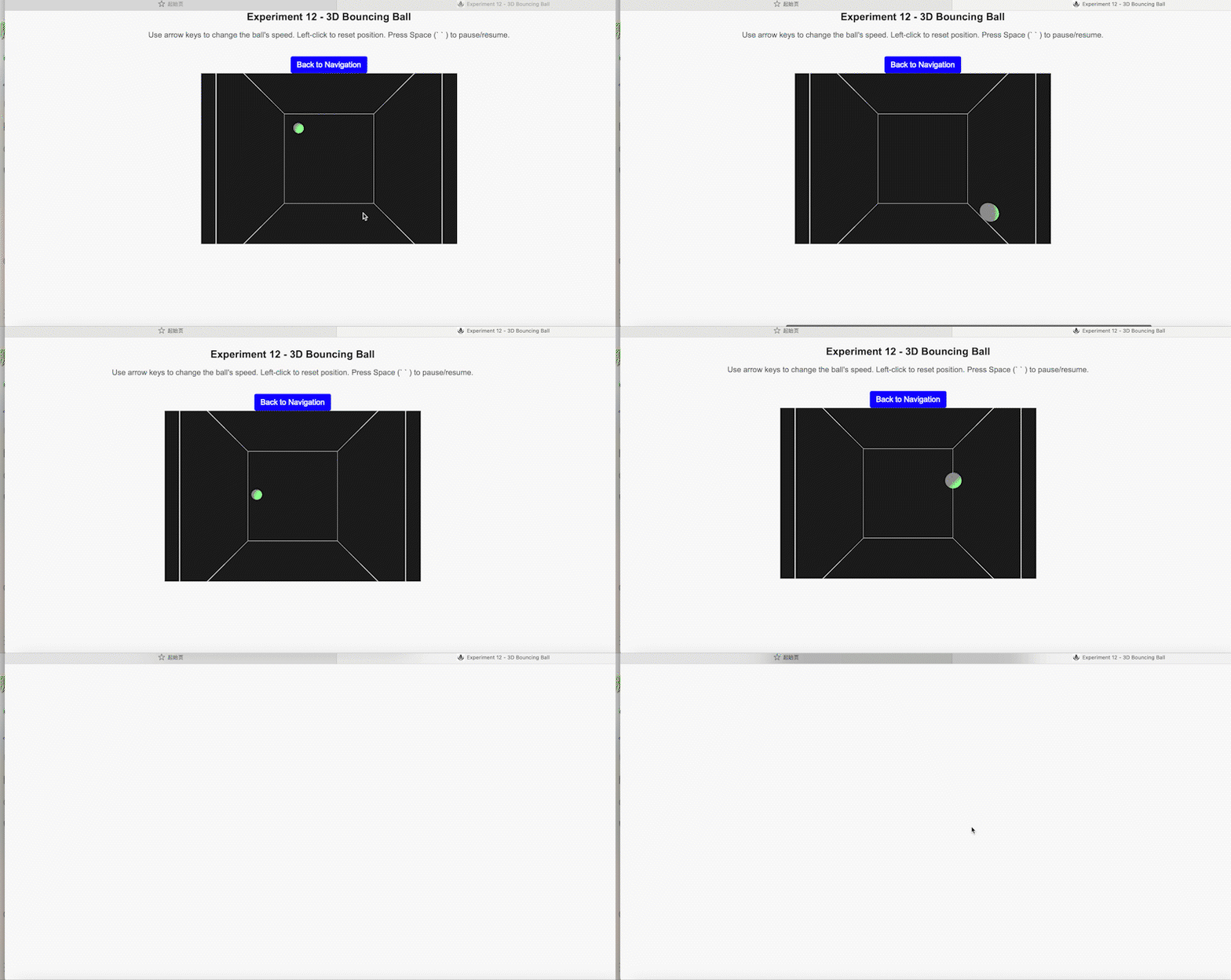
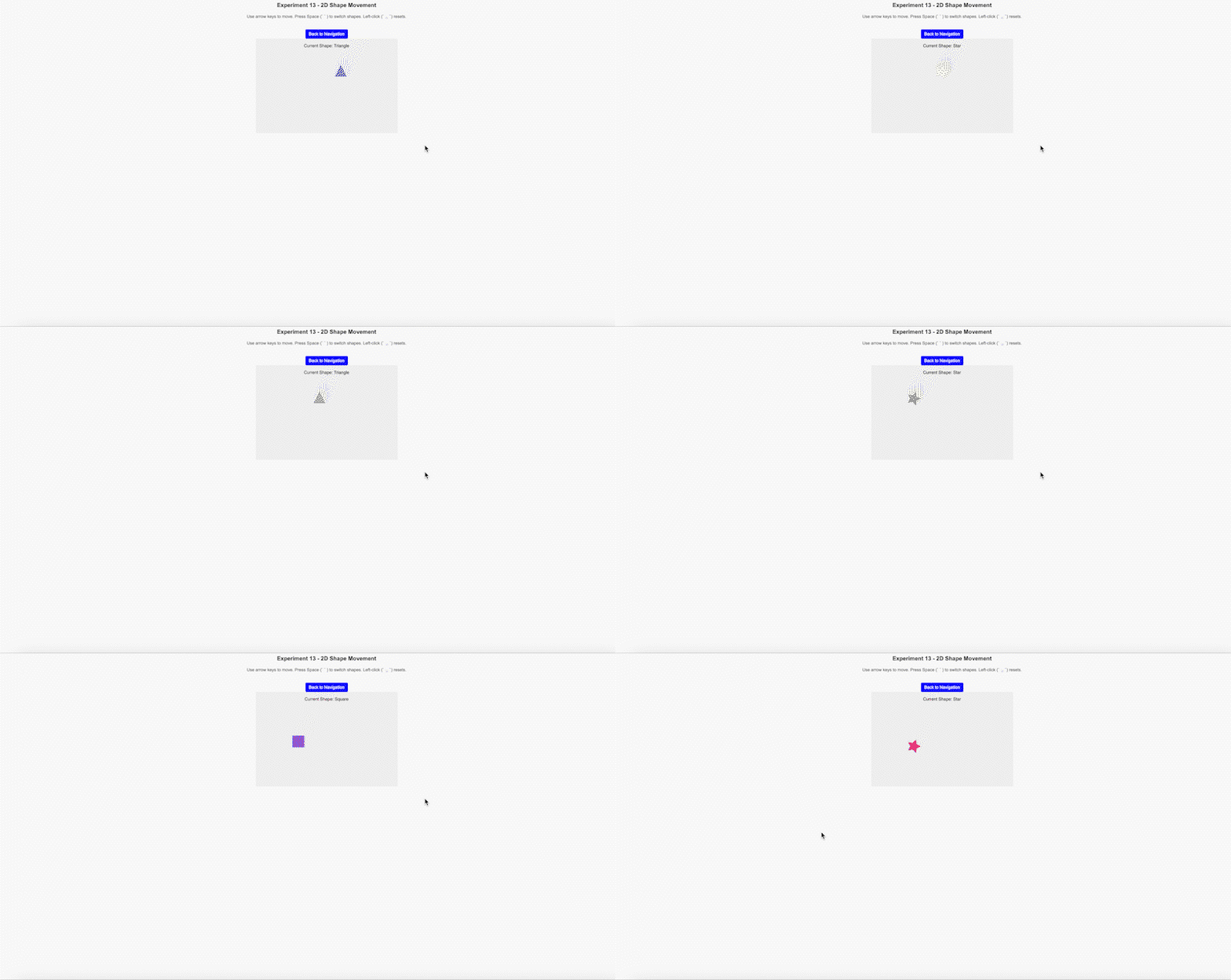
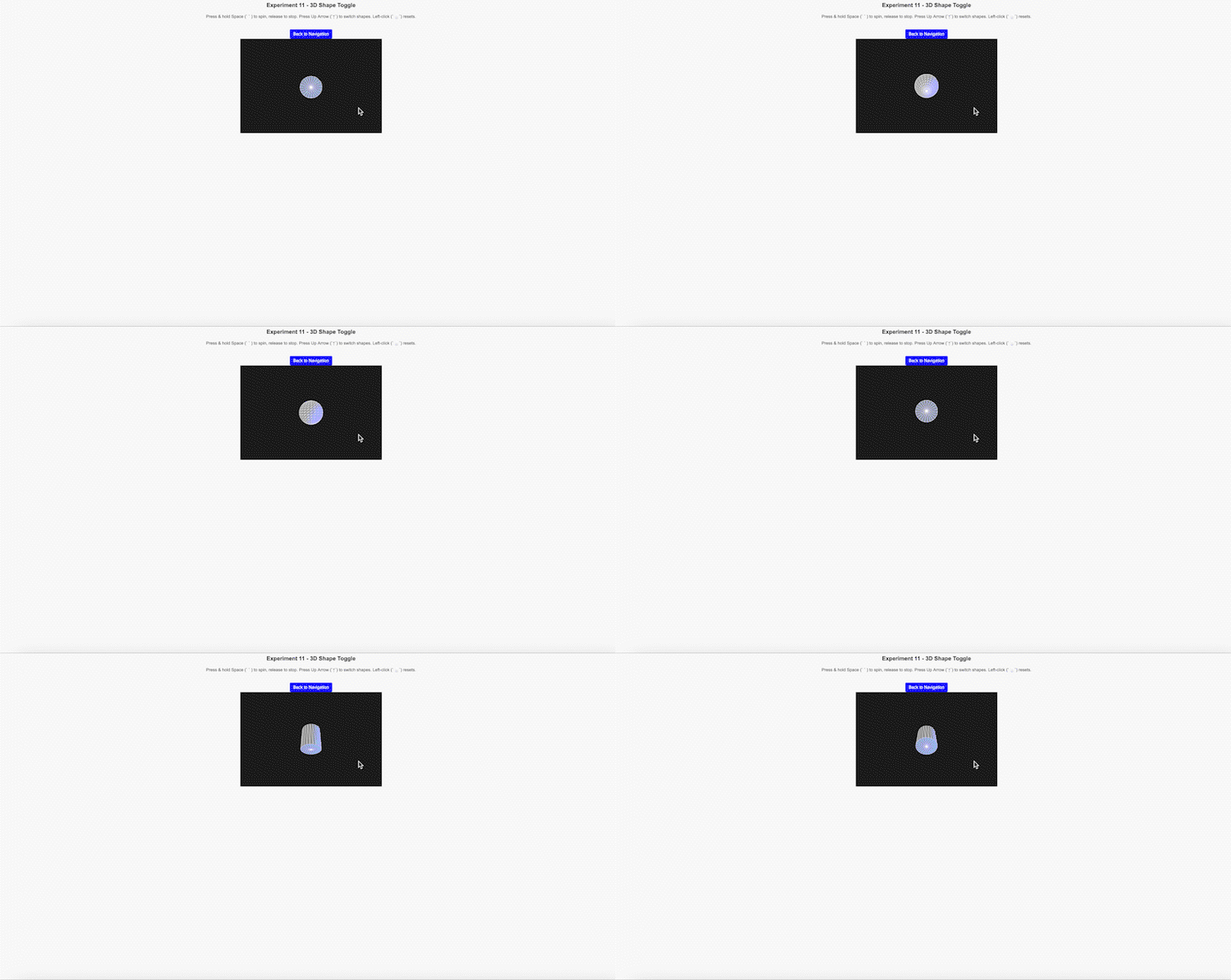
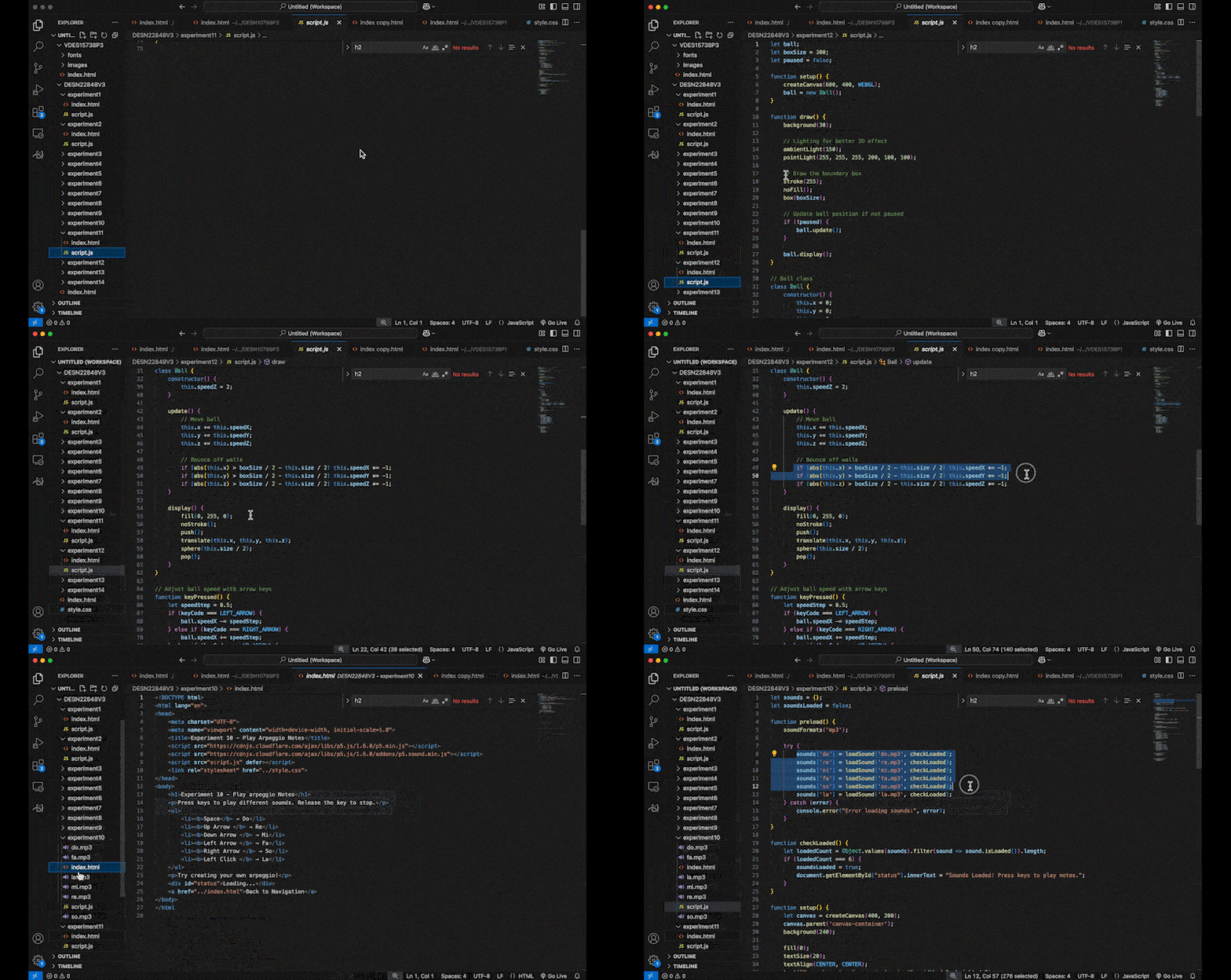
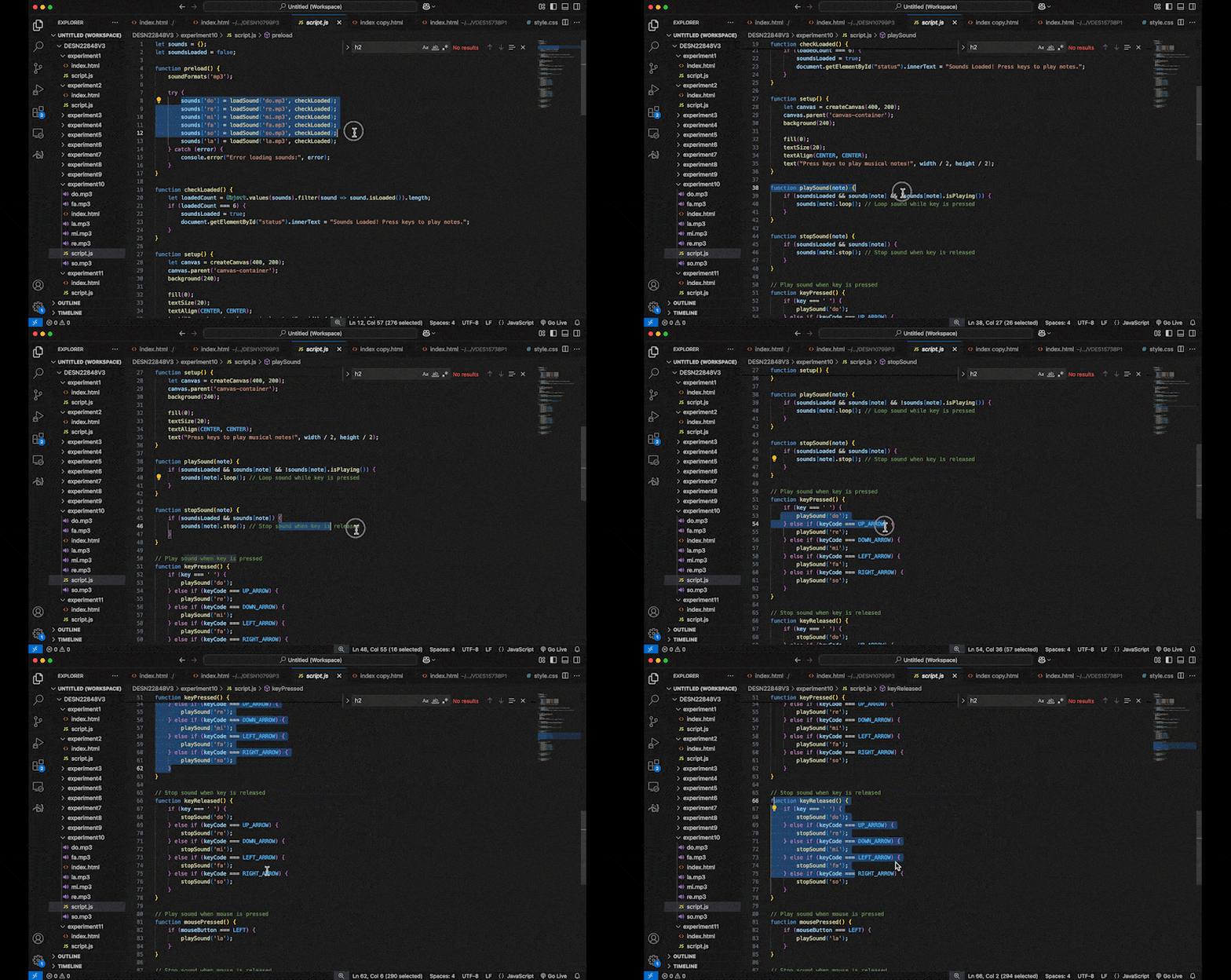
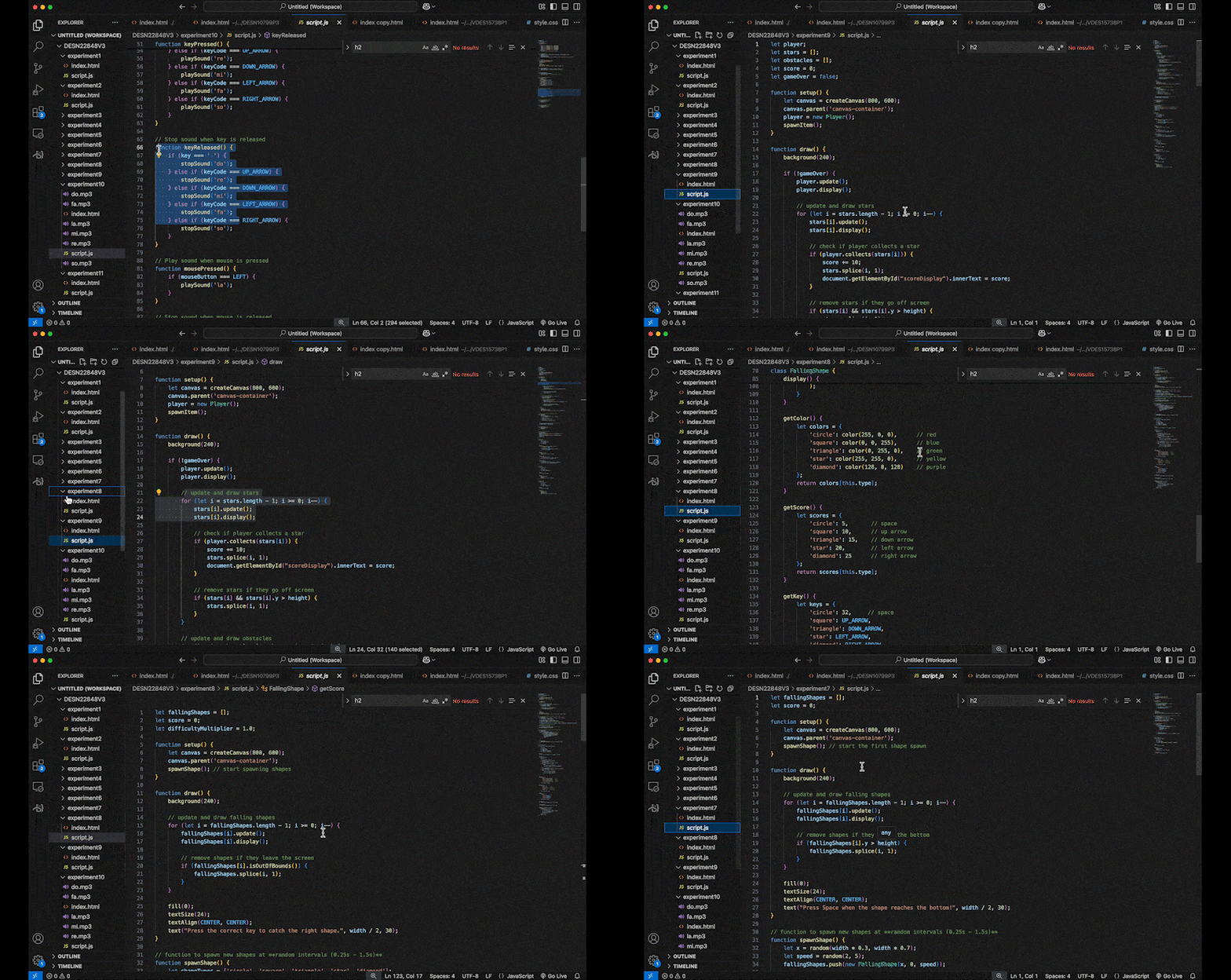
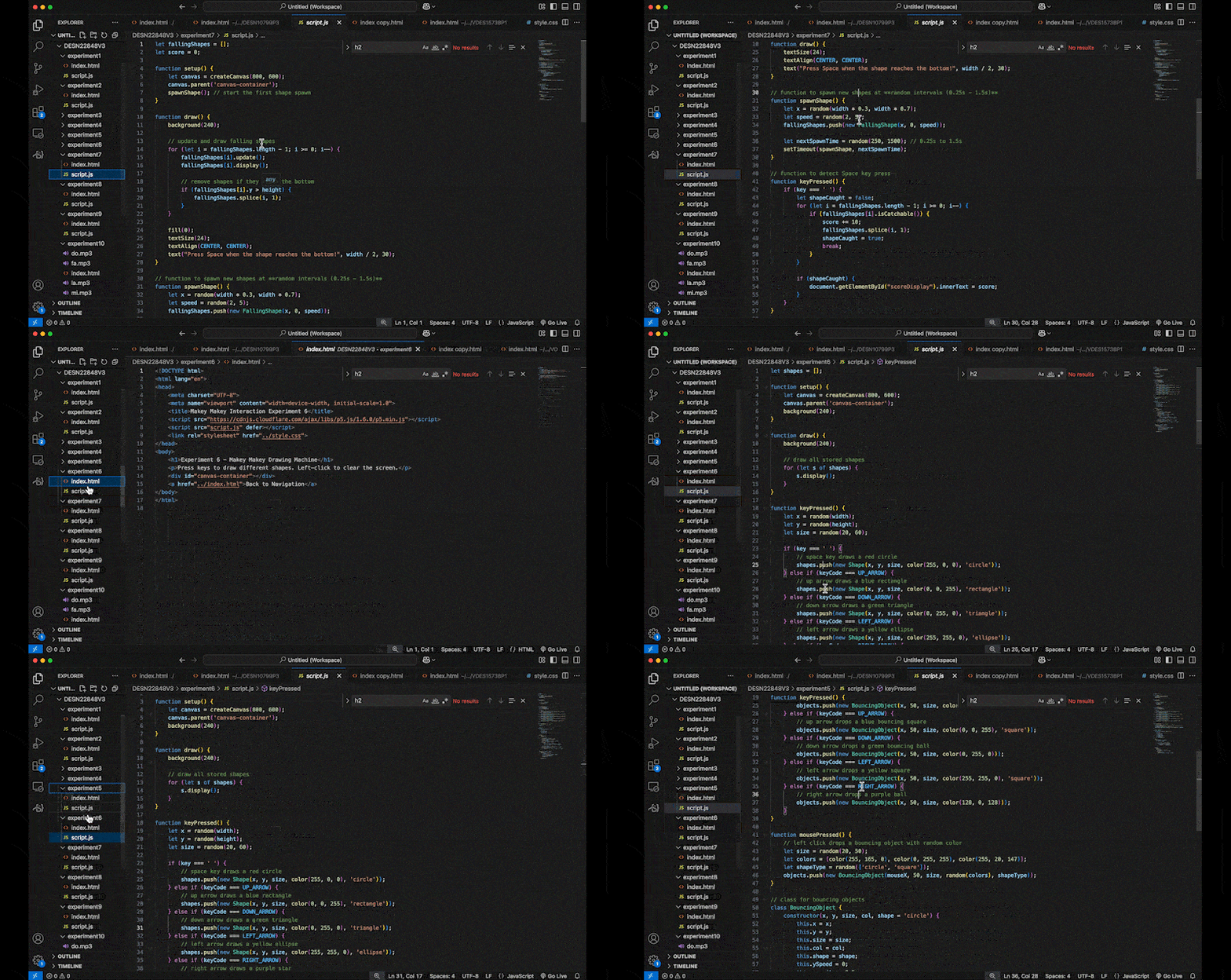
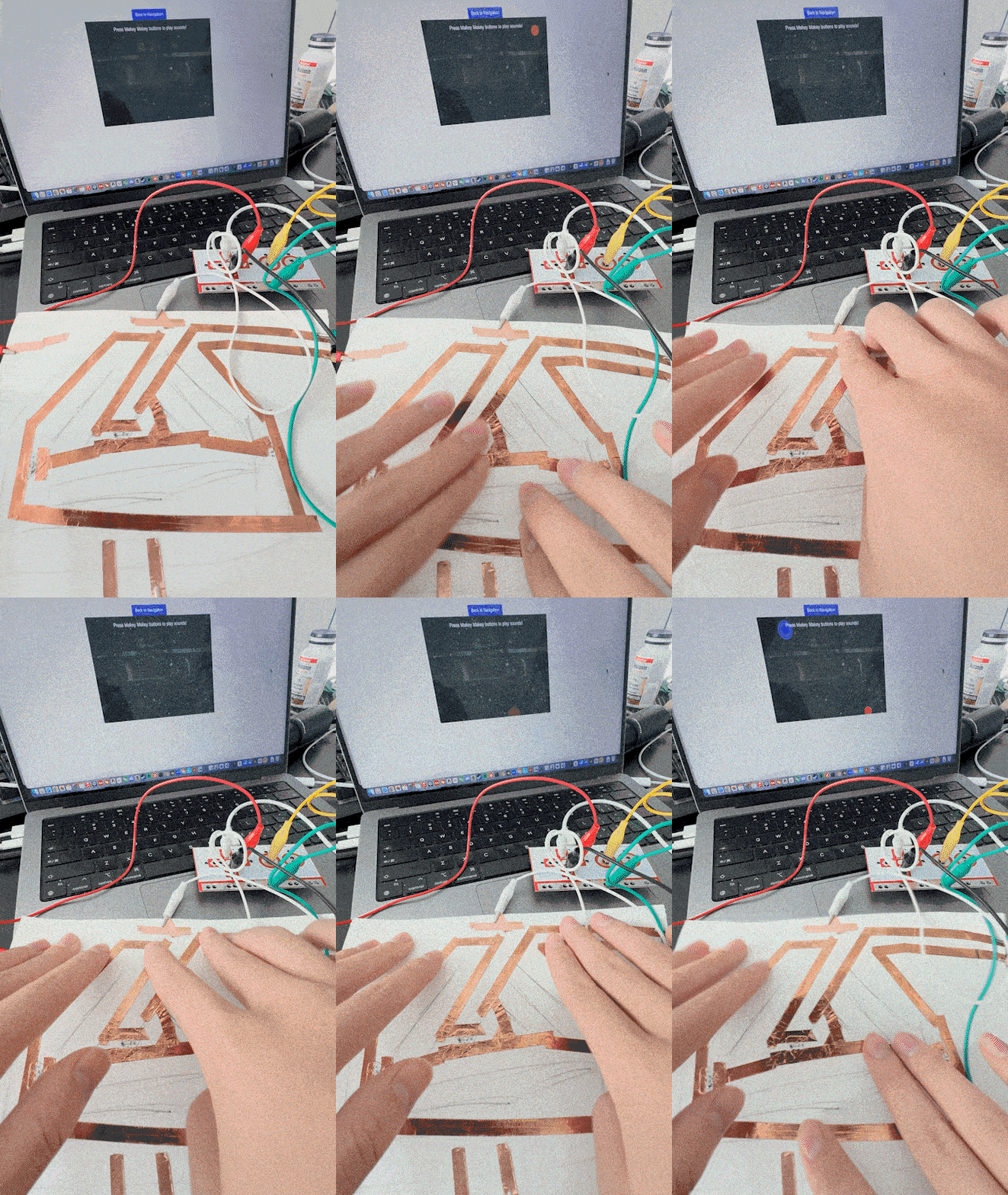
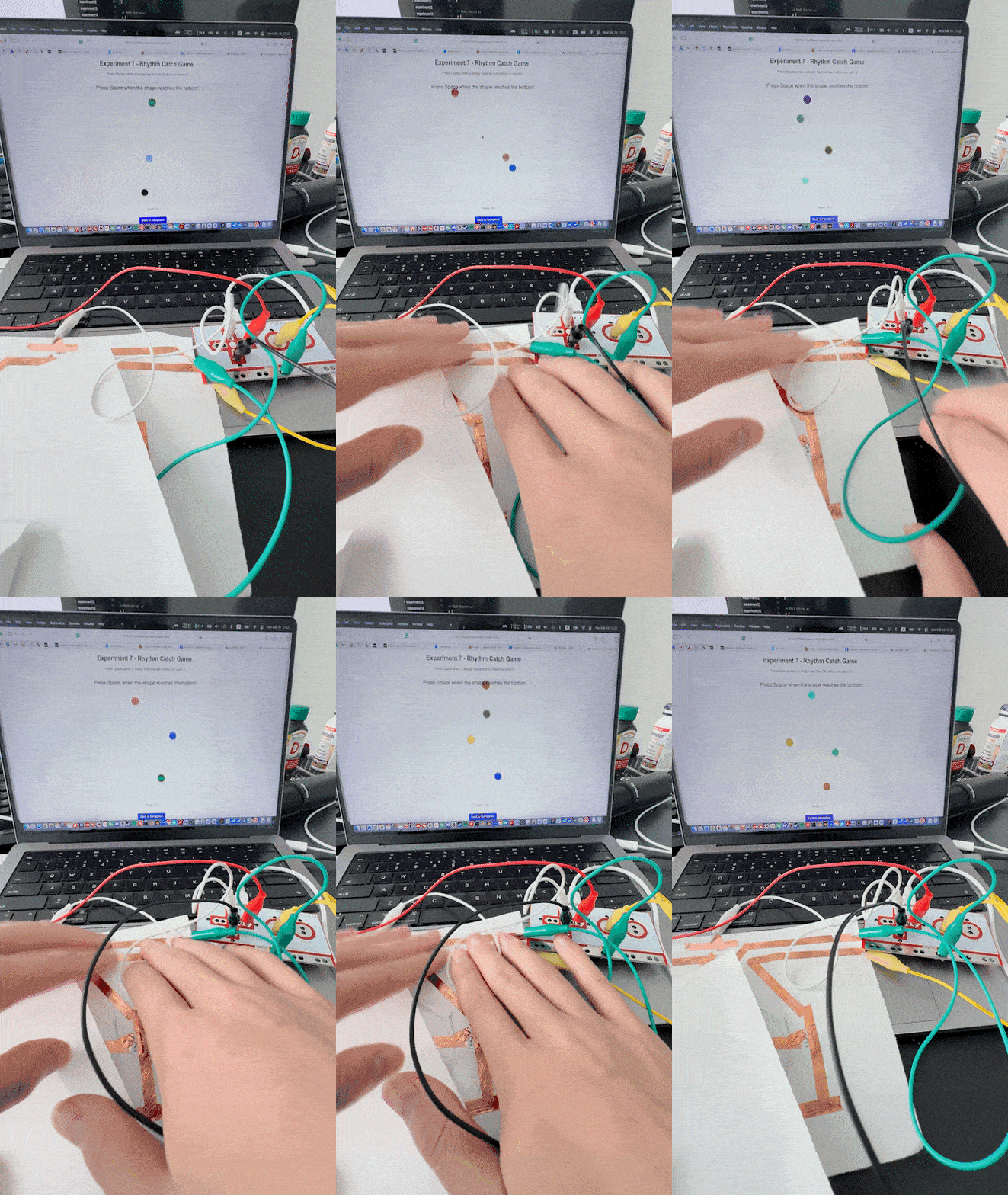
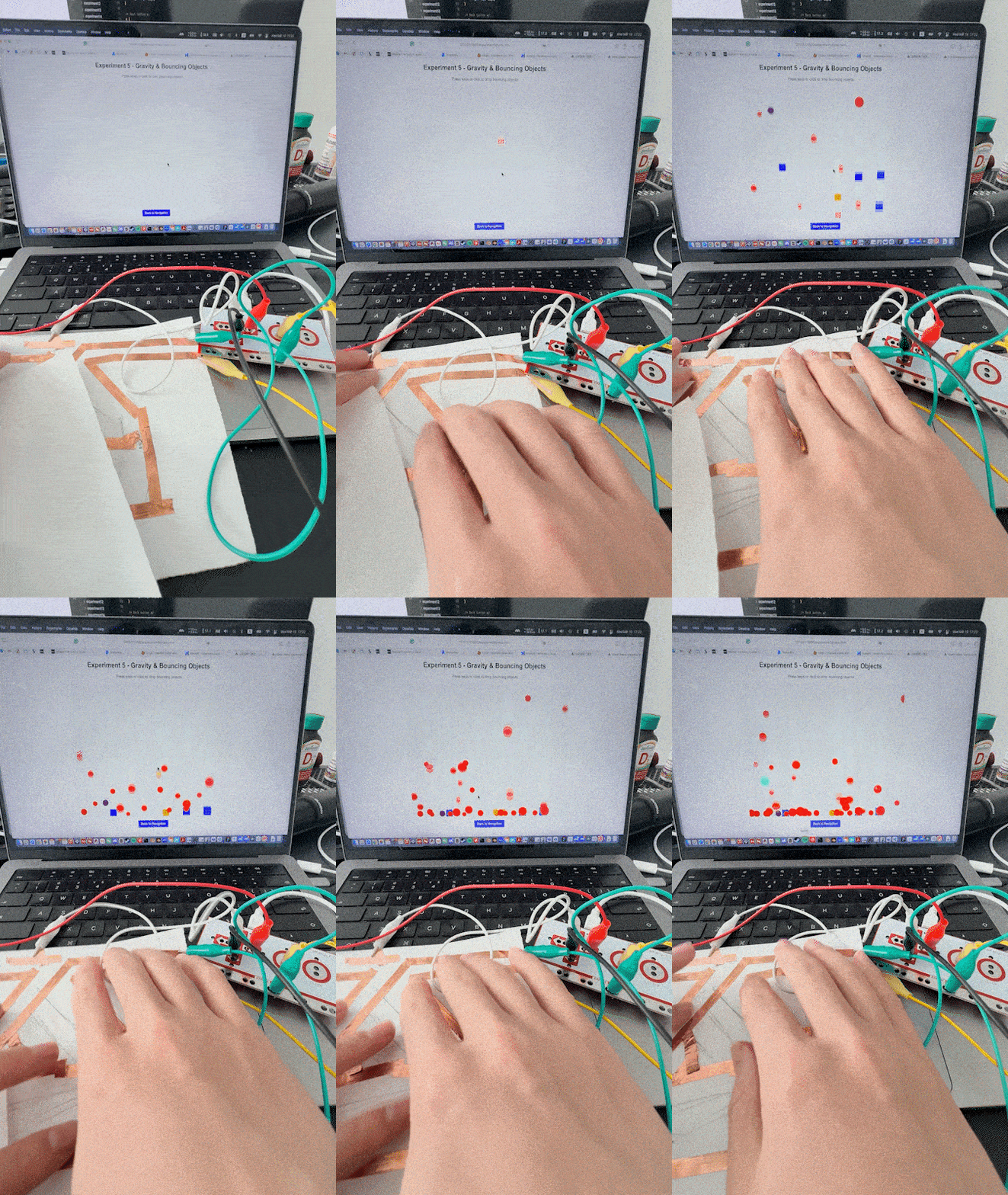
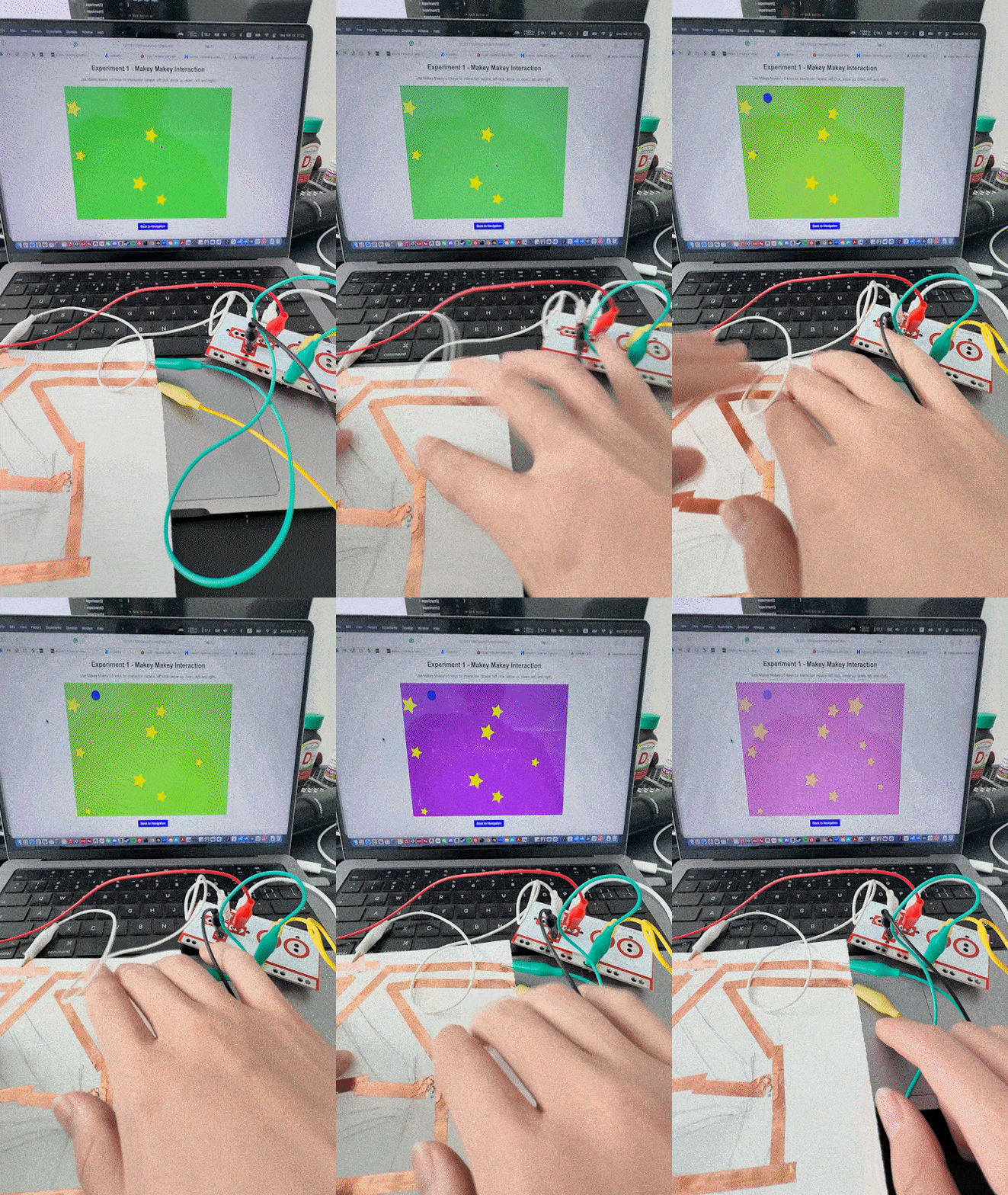
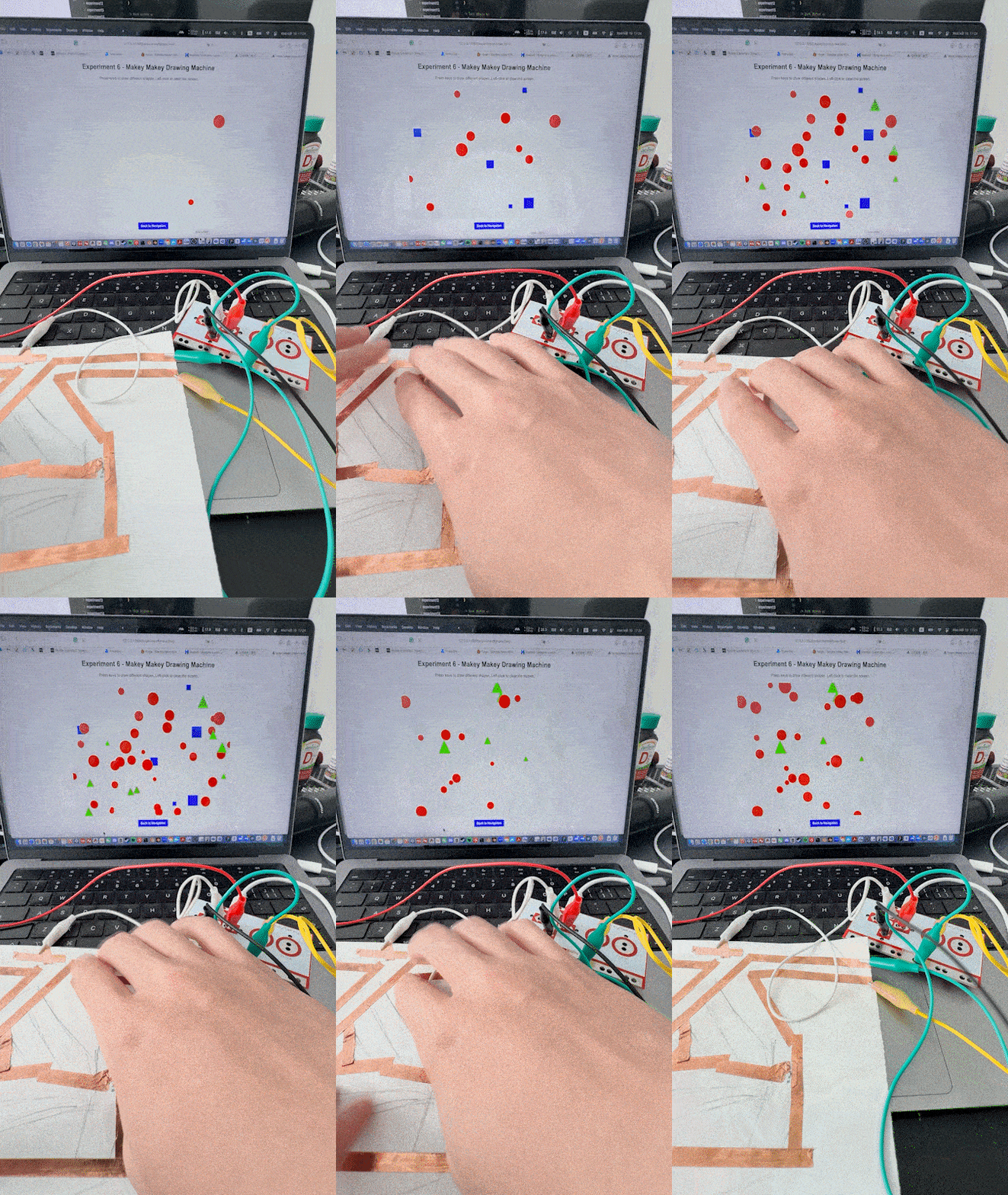
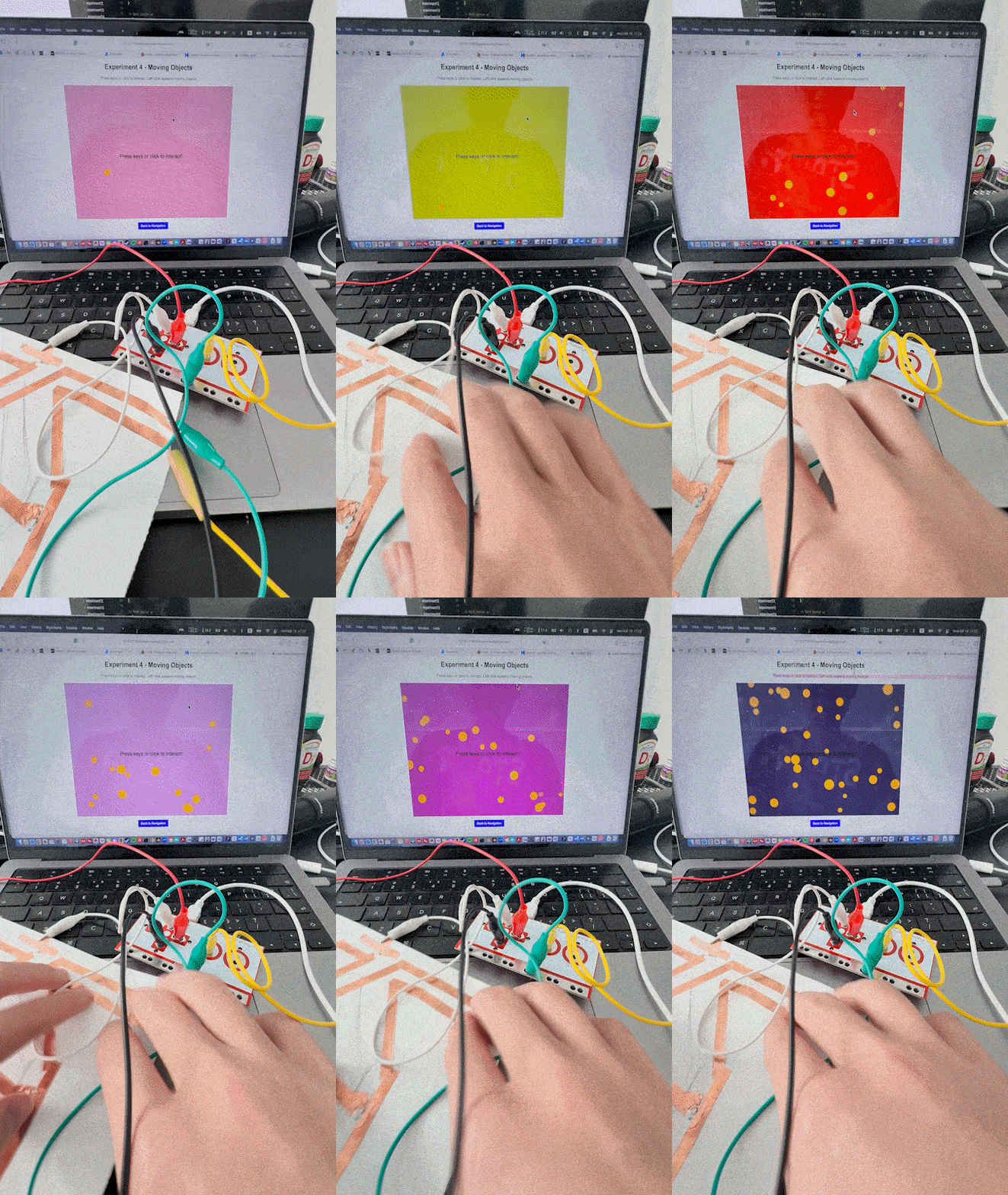
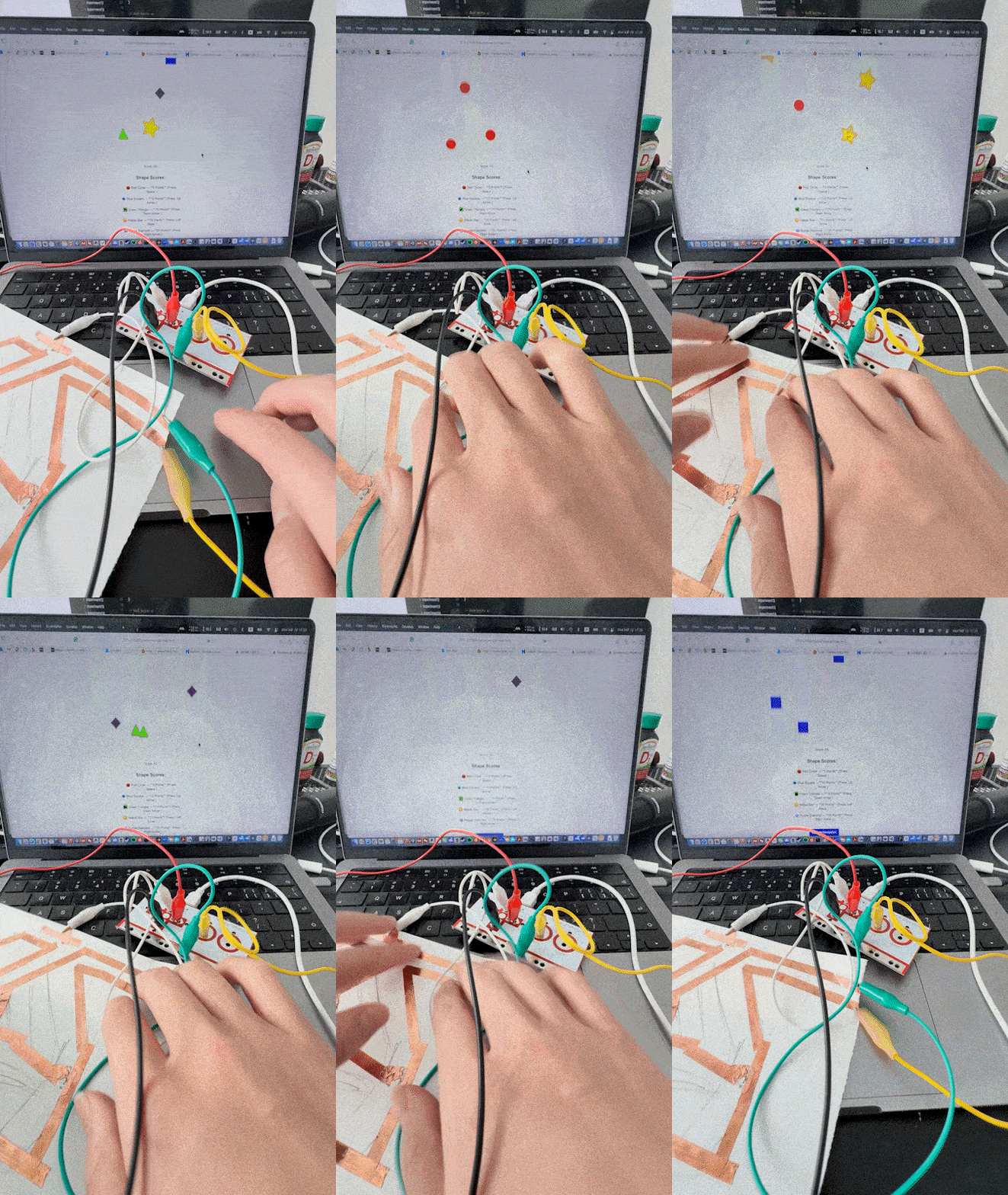
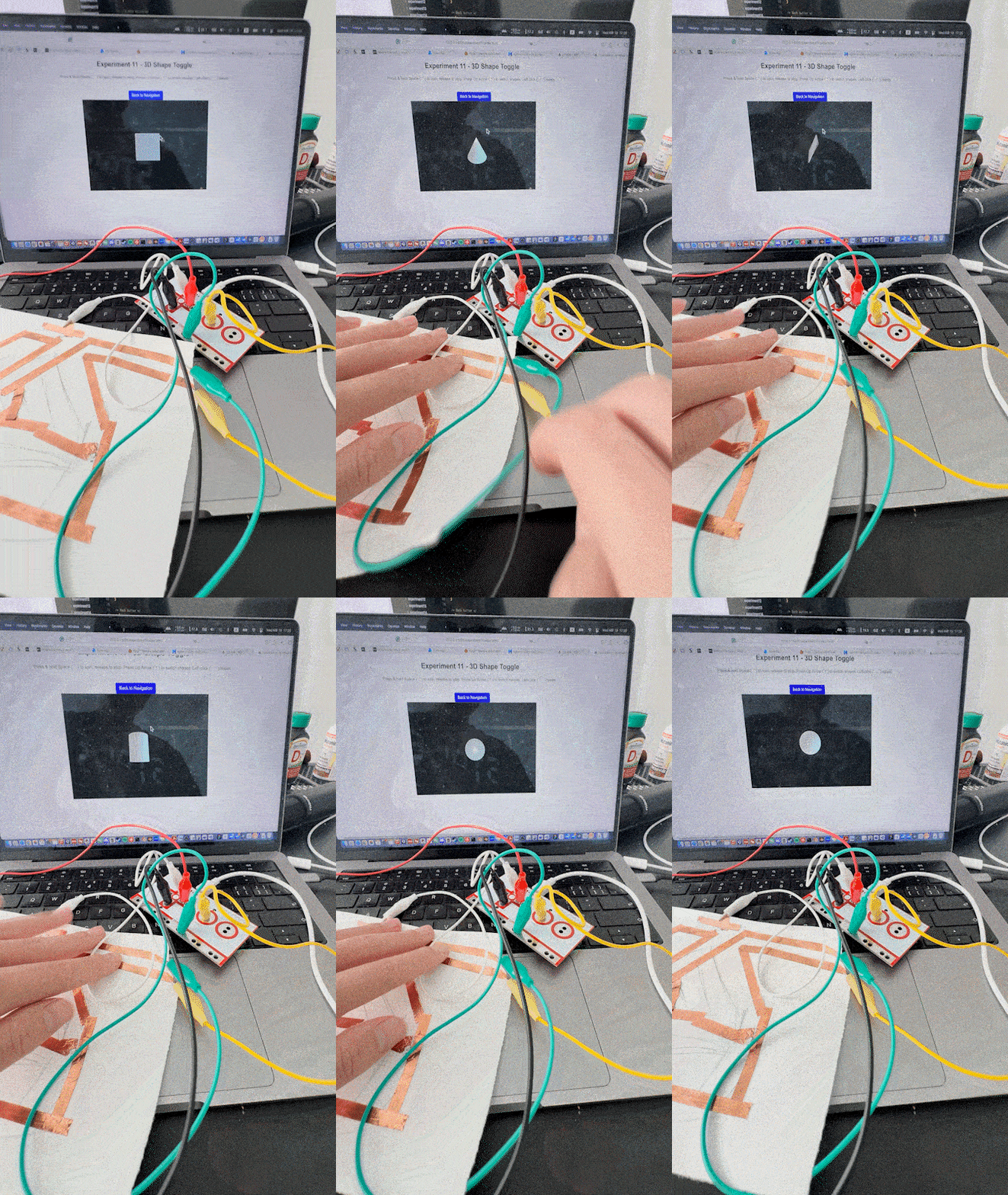
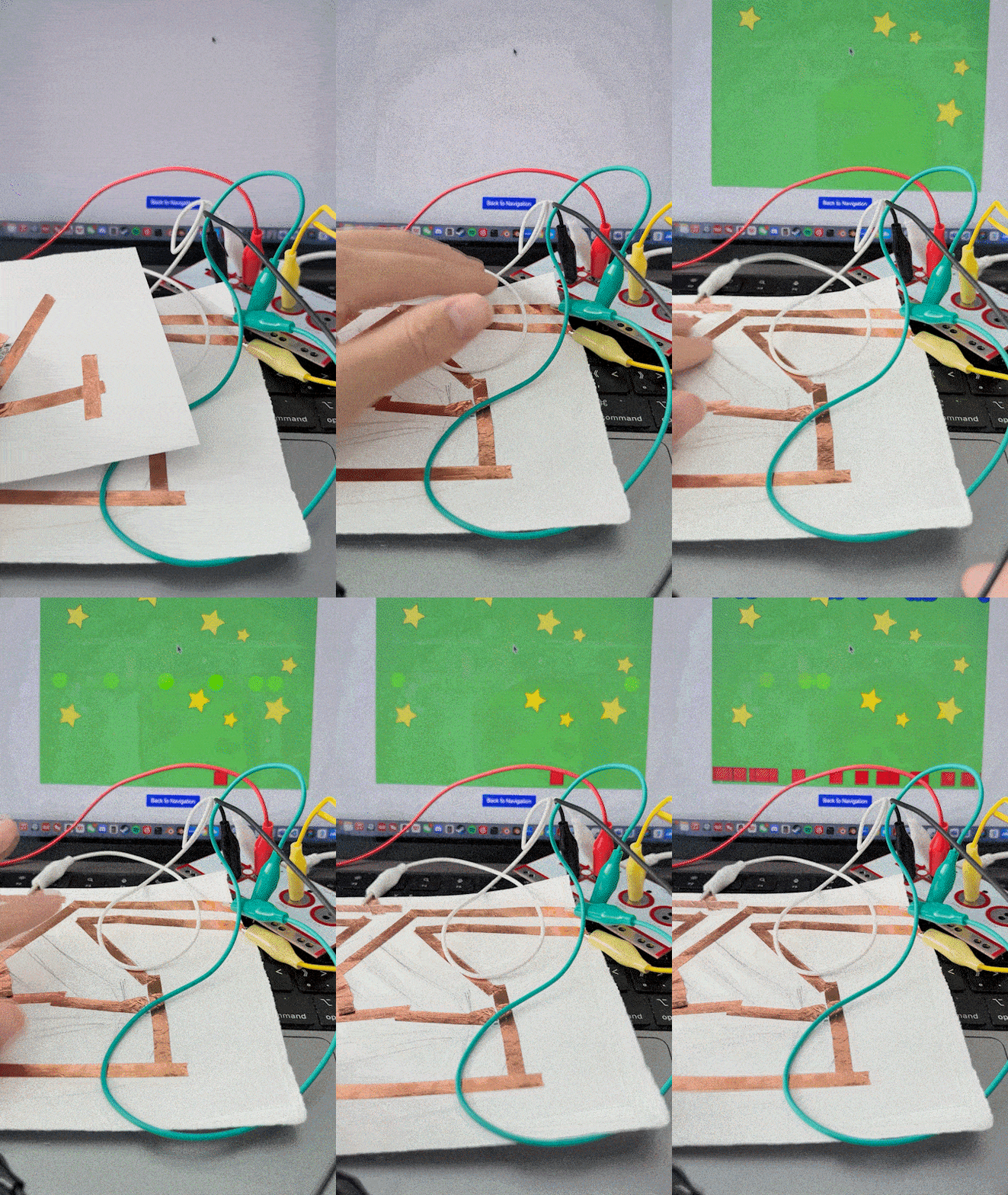
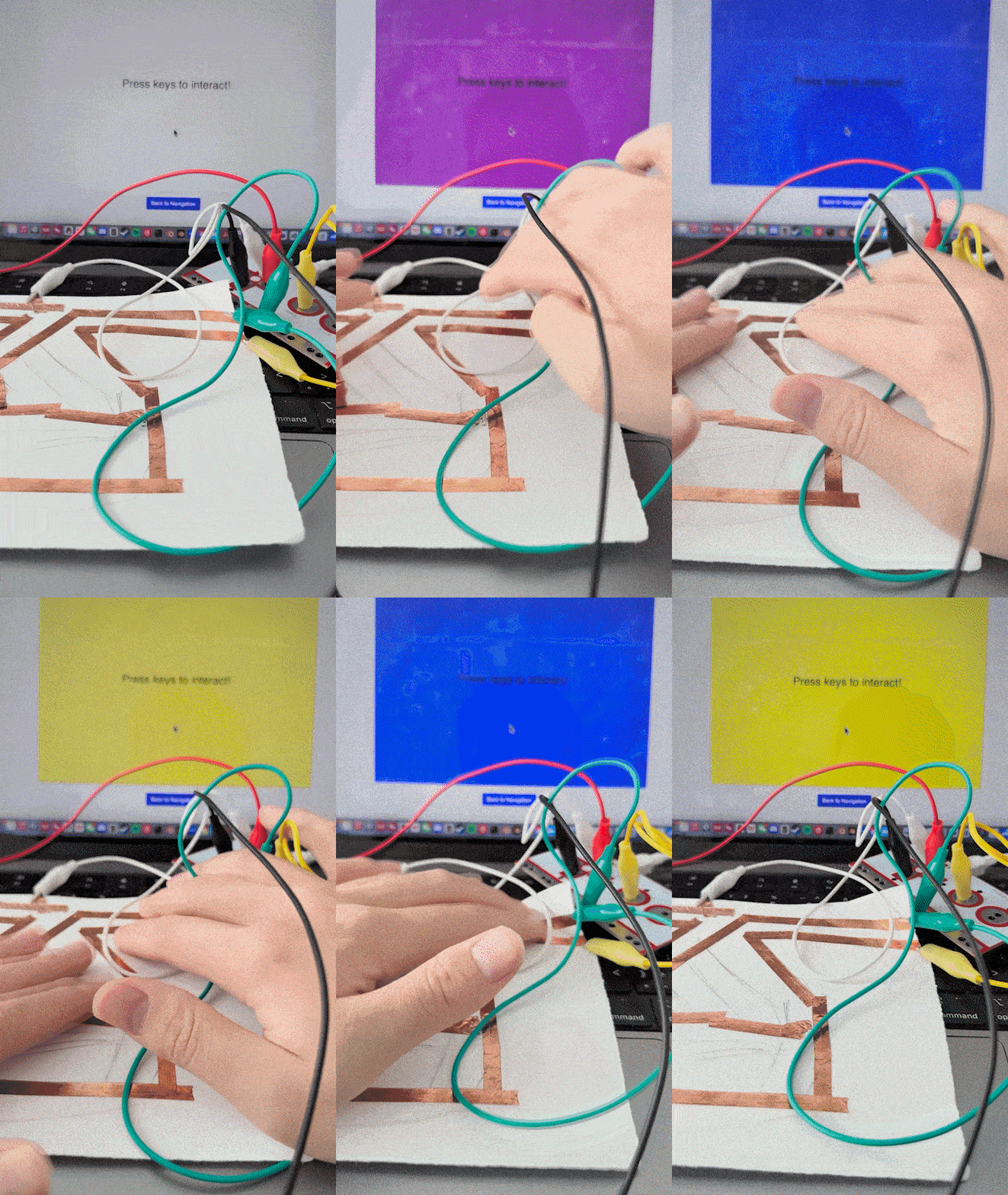
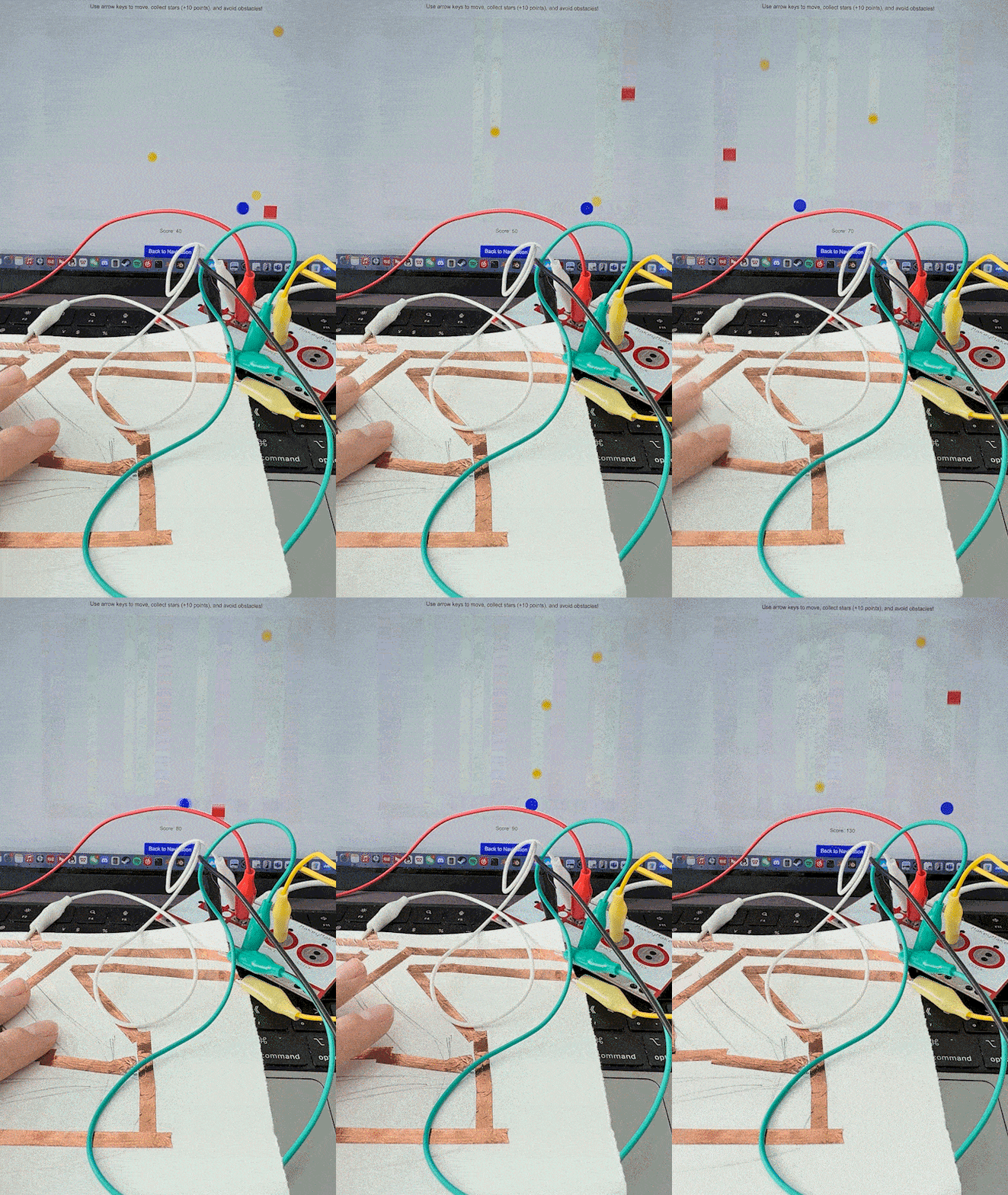
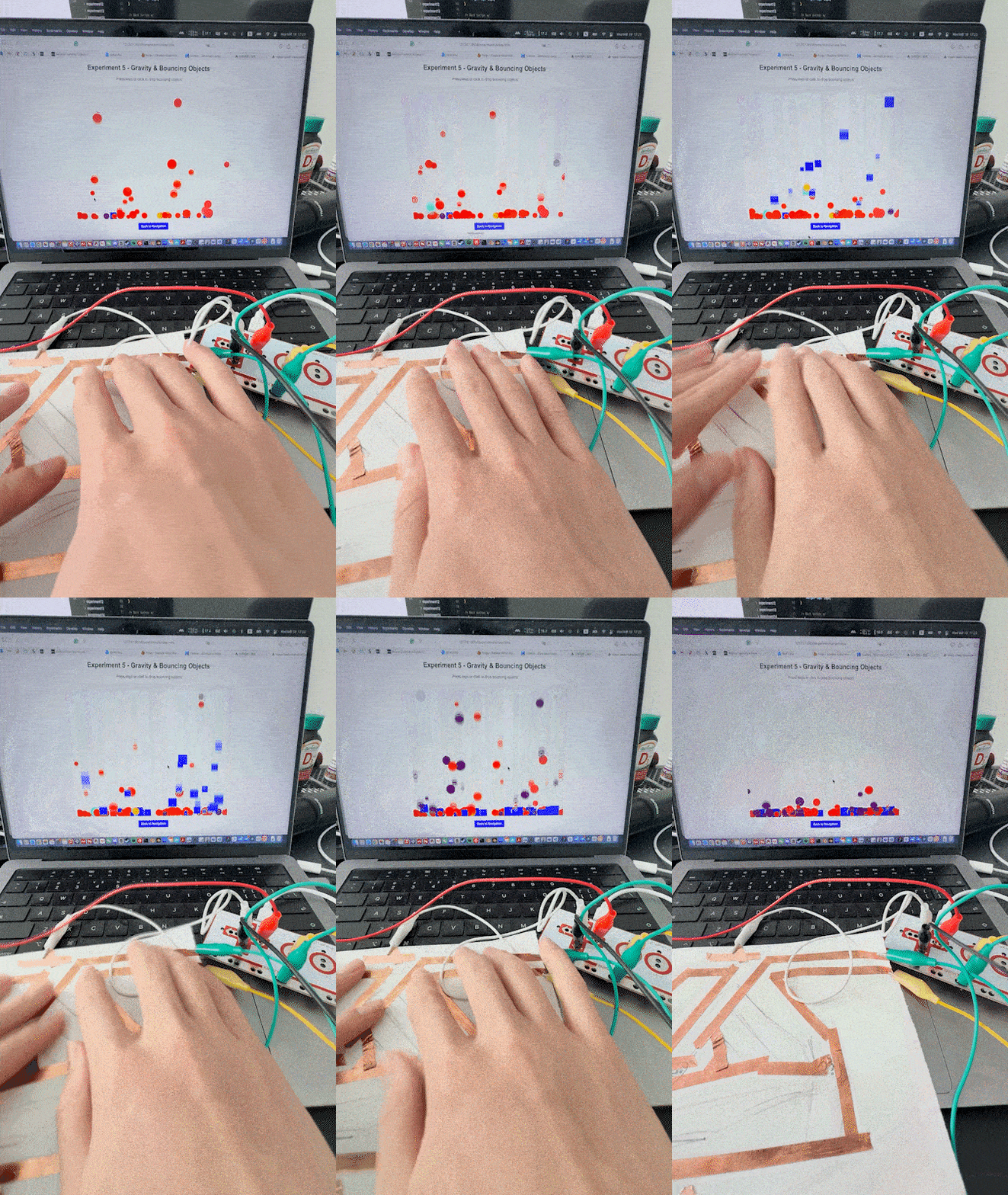
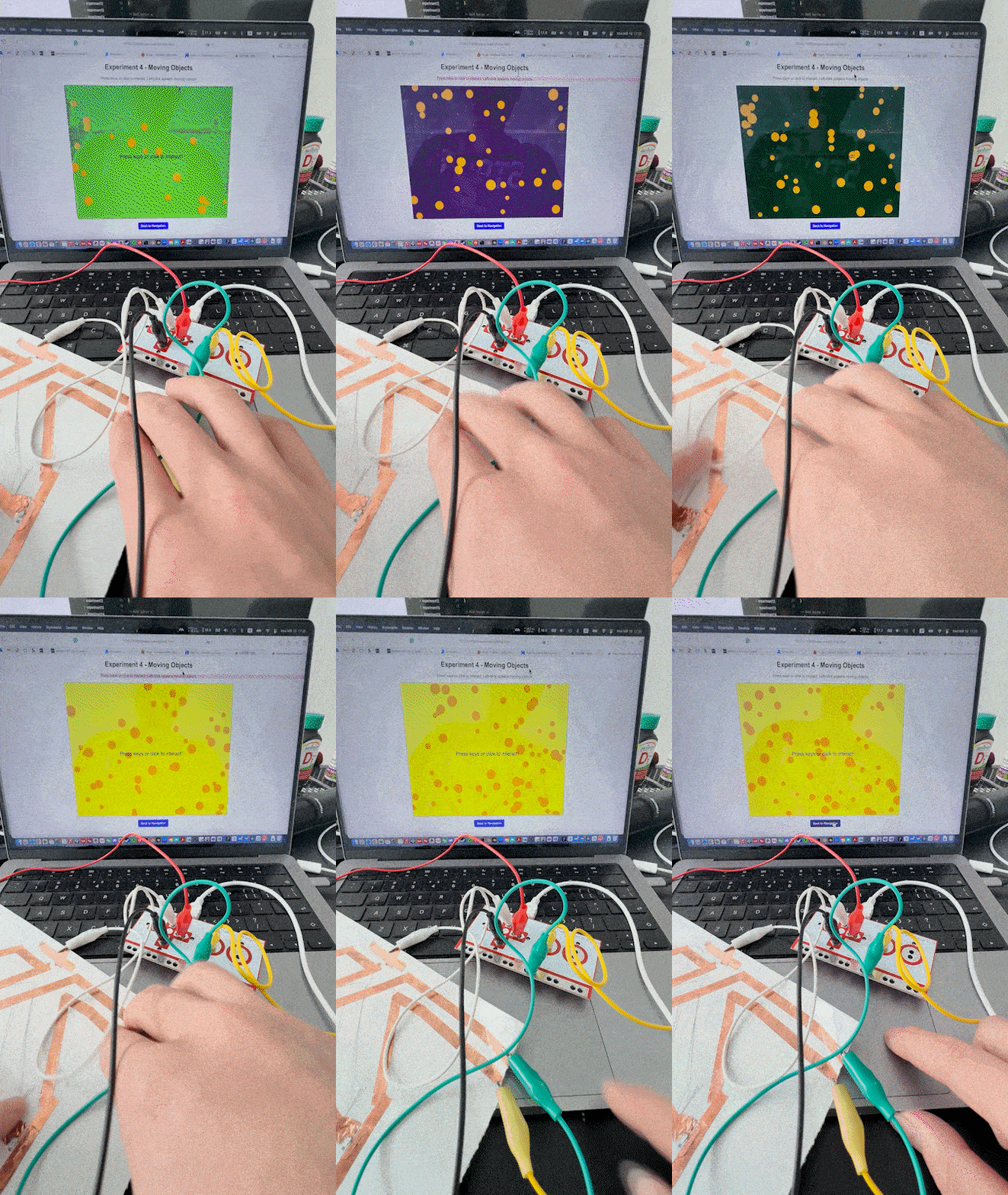
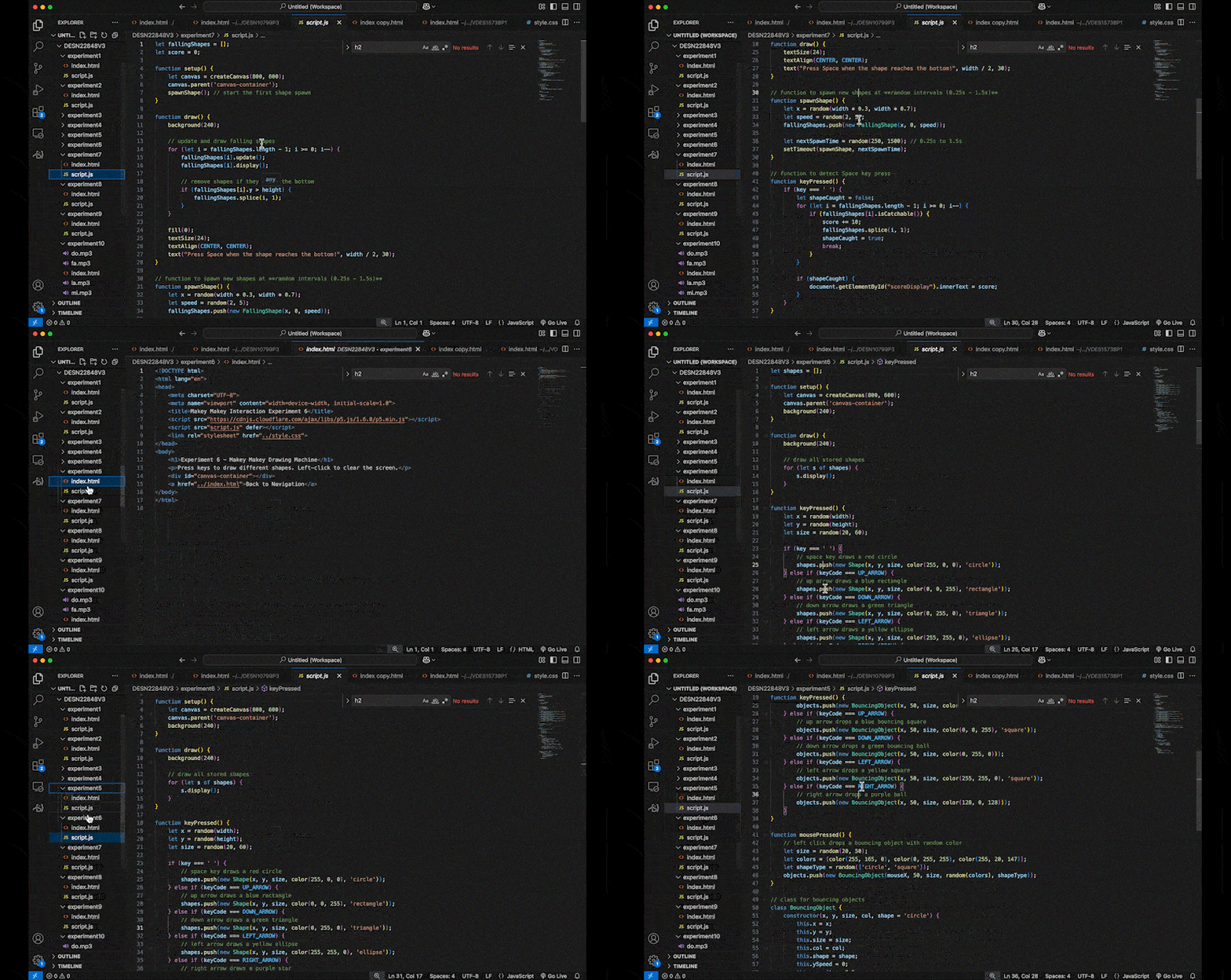
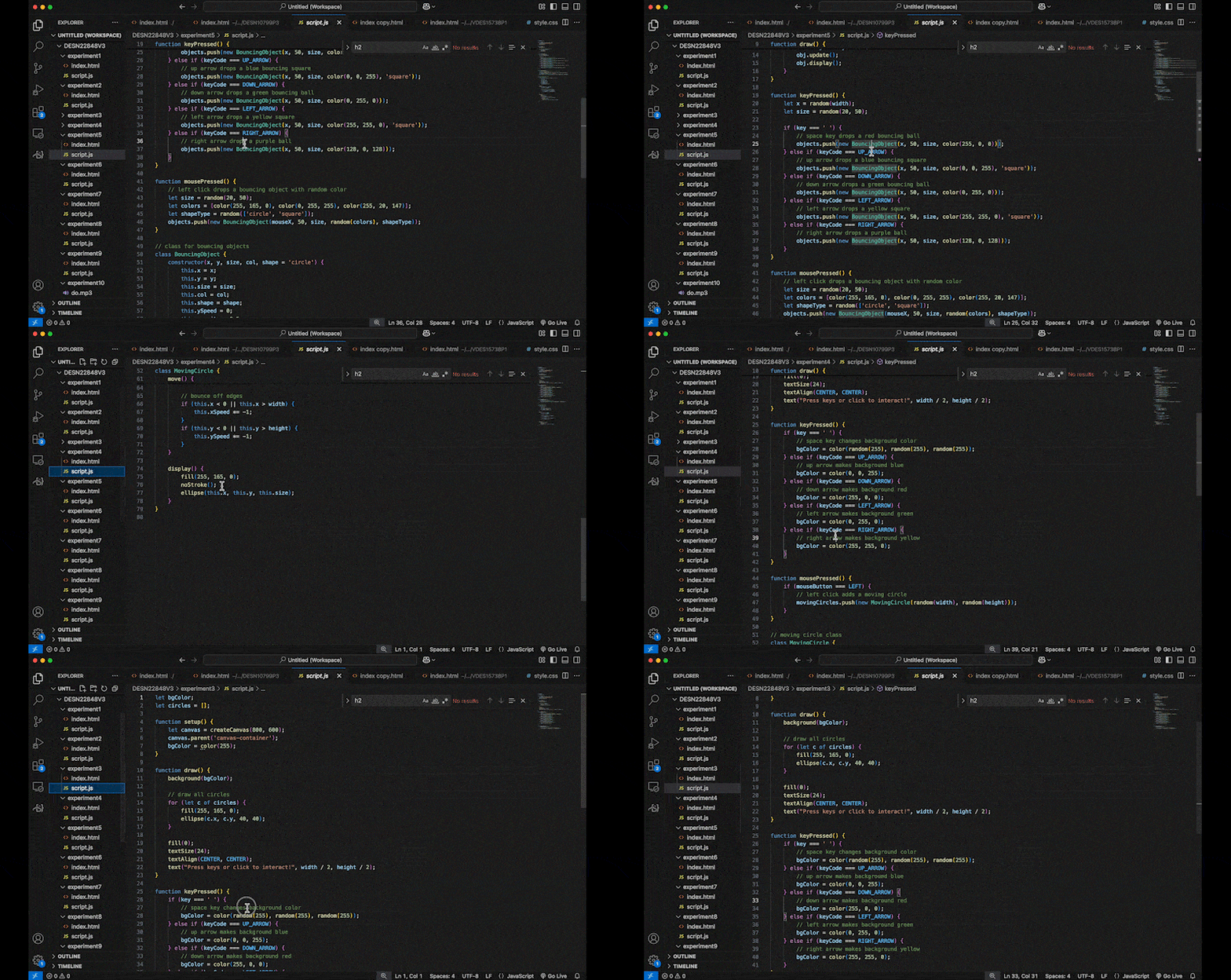
A bouncing shape reacting to keyboard input. A soundboard where different conductive materials trigger sounds. A simple interactive mini-game with player movement. A shape that grows and moves randomly based on user input. An interactive game where shapes appear at random times. A rhythmic interaction where pressing a button spawns shapes. An interactive particle system reacting to user input. A 3D rotating cube controlled by the keyboard. A mini-game where the player avoids obstacles and collects items. A piano-like experiment where different keys play sounds. A 3D shape that changes based on user interaction. A 3D bouncing ball simulation inside a box. A simple 2D interactive experiment with shape transformations. A particle effect system where gravity is controlled by arrow keys. A Makey Makey experiment where conductive materials trigger sounds. A reaction-based game using Makey Makey for input. A physical input experiment where sensors control visuals. A gesture-controlled drawing experiment using Makey Makey. A 3D shape responding to different Makey Makey inputs. An interactive experience combining sound and movement. Code breakdown of a p5.js interactive experiment. Step-by-step explanation of event-driven programming. Debugging process of a JavaScript-based interaction. Live coding demonstration of a Makey Makey experiment. An overview of integrating hardware and software interactions.

Activity 2
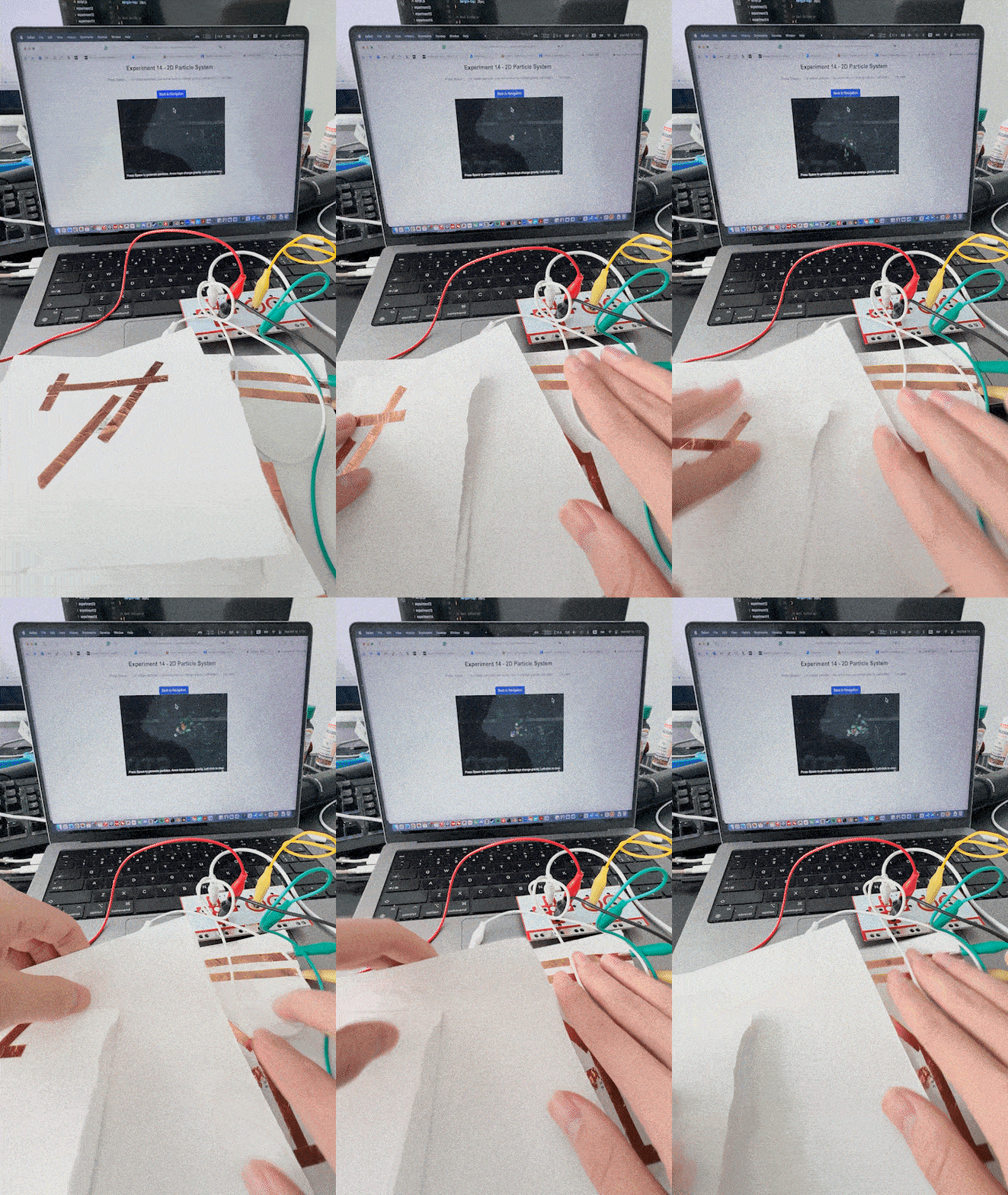
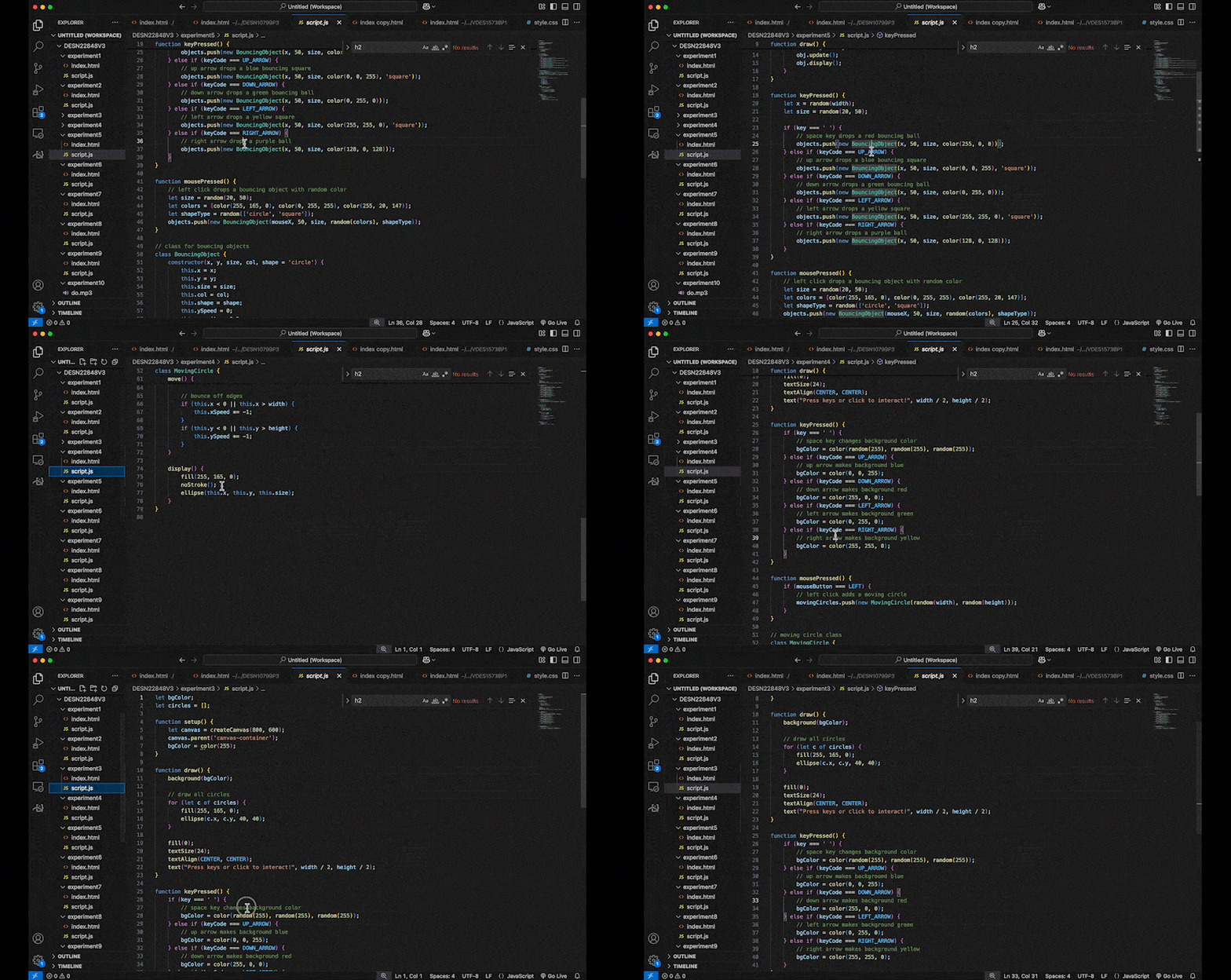
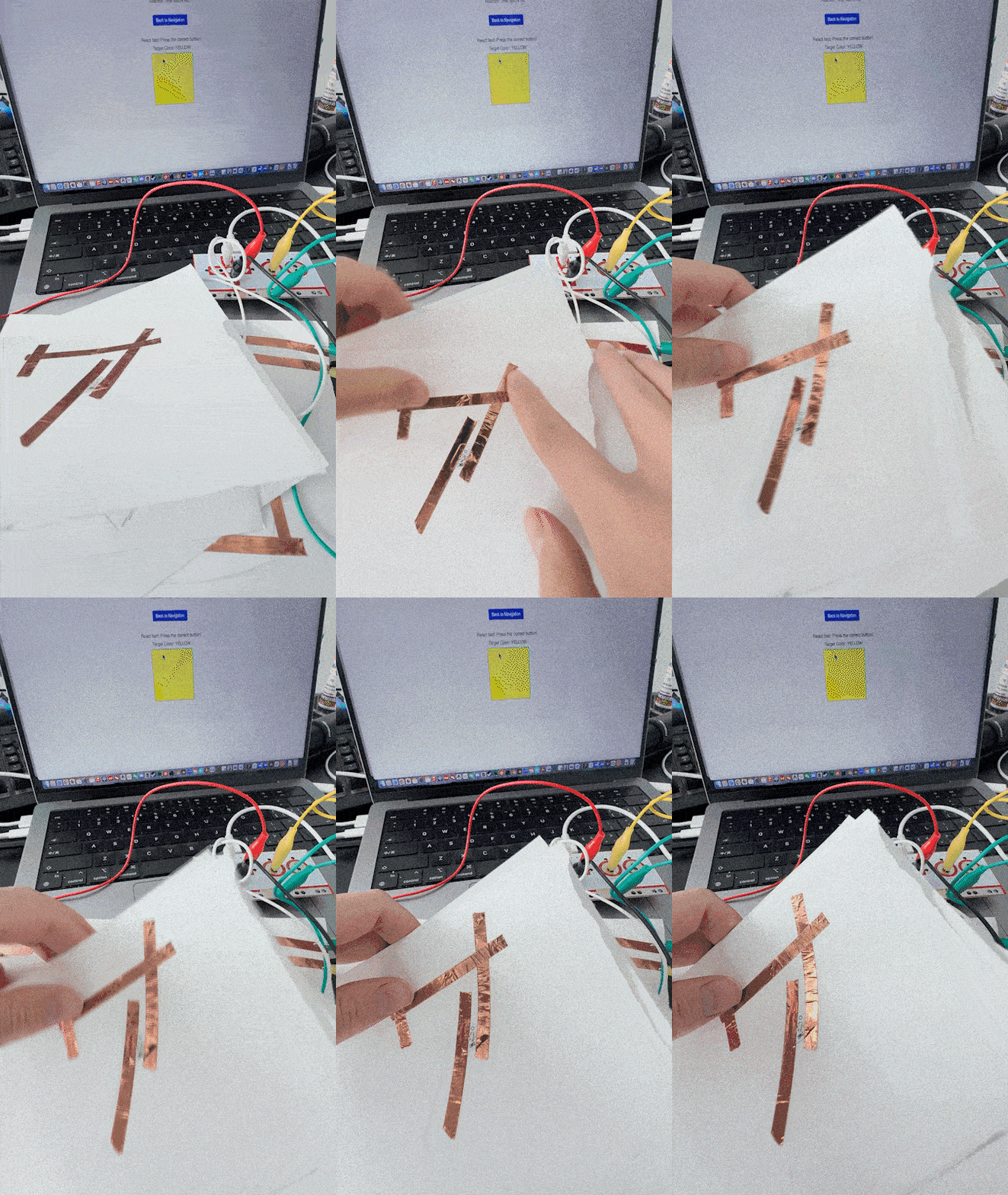
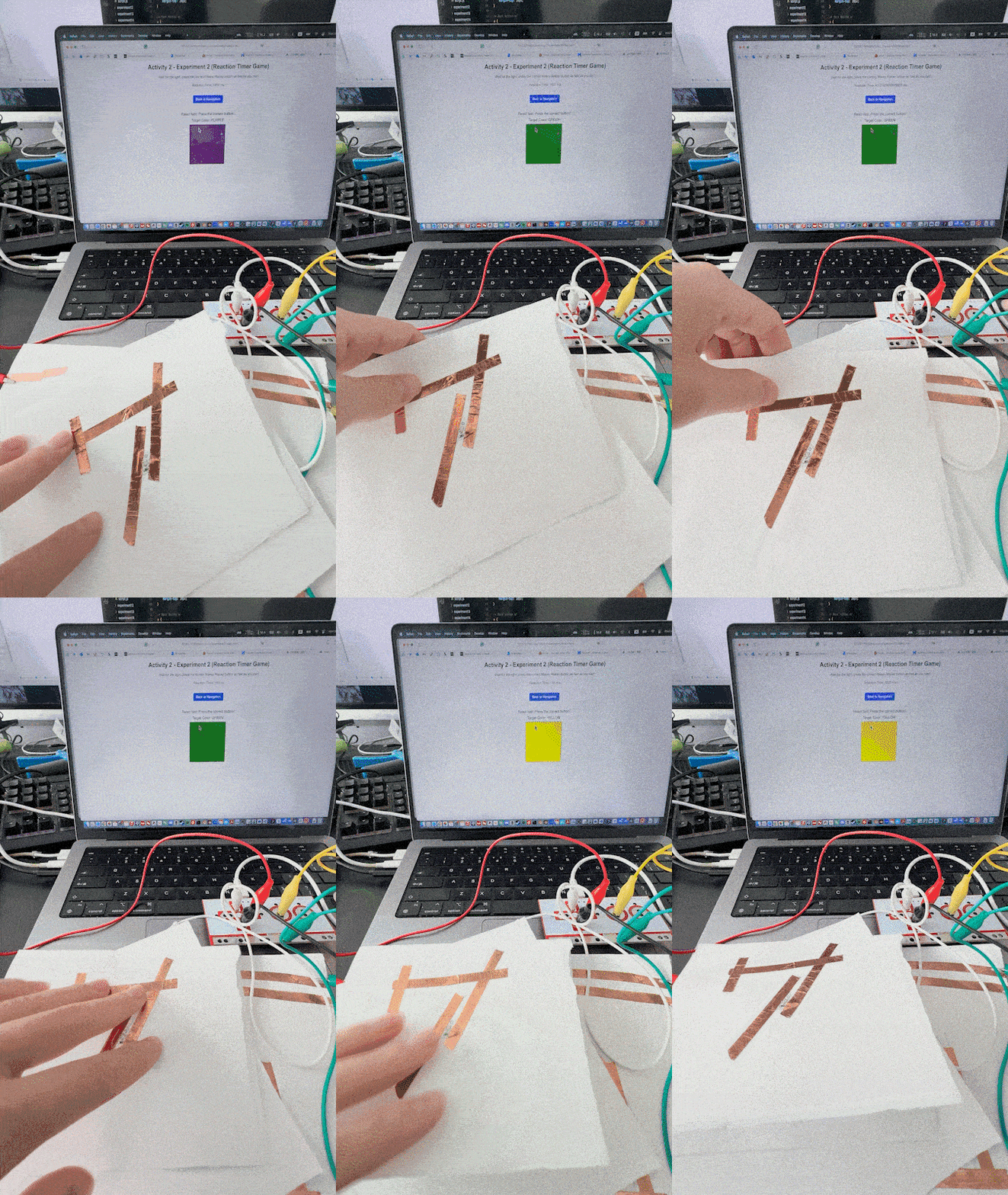
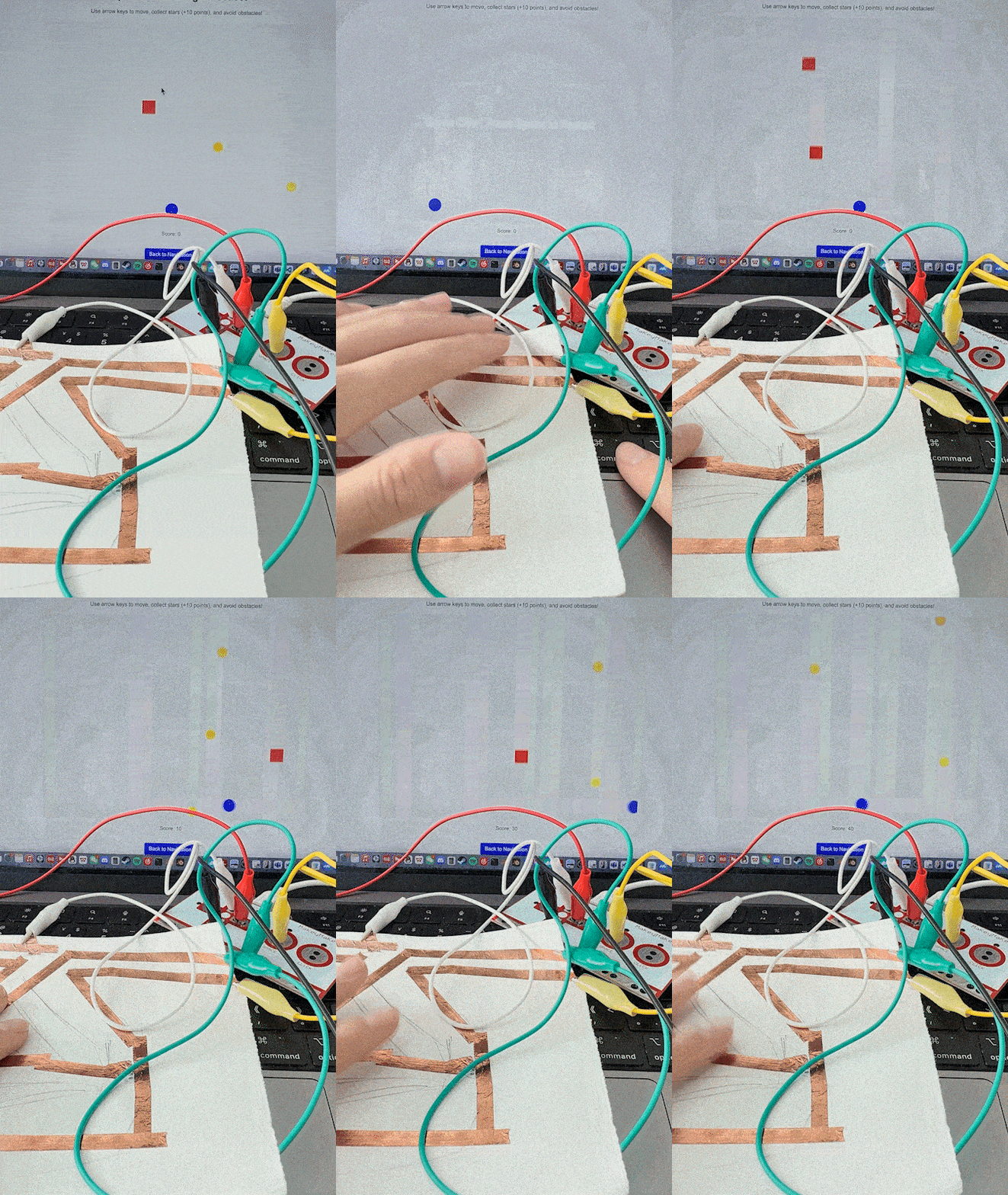
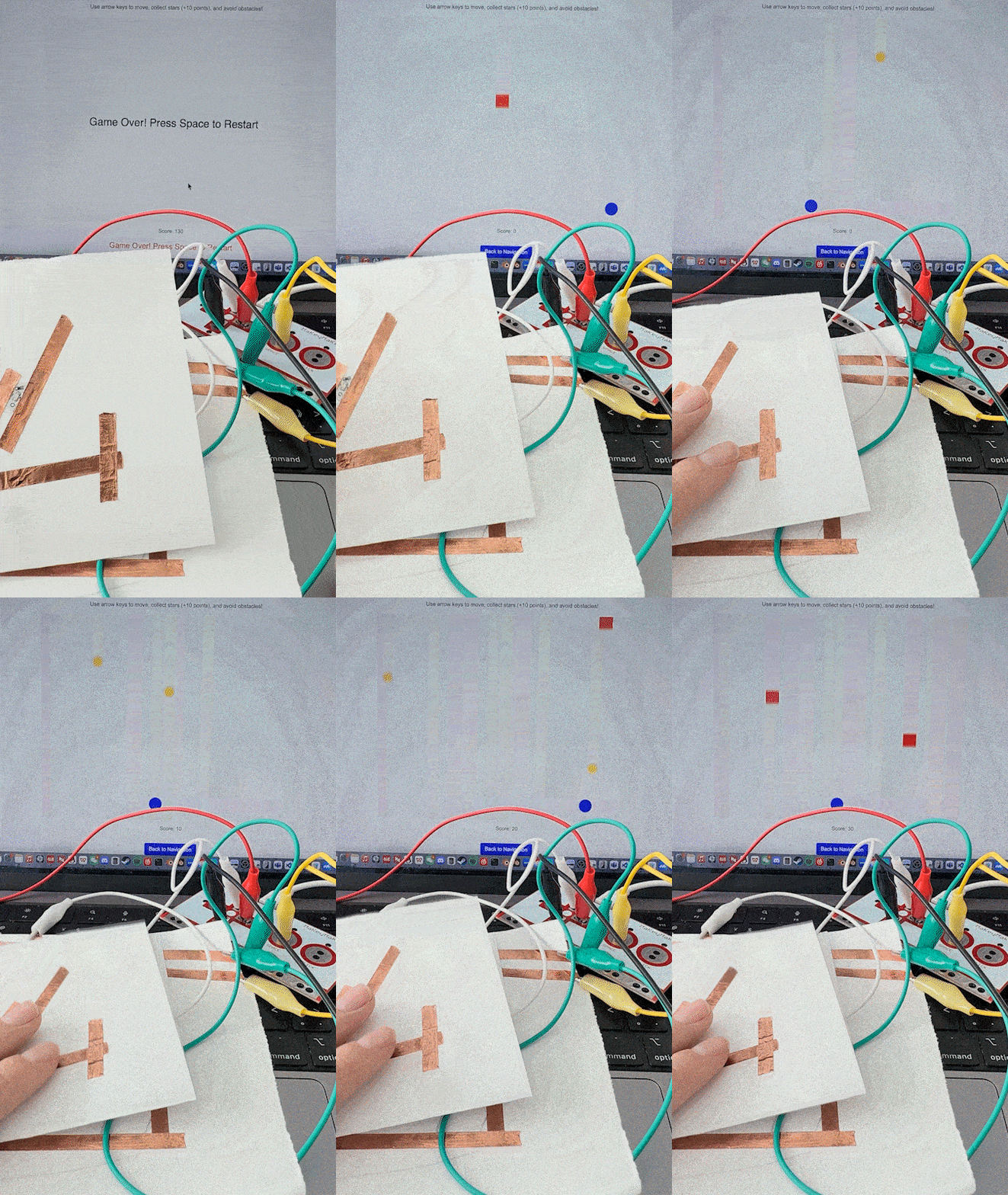
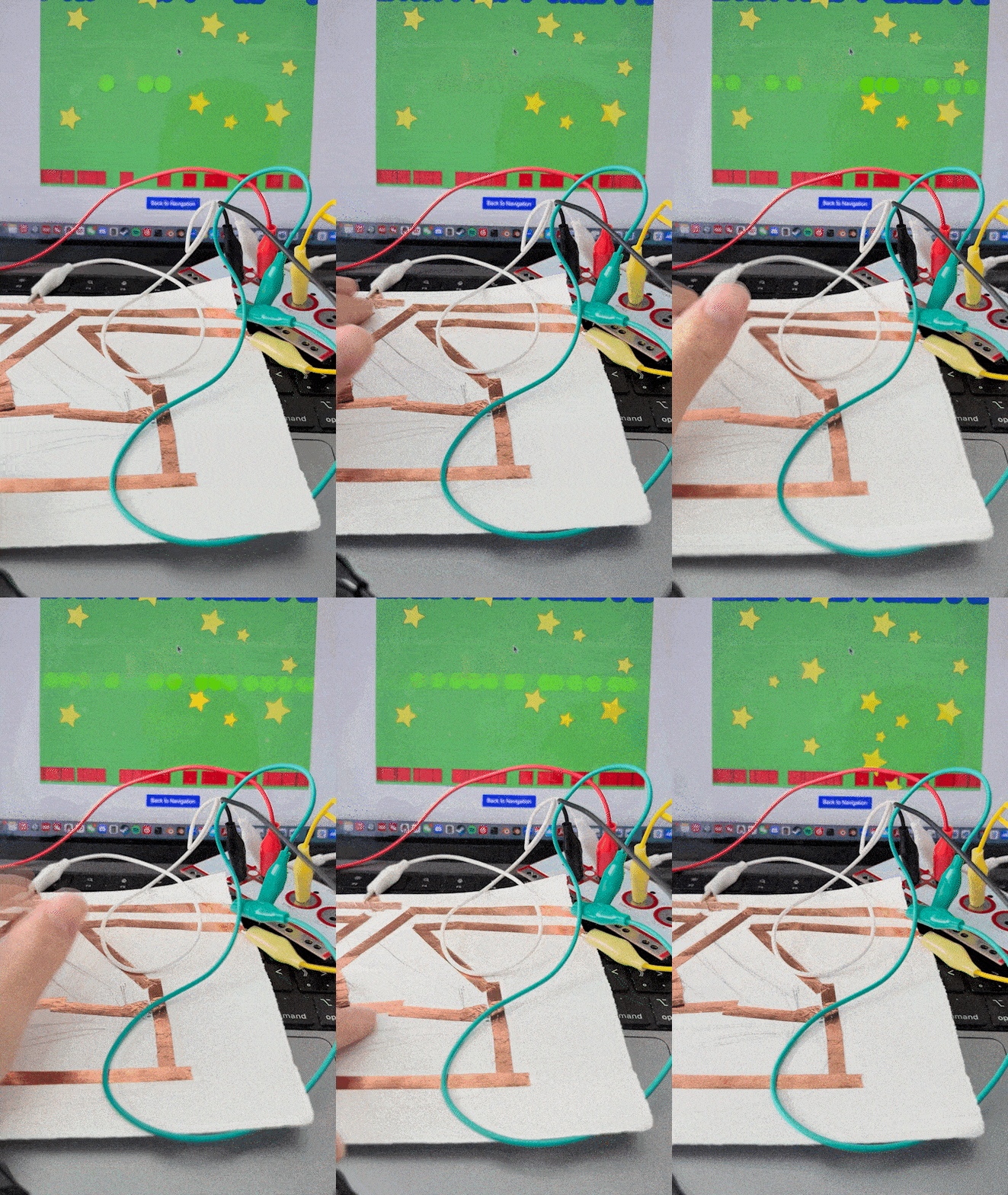
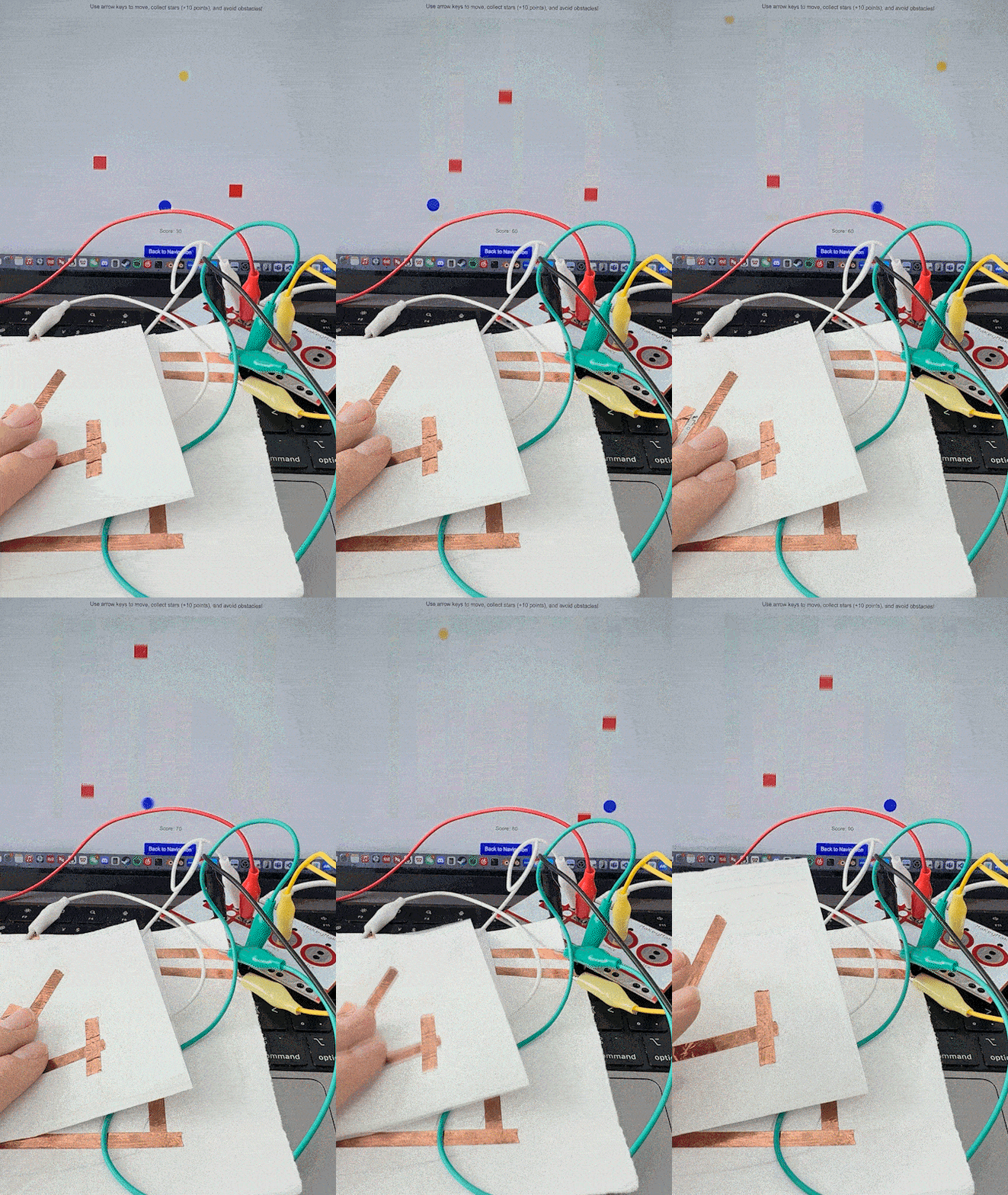
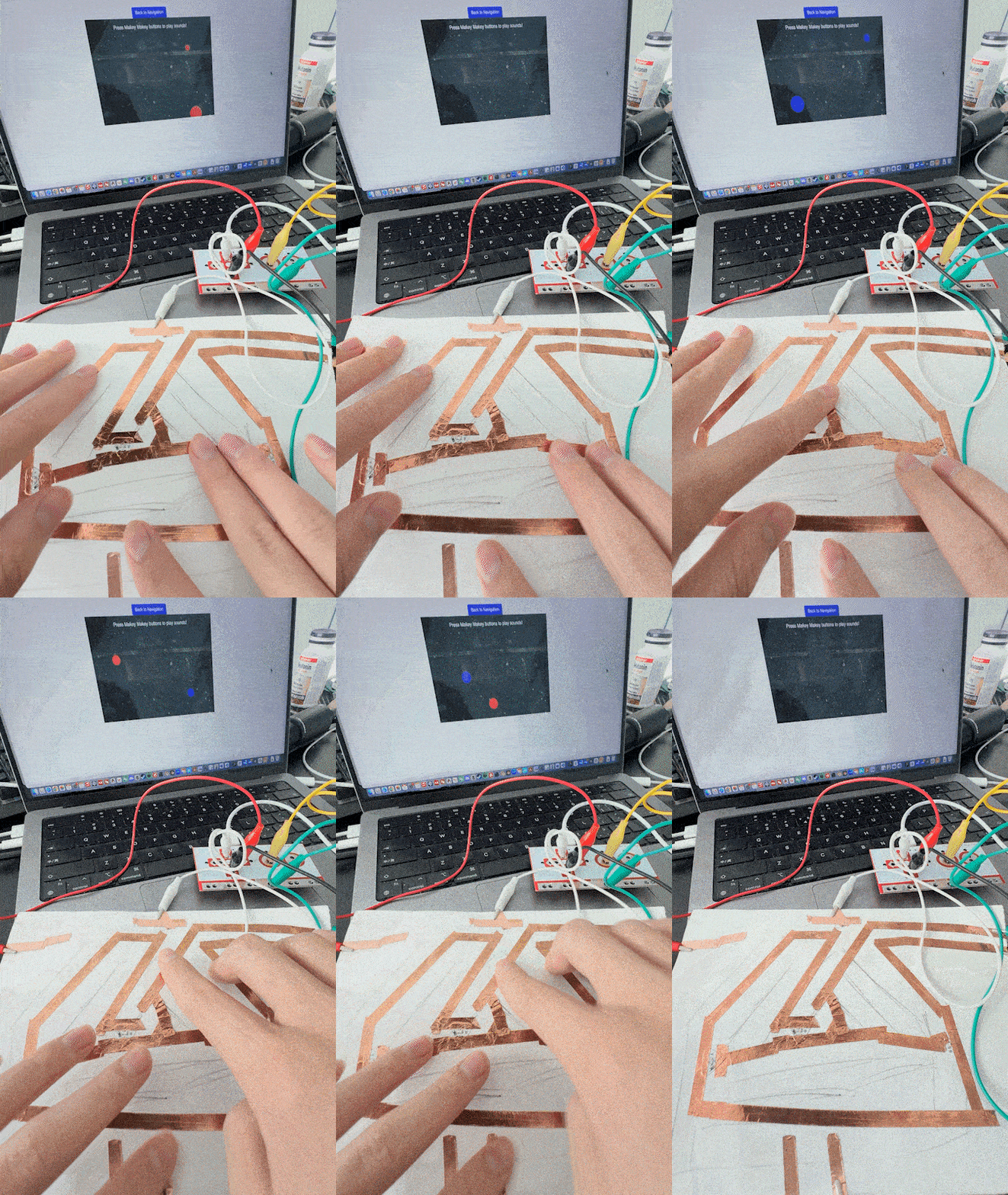
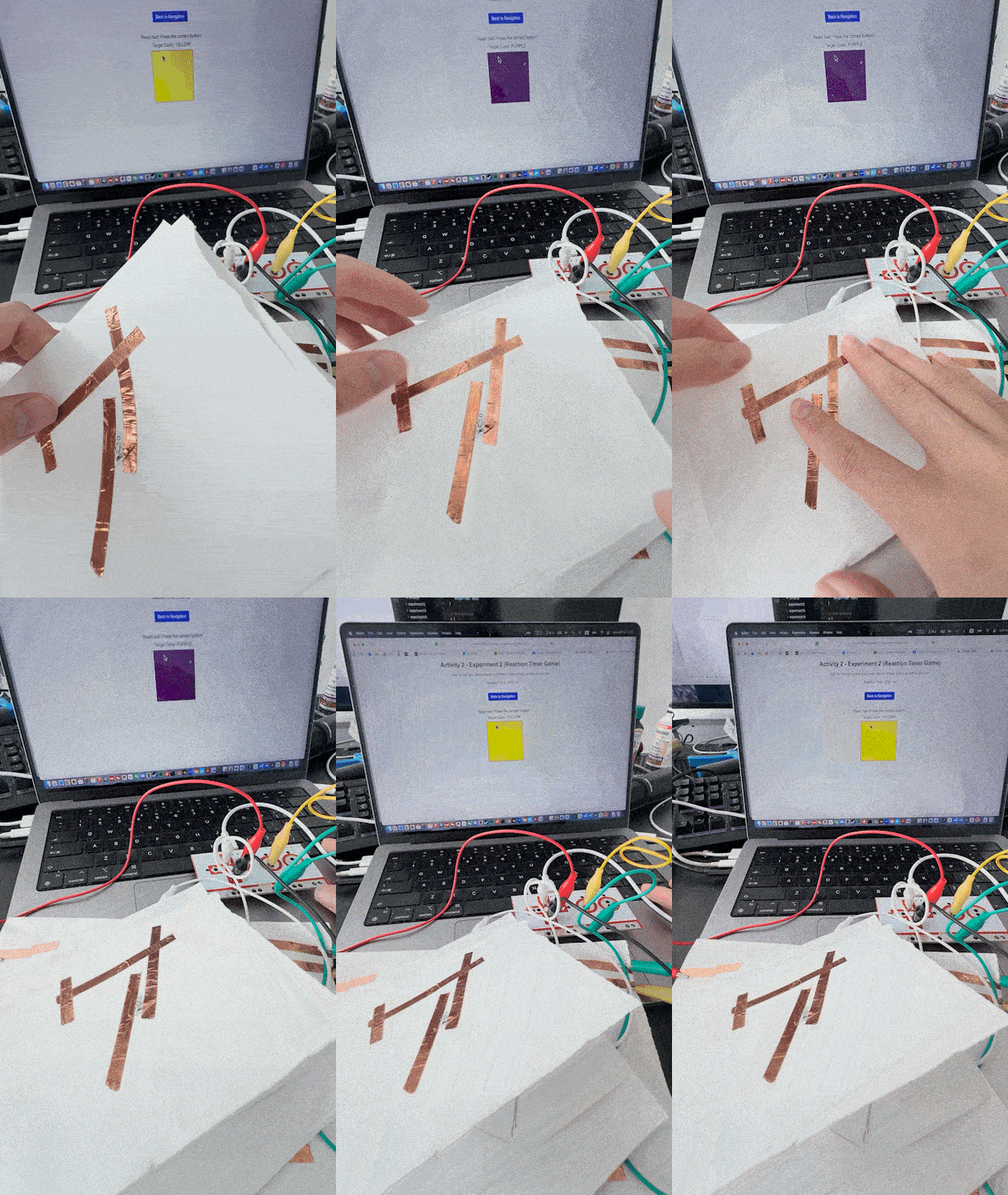
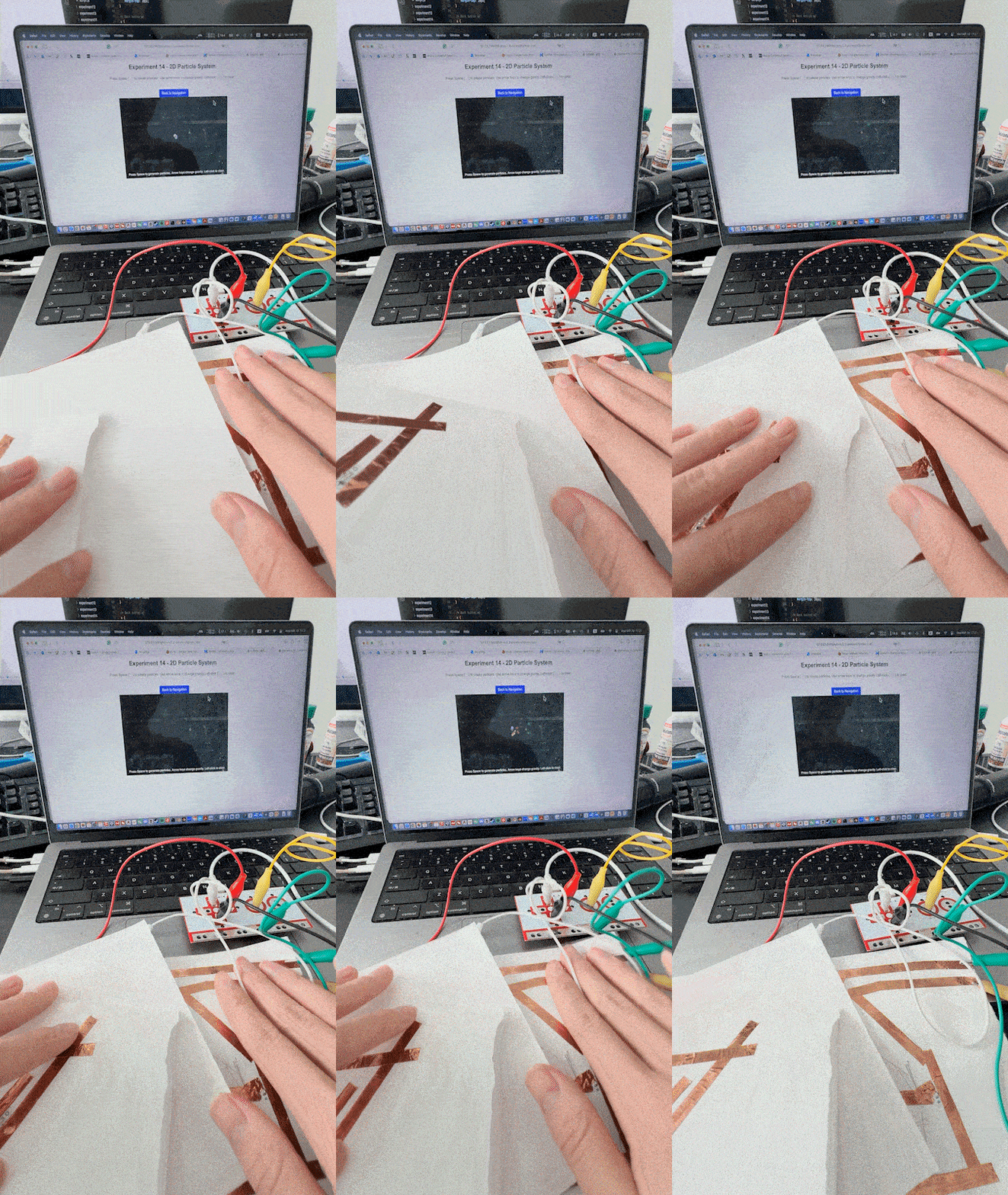
A bouncing shape reacting to keyboard input. A soundboard where different conductive materials trigger sounds. A simple interactive mini-game with player movement. A shape that grows and moves randomly based on user input. An interactive game where shapes appear at random times. A rhythmic interaction where pressing a button spawns shapes. An interactive particle system reacting to user input. A 3D rotating cube controlled by the keyboard. A mini-game where the player avoids obstacles and collects items. A piano-like experiment where different keys play sounds. A 3D shape that changes based on user interaction. A 3D bouncing ball simulation inside a box. A simple 2D interactive experiment with shape transformations. A particle effect system where gravity is controlled by arrow keys. A Makey Makey experiment where conductive materials trigger sounds. A reaction-based game using Makey Makey for input. A physical input experiment where sensors control visuals. A gesture-controlled drawing experiment using Makey Makey. A 3D shape responding to different Makey Makey inputs. An interactive experience combining sound and movement. A Makey Makey touch-sensitive game testing user reaction speed. A Makey Makey pressure-based input triggering animations. An experiment where different sensors trigger unique visual responses. Code breakdown of a Makey Makey interactive experiment. Step-by-step debugging and testing of Makey Makey interactions.

Project 3


Final Project 3 Design

I learned that touch sensors are very sensitive to grounding. If the ground wasn’t stable, the touch wouldn’t work well. I also found that the shape and size of the copper foil changed how well the sensor responded. I had to test many versions to get it right. Also I used P5.js for the sound, but it had some delay. This made me think about using Web MIDI in the future. Balancing the tech with the creative design was hard but also fun. I enjoyed mixing physical parts with web interaction and learned a lot through trial and error.
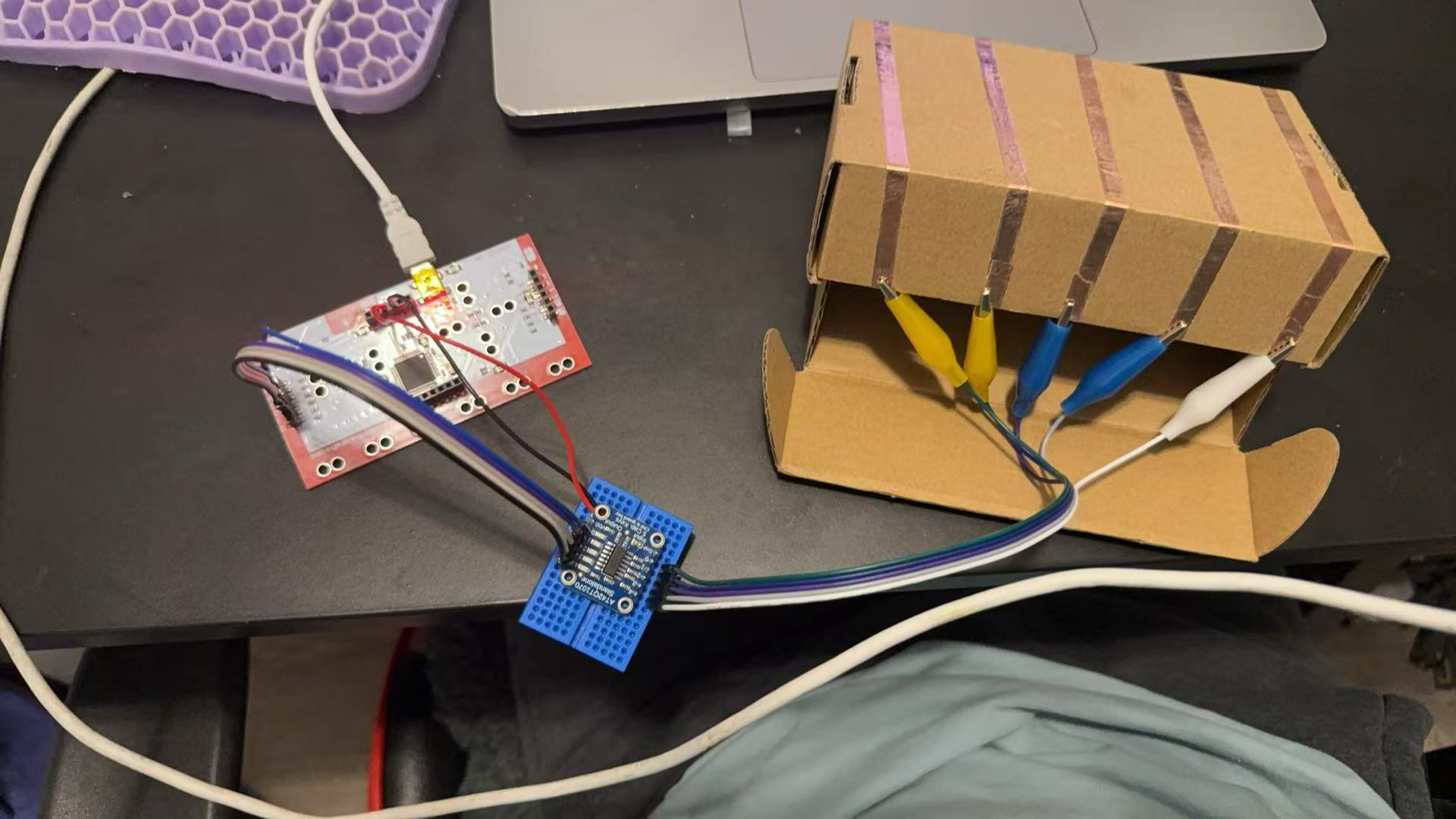
My Final Drum kit
×

Powered by w3.css