At a glance
- Problem
- Original MoodPeek focused on visualization; needed structure for habit tracking across multiple users.
- Role
- Full-stack prototype, UX architecture, multi-user system design
- Tools
- React, JWT authentication, iCal export, Open-Meteo API
- Timeline
- Structural upgrade from MoodPeek v1
- Key Decisions
- Calendar as main anchor, Dashboard quick-glance, inline Weekly Insight, self-reported (no AI inference)
- Result
- Calendar 2.0 with filtering, Dashboard with streak tracking, multi-user isolation, iCal export.
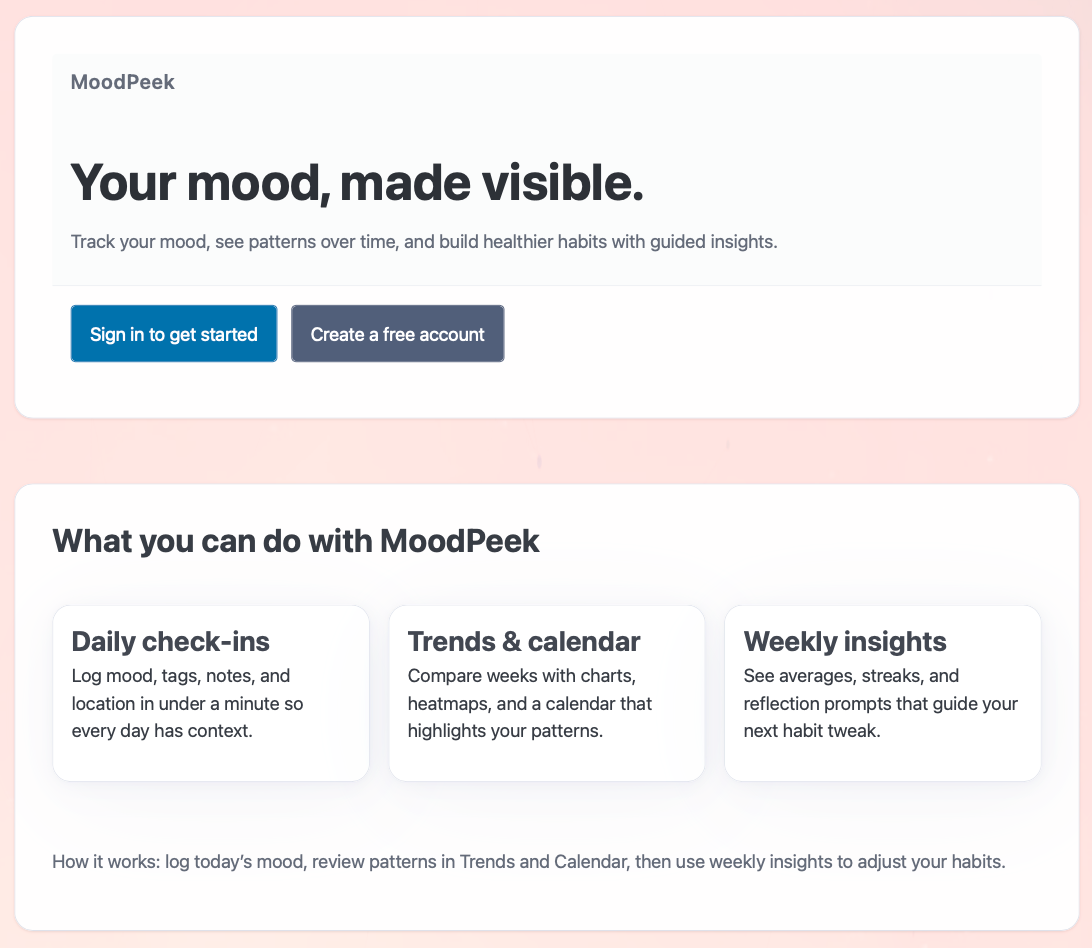
Live preview — MoodPeek Pro
Key Decisions
- Calendar is the anchor; weekly insight inline. Instead of scattering views across tabs, the calendar holds everything. Tap a day to see or edit; tap a week header to get the insight summary right there. Removed the standalone Weekly Report page — it was one screen too many.
- Dashboard as quick-glance home. Shows today's entry shortcut, this-week-at-a-glance, a 7-day sparkline, current streak, and quick nav links. The goal: see something useful in under 2 seconds, then decide whether to dig in.
- Preferences drive personalization. Default city auto-fills weather on each entry; theme (light / dark / system) syncs globally without a page refresh. Each user's settings are isolated via JWT.
- Keep it self-reported. No automatic mood inference or "mind-reading" features. The user decides what they felt and writes it down. Emotional agency matters more than algorithmic guessing.
Key Features
- Calendar 2.0: Month-view grid with color-coded emotion cells. Click any day to view or edit. Filter by tag, city, or mood range to find patterns fast.
- iCal export: Download your mood entries as .ics events — bring them into Apple Calendar, Google Calendar, or anything that speaks iCal.
- Login + "Already Signed In" smart routing: If your session is still valid, the app skips the login screen and drops you straight into the Dashboard.
- Multi-user isolation (JWT): Each account's data is separate. No cross-contamination between users, even on shared devices.
- Dashboard: Today quick entry · This week at a glance · 7-day mood sparkline · Current streak · Shortcut tiles to Calendar, Preferences, and past weeks.
- Preferences: Set your default city (auto-fills weather when logging); choose light / dark / system theme with instant global sync — no page reload needed.
- Friendly 409: Try to log a second entry for the same day and you get a clear, human message instead of a cryptic error.
About MoodPeek v1 (the original)
The first version focused on making emotion data visible: it mapped mood entries against environmental context (weather via Open-Meteo, time of day) and rendered them as color-coded cards with dynamic gradients. Guest mode, no login required, purely visual. Think of v1 as "turn emotions into something you can see," while Pro is "build the daily structure so tracking actually sticks across multiple users."