← Back to Portfolio

Physical Computing — Comfort Lamp

A three-module journey from first Arduino blink to a sensor-driven ambient lamp housed inside a 3D-printed architectural scene. Temperature, humidity, and light data map to tiered colour states; a ProtoPie mobile UI replaces the LCD for richer feedback.

Role: Hardware + software prototyping Tools: Arduino, DHT11, NeoPixel, Logic Pro, TouchDesigner, 3D printing
Open P3
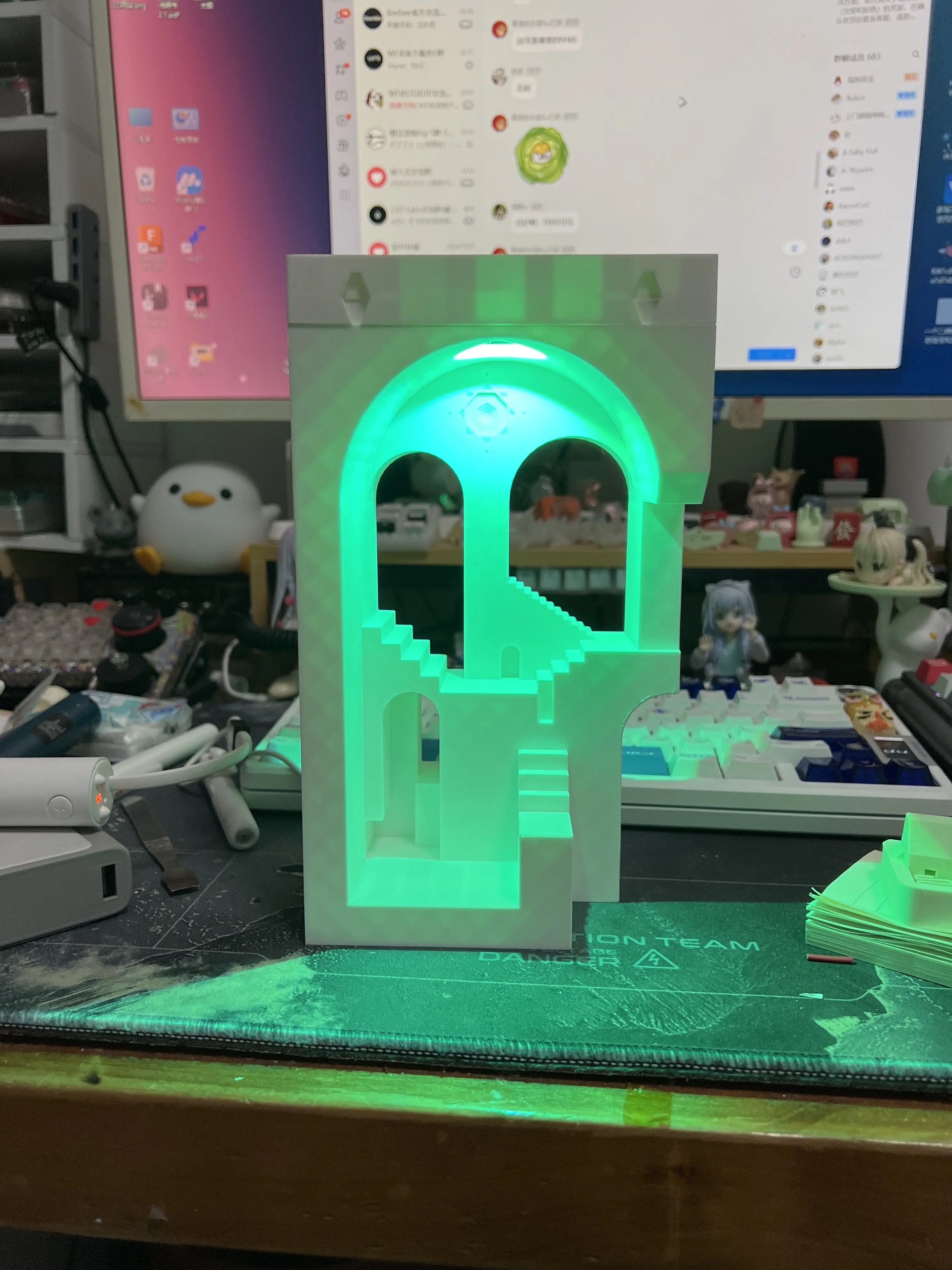
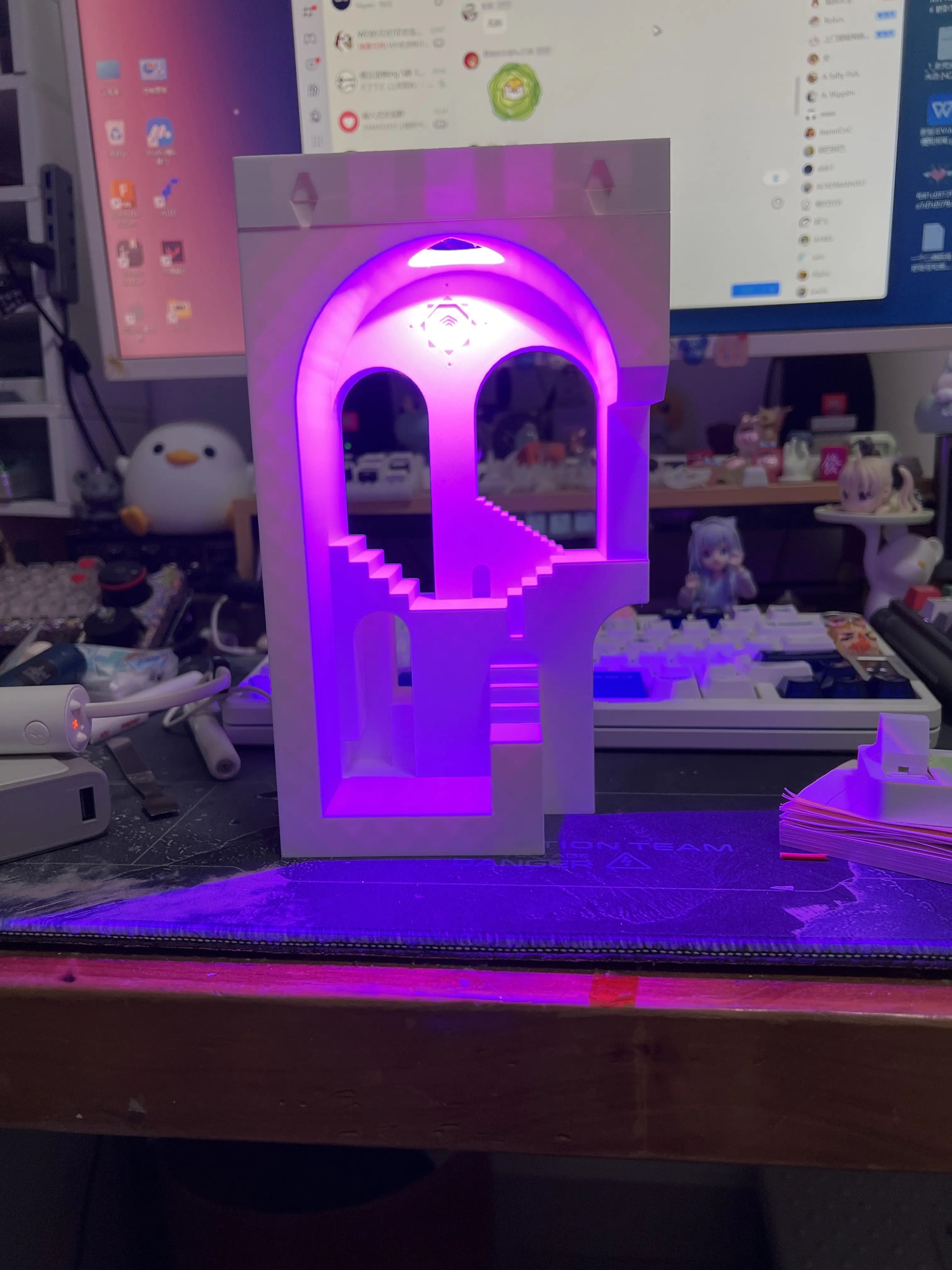
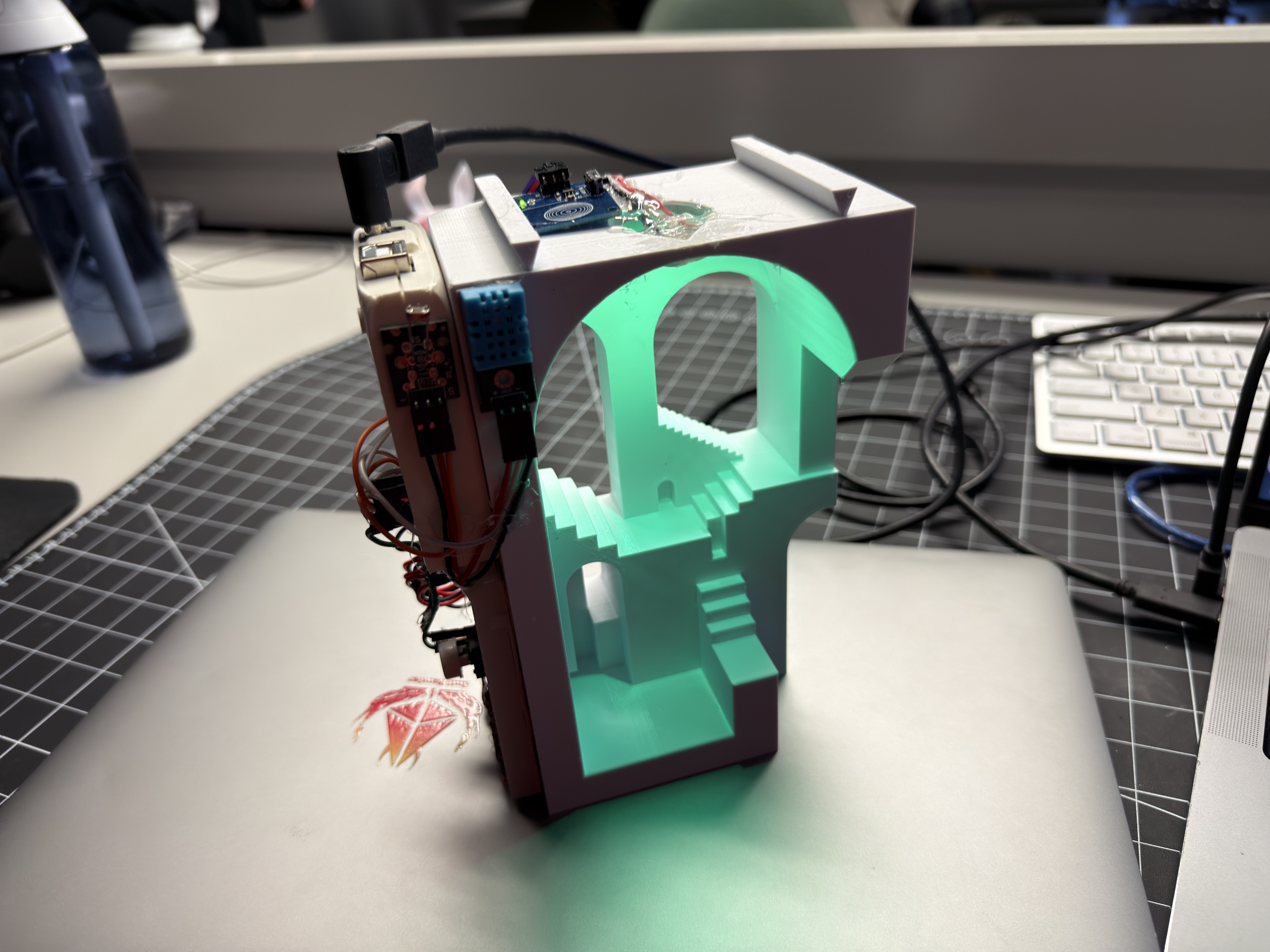
Comfort Lamp final prototype — 3D-printed staircase glowing green

TL;DR

Problem:
People can't feel ambient temperature/humidity changes until discomfort — no calm visual cue.
Role:
Individual hardware + software prototyping within a collaborative team
Tools:
Arduino Uno, DHT11, NeoPixel RGB LEDs, LCD1602, 3D printer (Ultimaker), TouchDesigner, ProtoPie
Timeline:
3 modules — exploration → working circuit → 3D-printed ambient object
Key Decisions:
Tiered colour mapping with hysteresis; remove LCD, move UI to mobile; physical latching switch for clear on/off
Result:
A finished ambient lamp that communicates comfort state through colour and glow, paired with a ProtoPie mobile dashboard.
Module 1 — Exploration & Concept

Arduino Basics & Research

Set up Arduino for the first time — Blink, LEDs, buttons. Explored TouchDesigner for data-driven visuals. Researched WGSN consumer trends (Solarpunk Futures, Nomadic Tech) and defined problem spaces and HMI statements.

Activity 1 — First Arduino Experiments
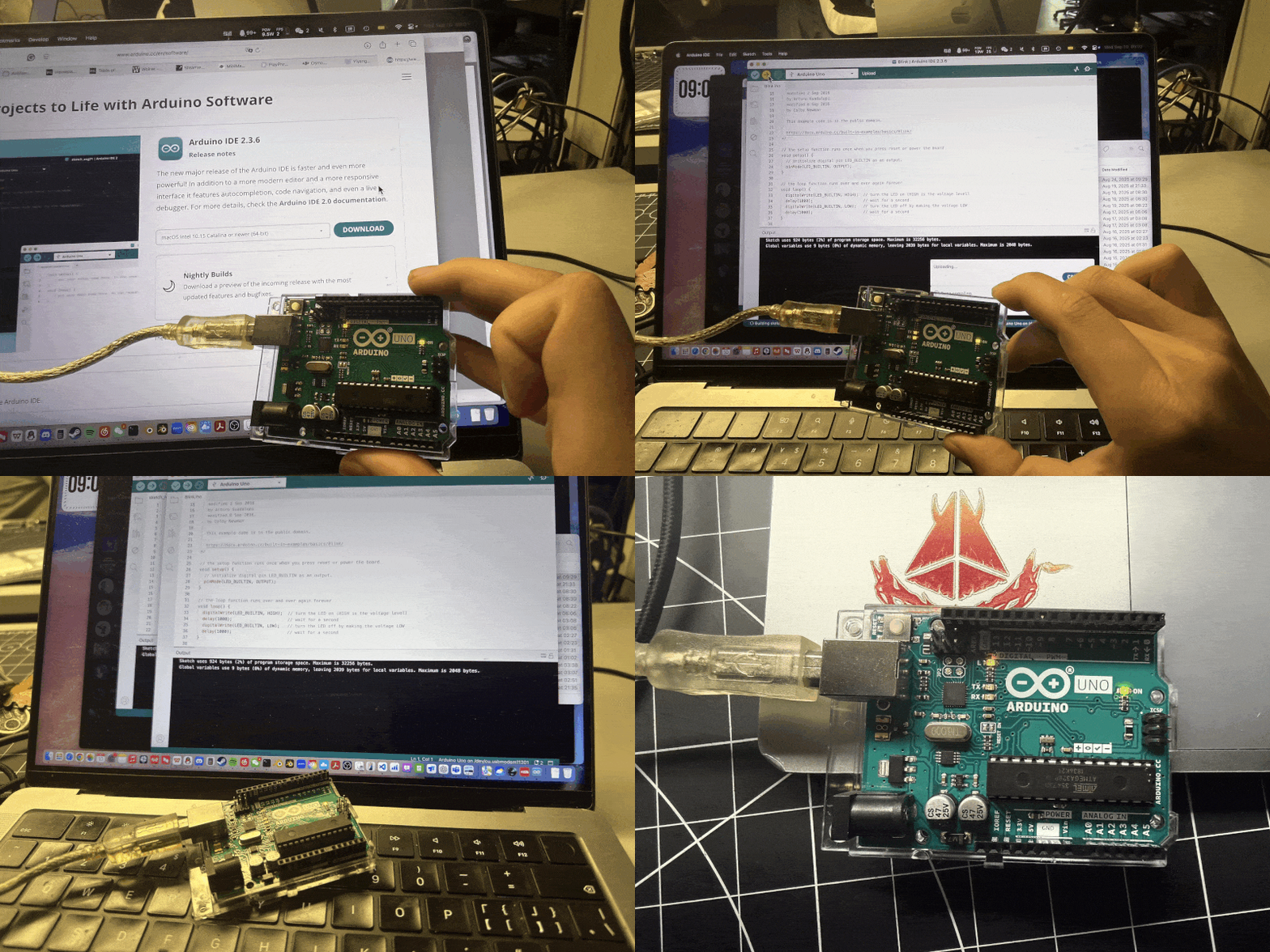
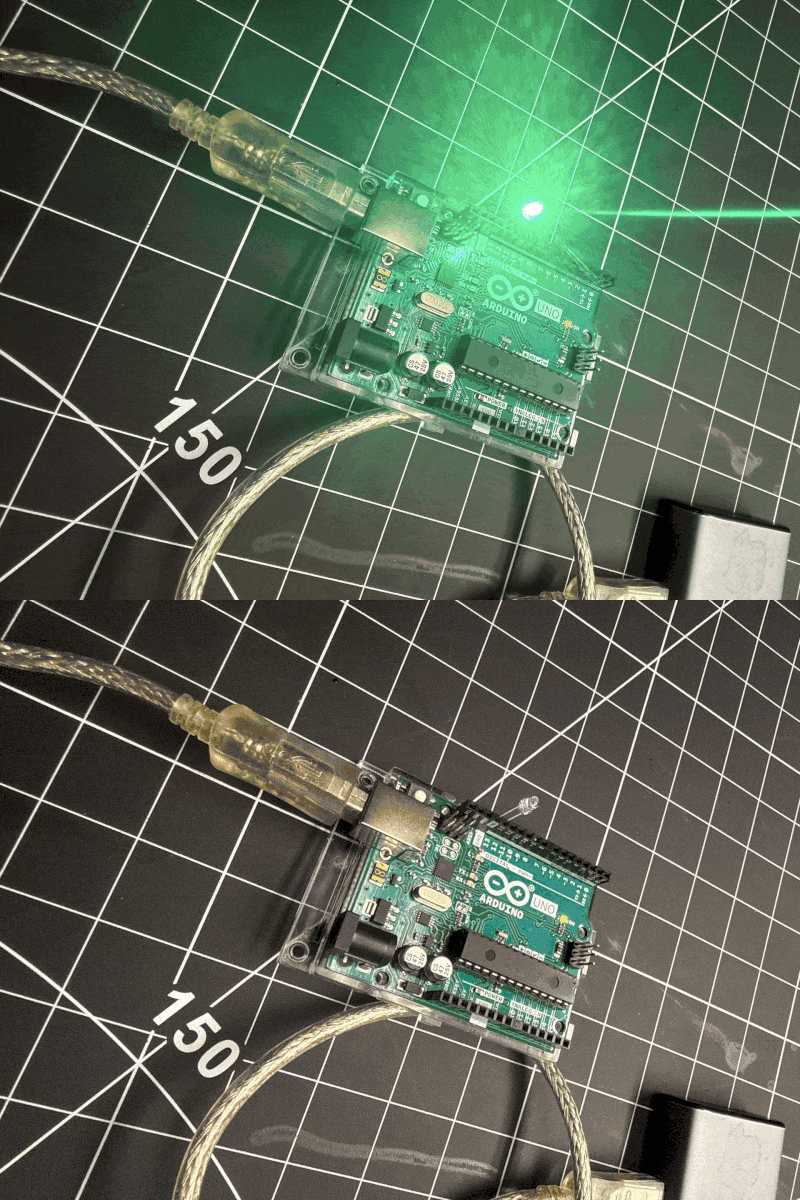
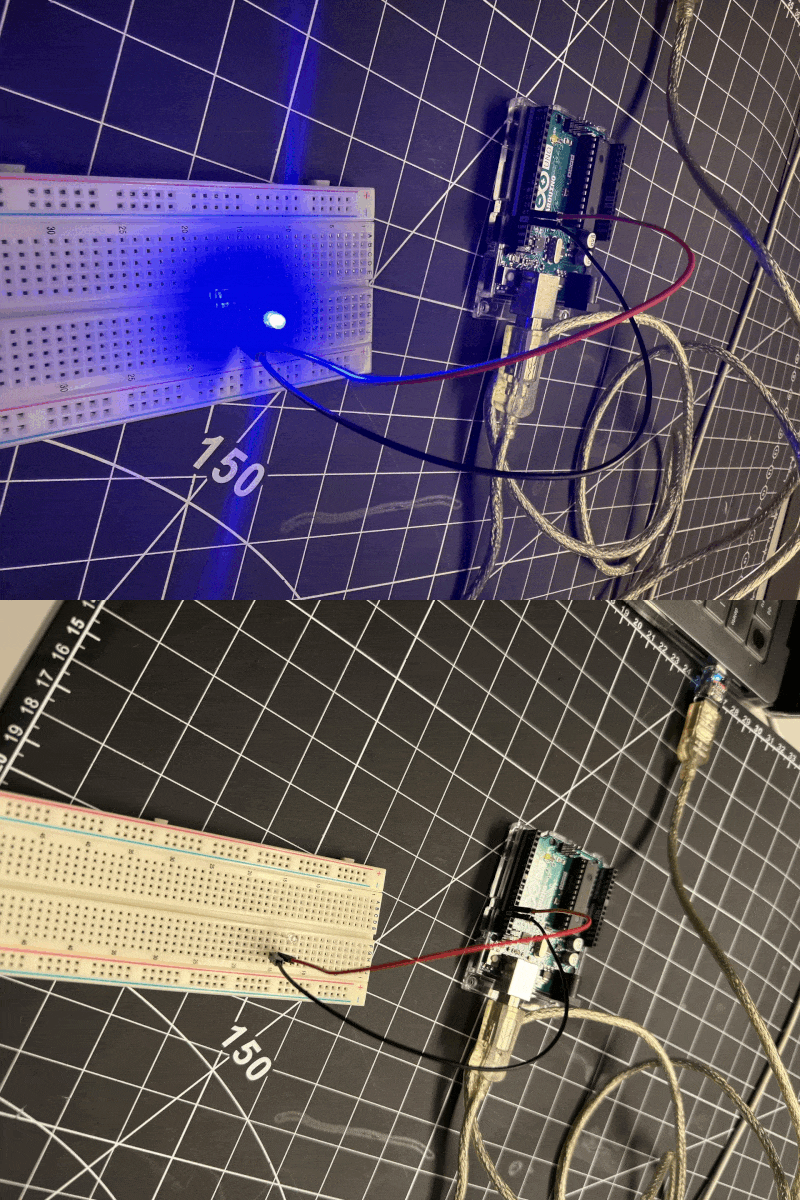
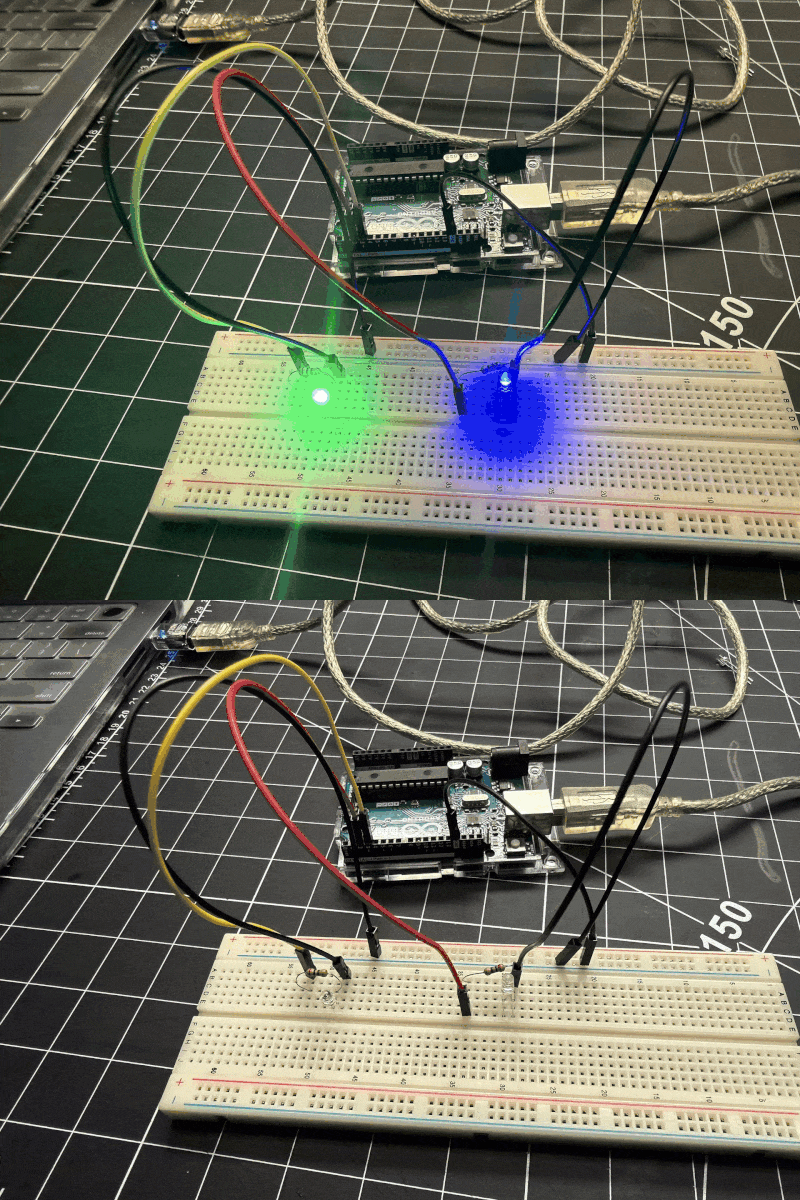
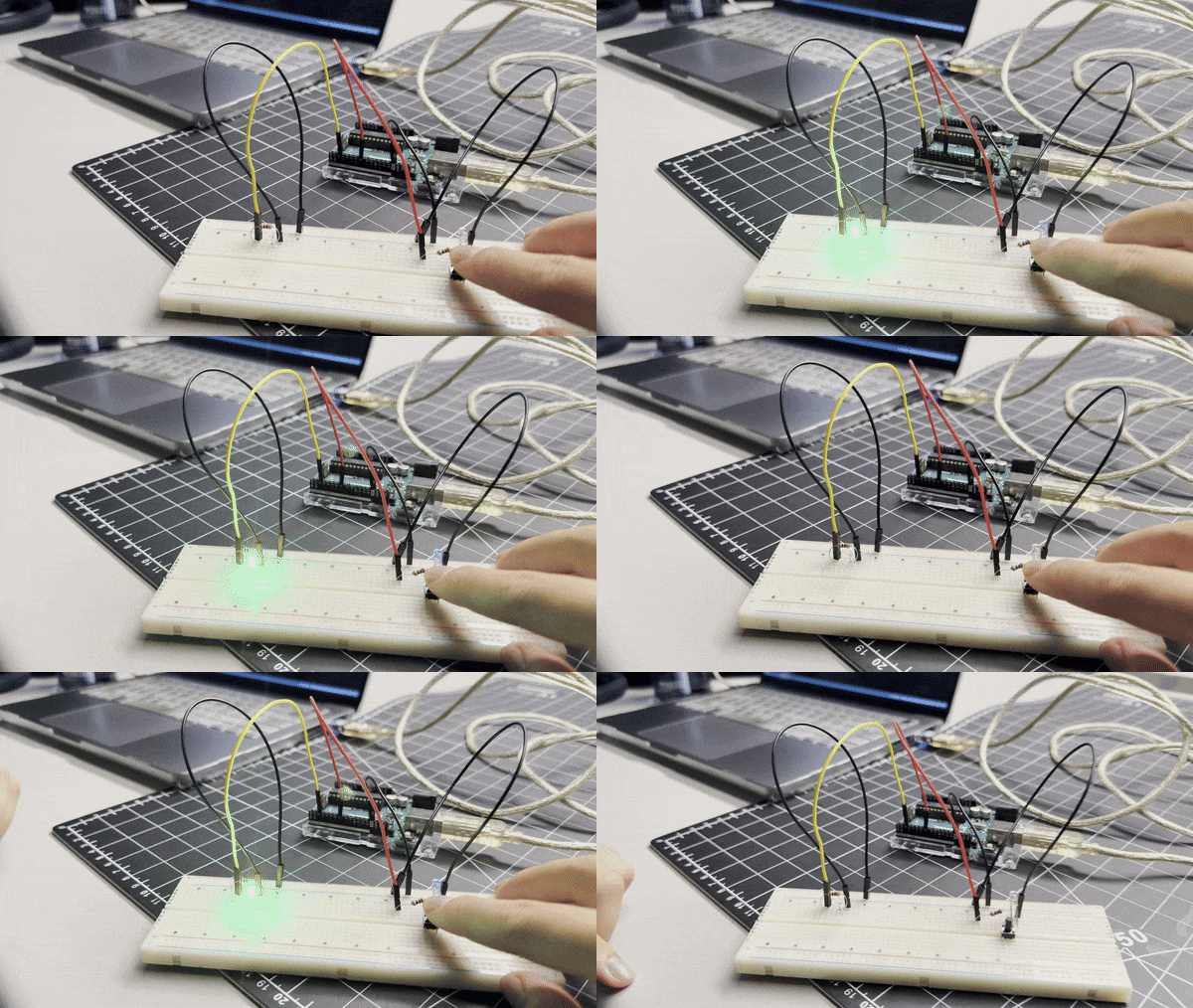
Connecting Arduino and uploading Blink sketch External LED on pin 13 blinking Blue LED on breadboard blinking from program Multiple LEDs blinking together Button press lights up LED

Activity 2 — ProtoPie + Board Setup
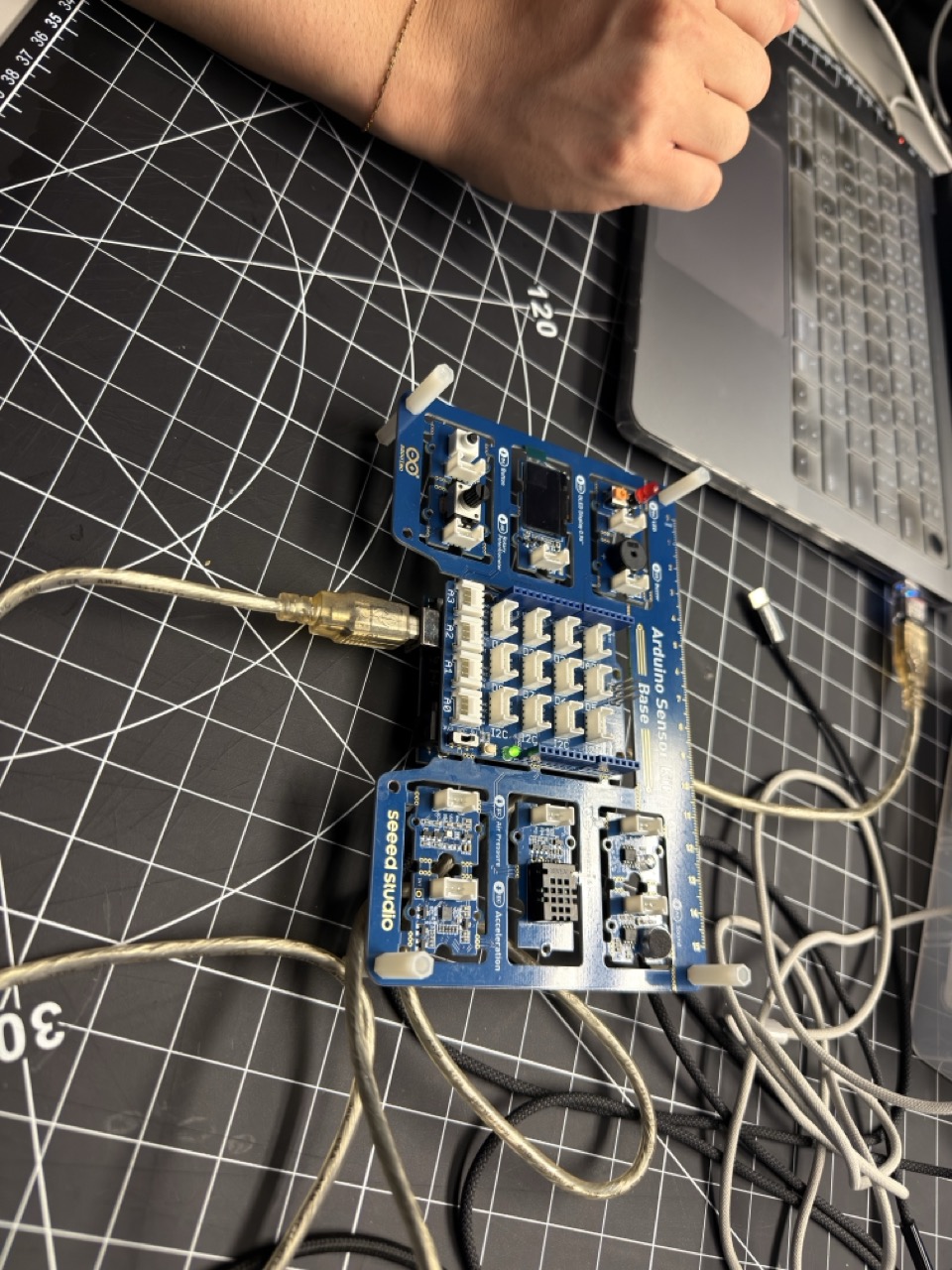
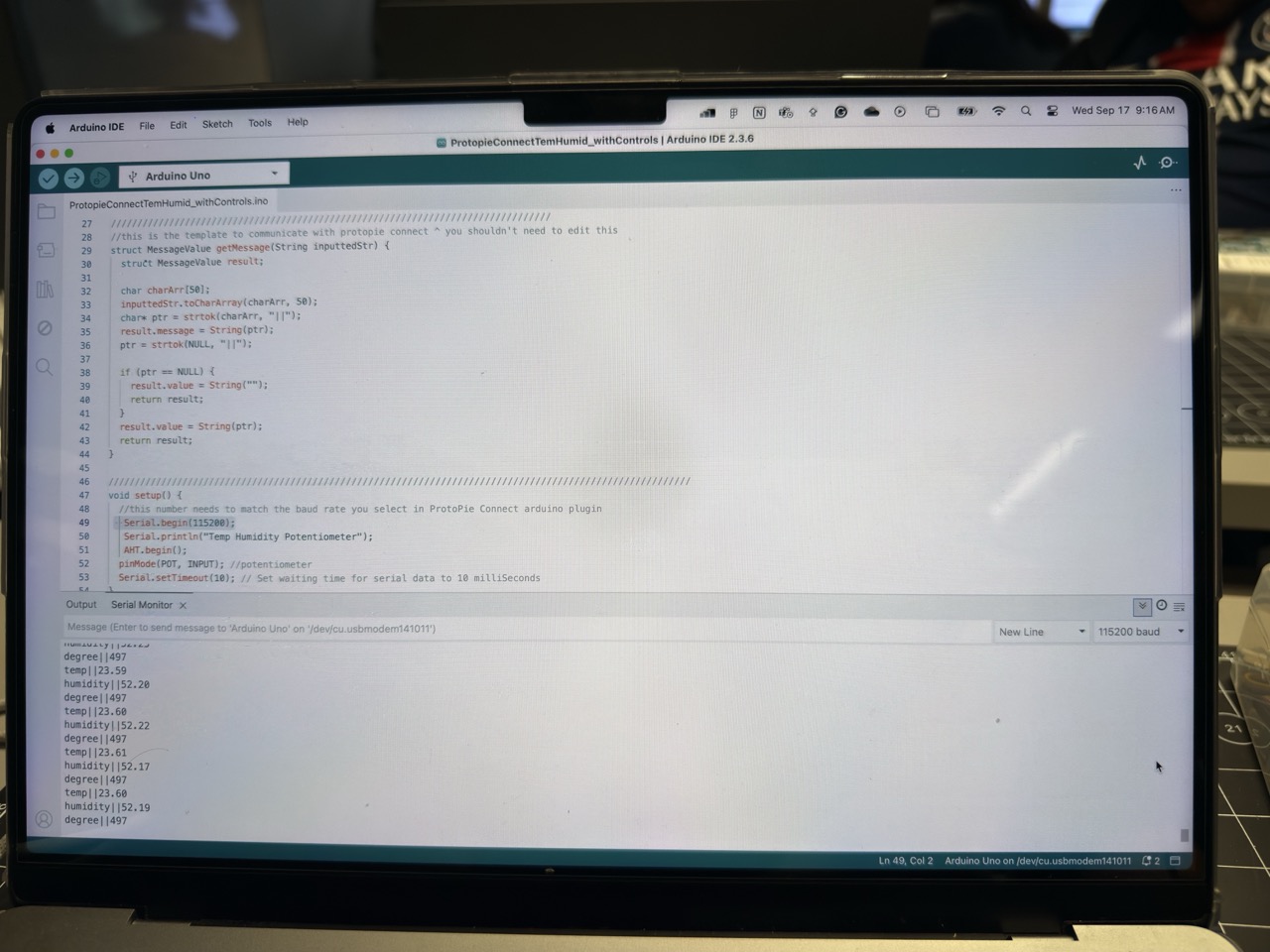
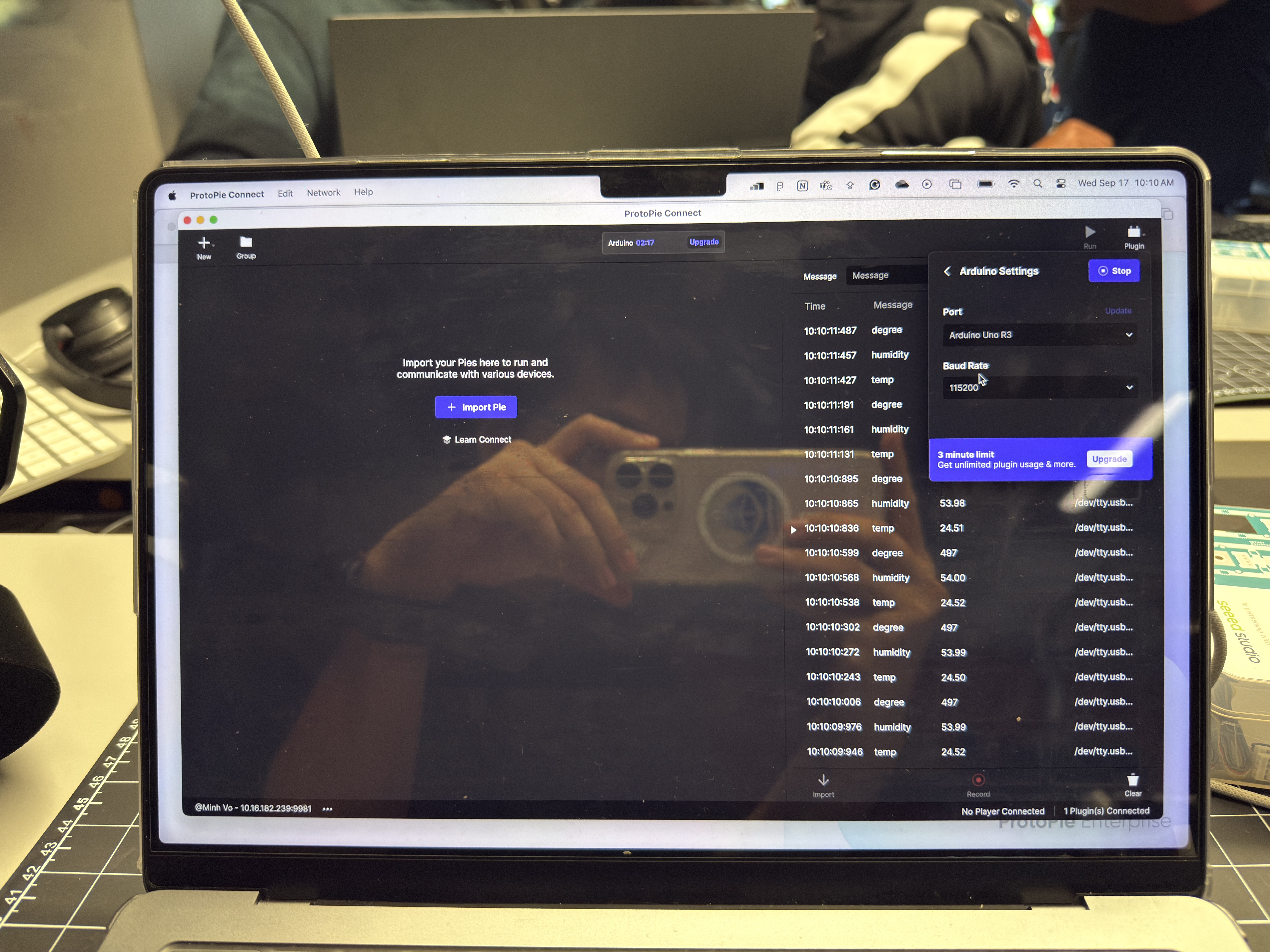
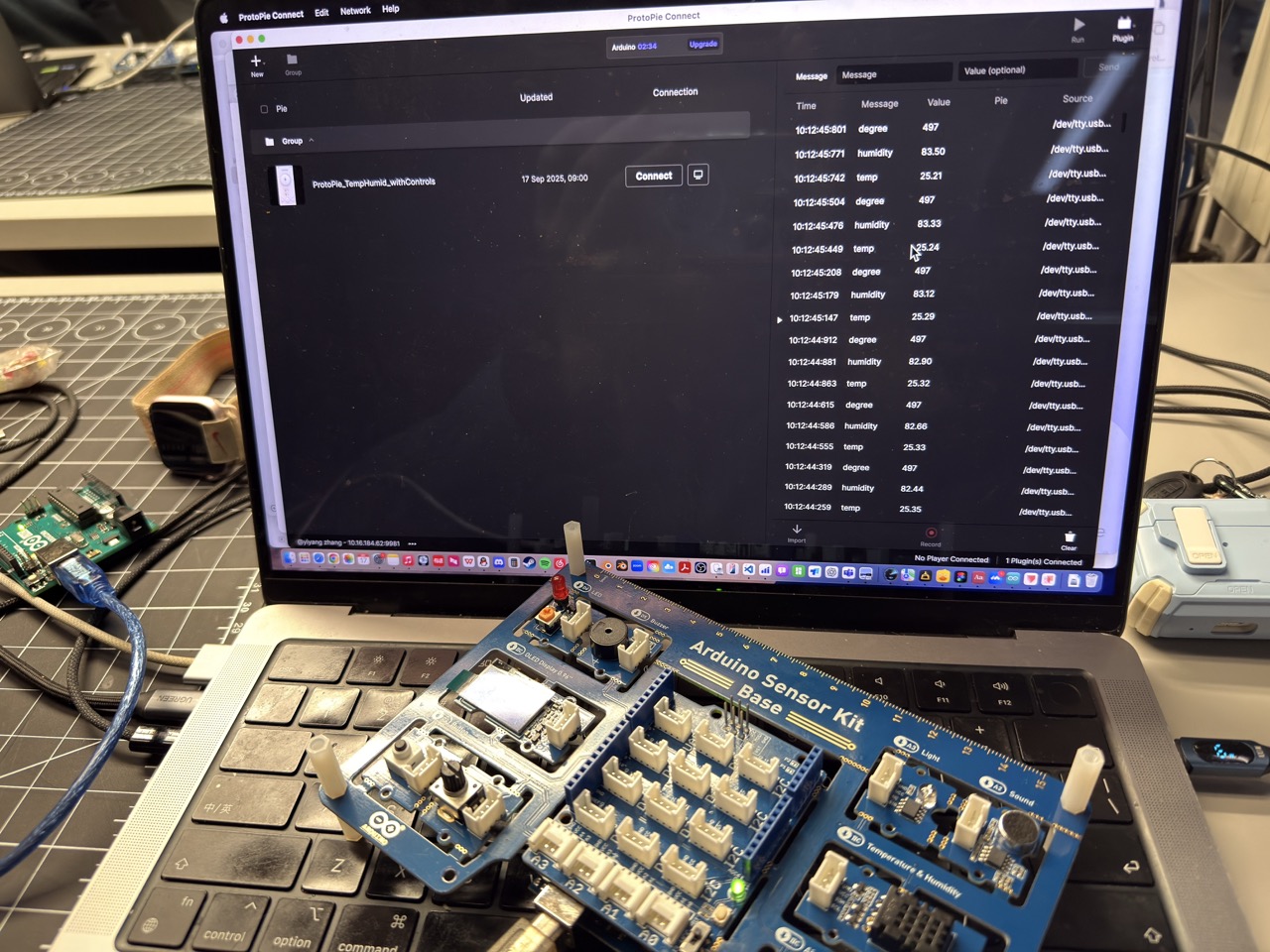
Connecting dev board to laptop Arduino IDE code ready to upload Testing on second laptop Running uploaded program, checking outputs Board running in real time

Activity 3 — Arduino → TouchDesigner
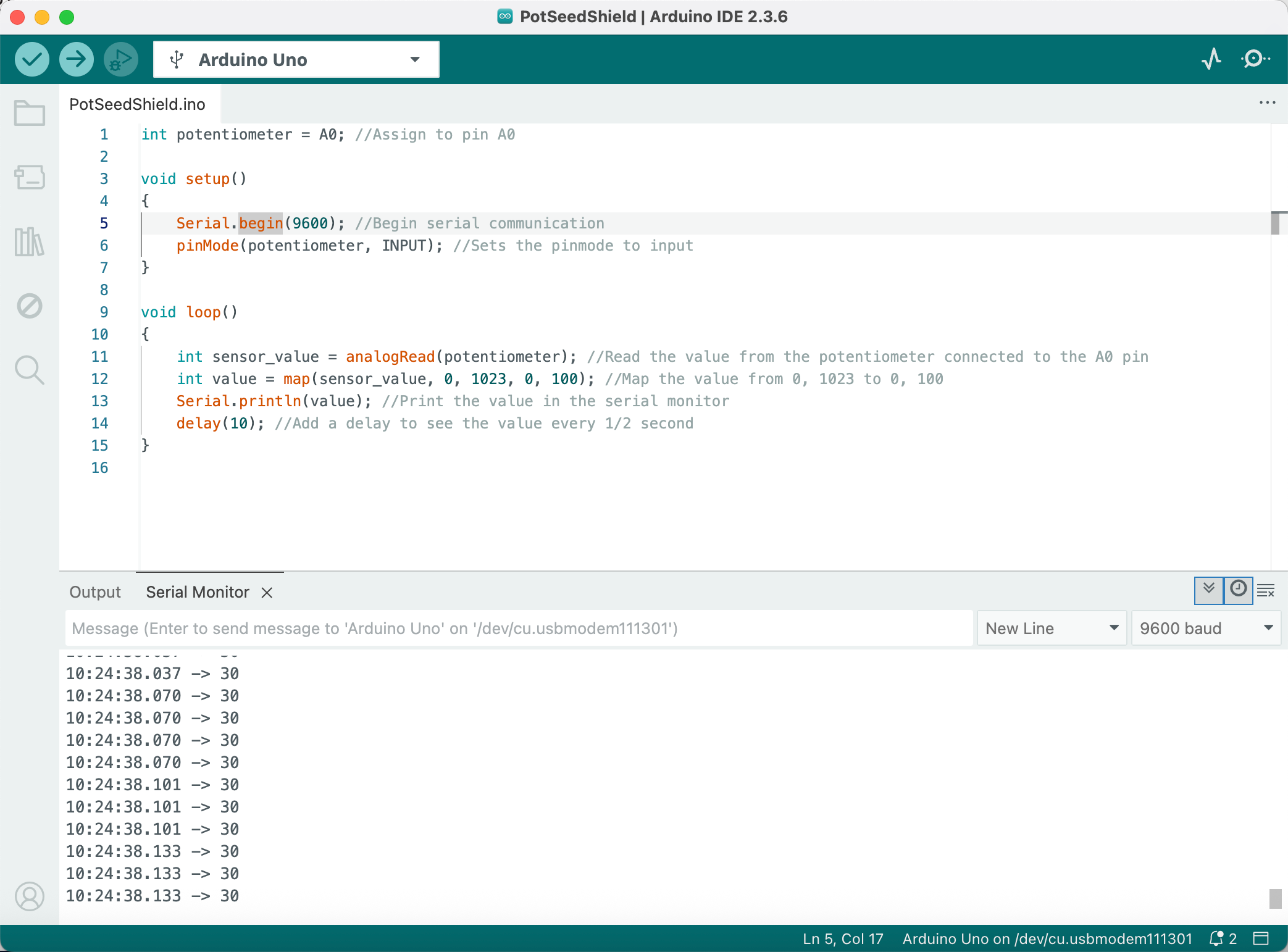
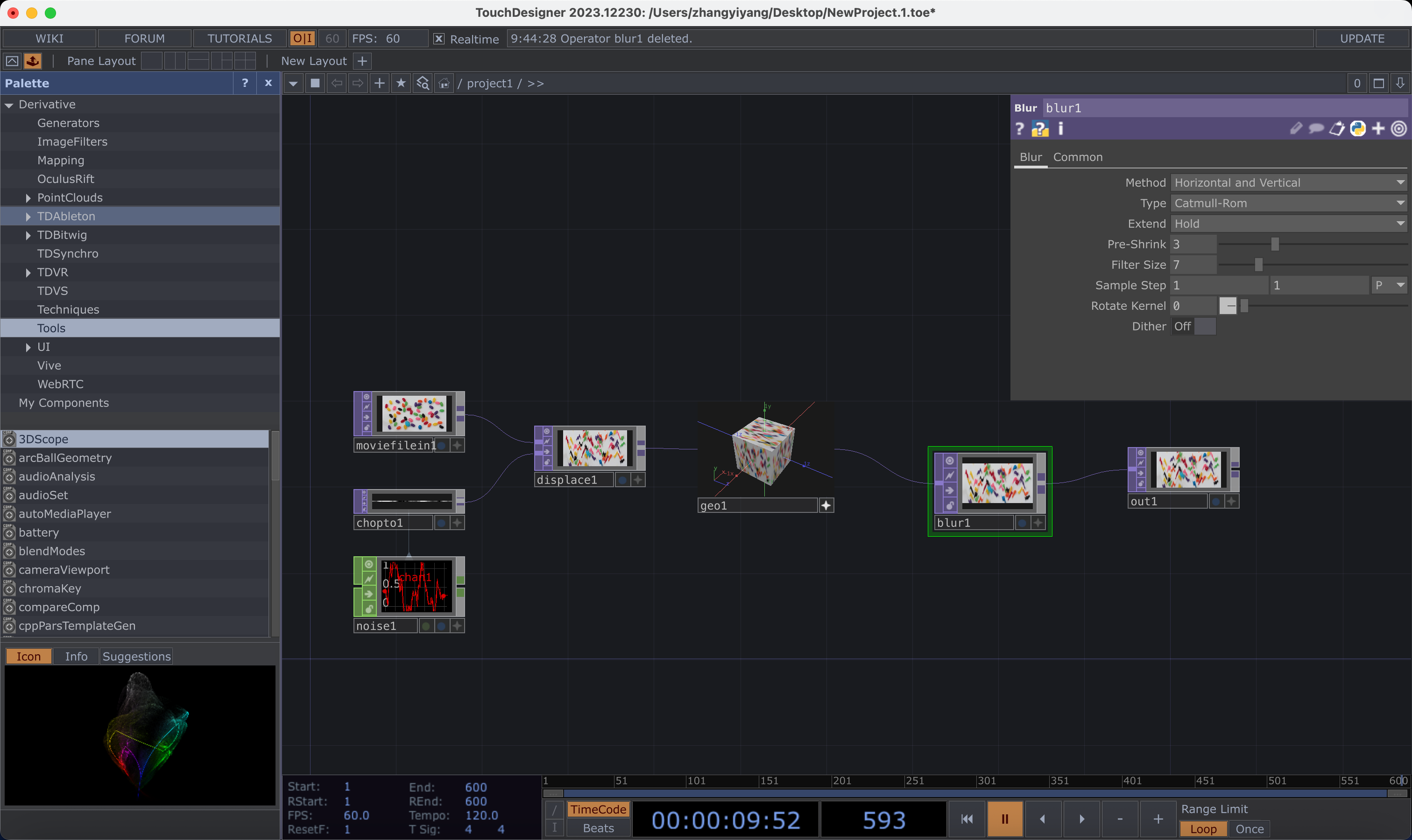
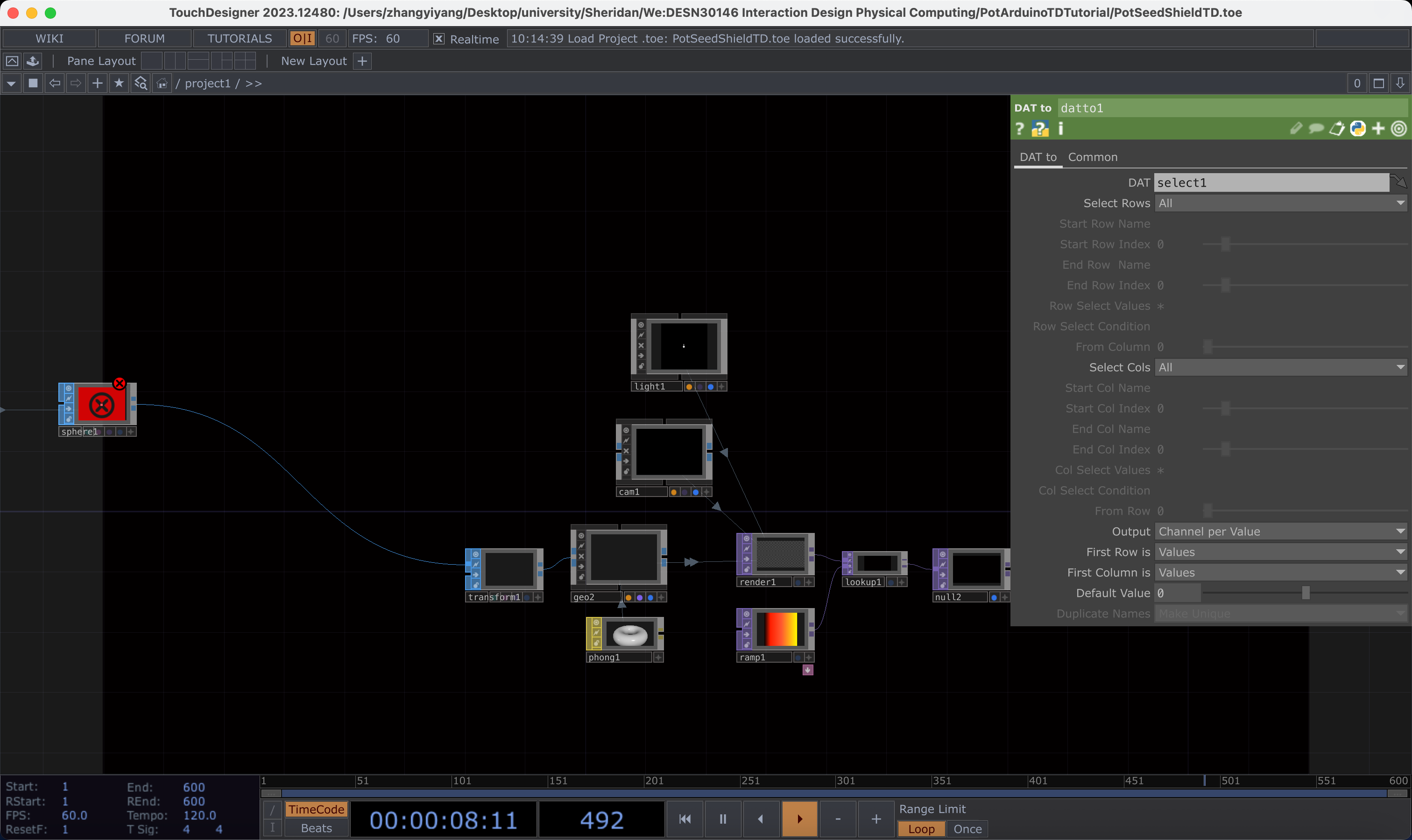
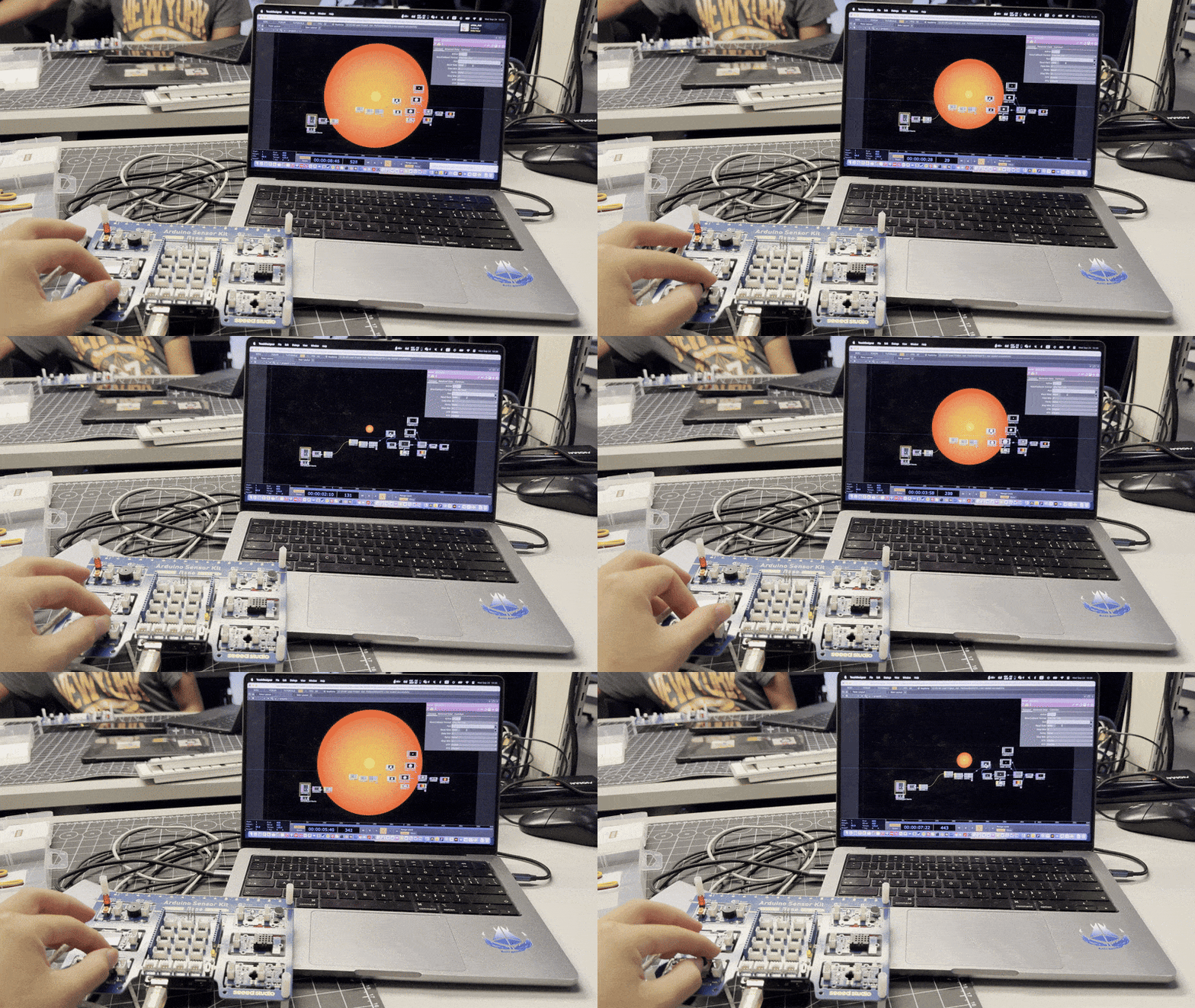
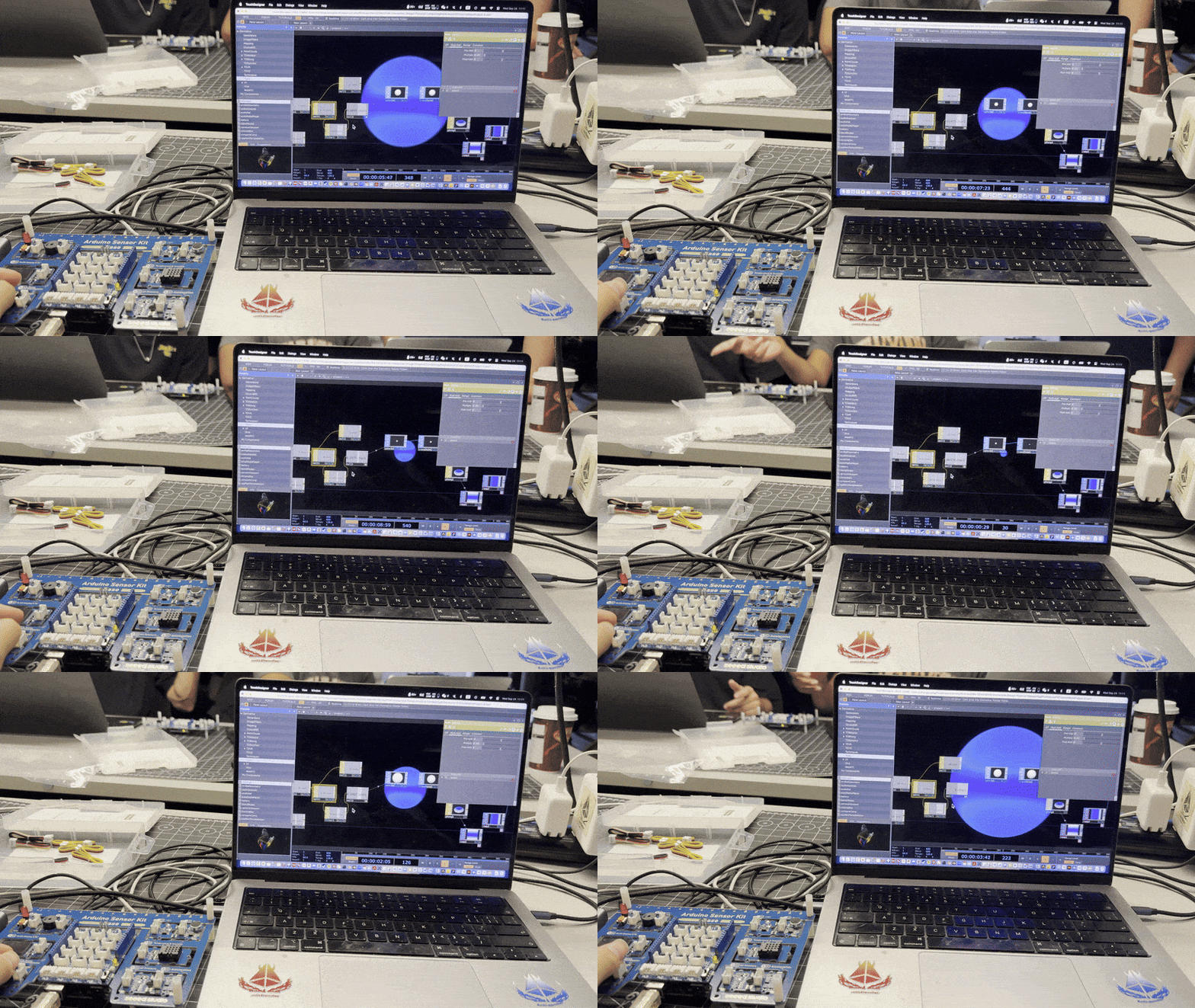
Potentiometer serial data 0–100 TouchDesigner blank project Serial port error (monitor still open) Instructor example: potentiometer → circle radius My network: potentiometer controls circle size and hue

Concept Direction

Chose the ART path — transforming sensor signals into generative visuals. Core idea: make energy states legible at a glance through calm colour/particle fields mapped to real data.
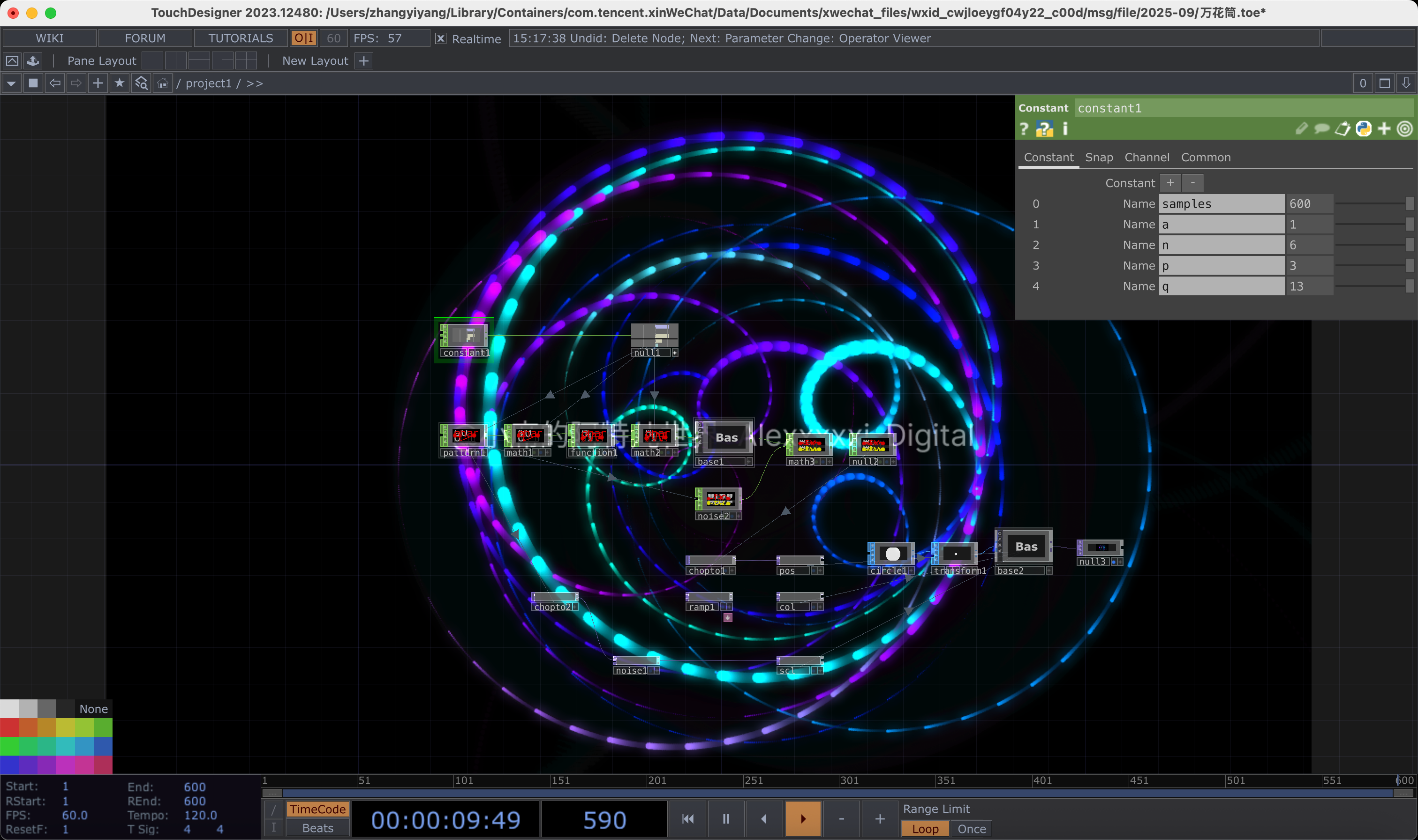
TouchDesigner prototype — solar energy mapped to colour and particle density
Module 2 — Sensor Build & Prototype

DHT Sensor → LED → LCD Comfort Lamp

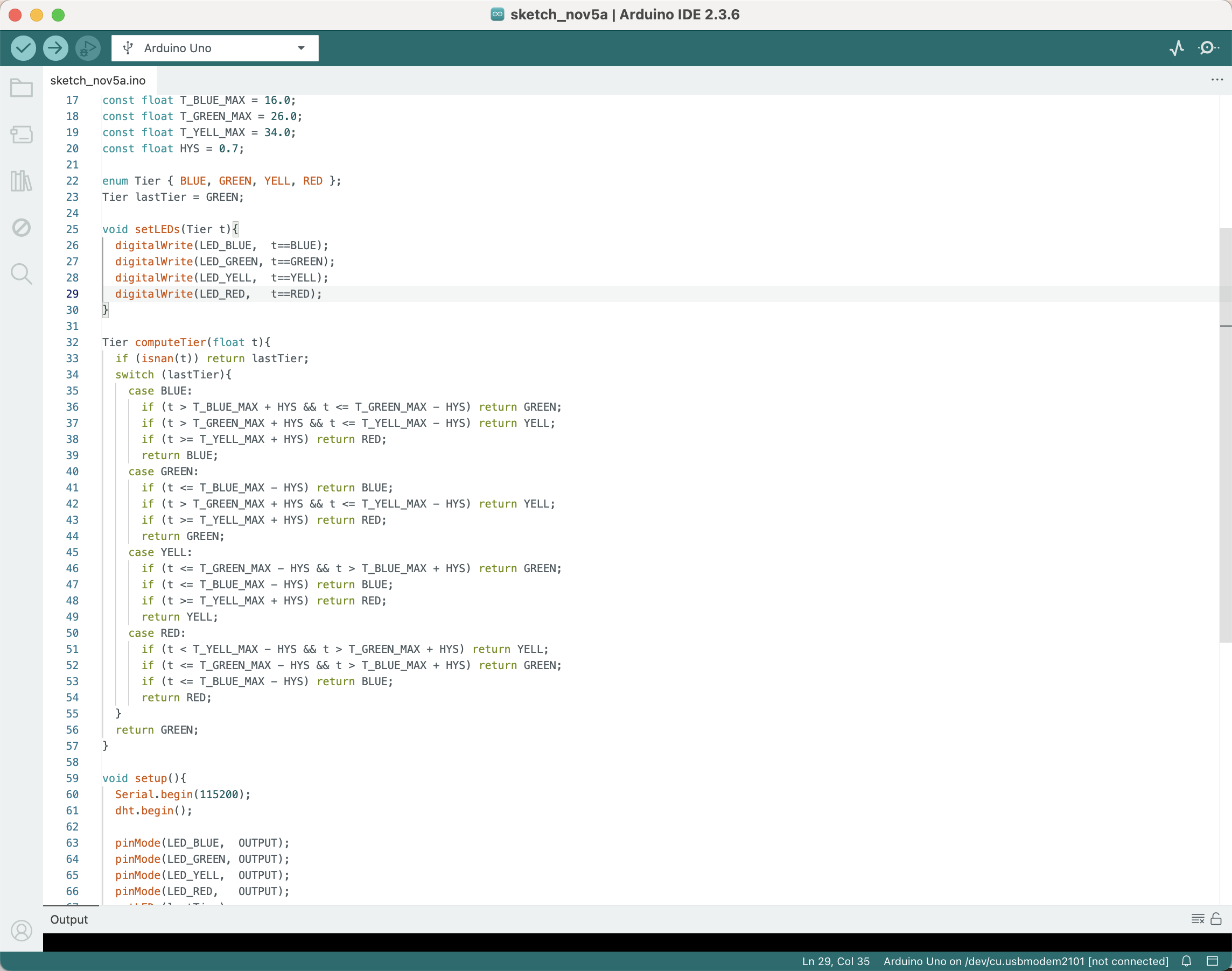
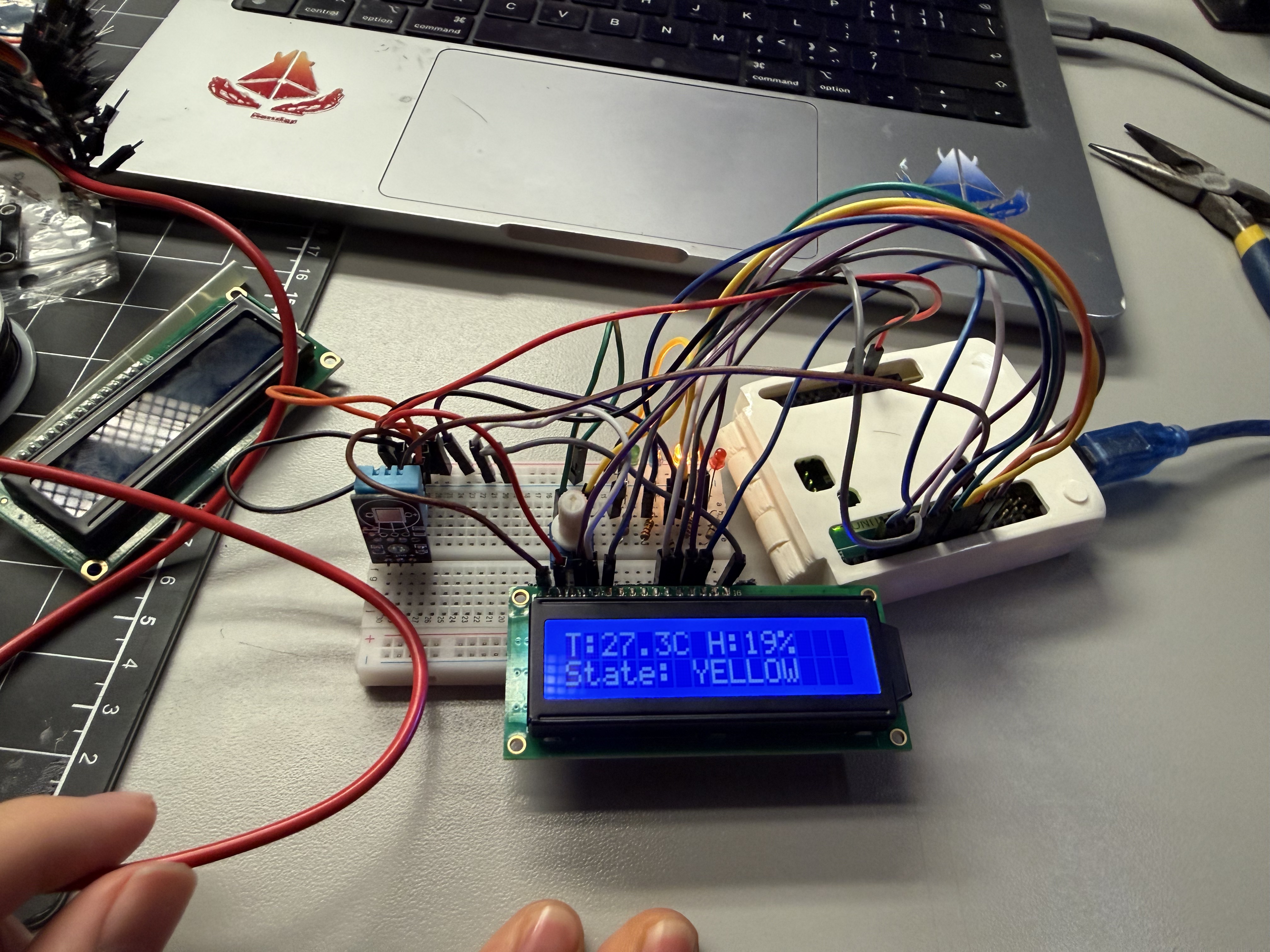
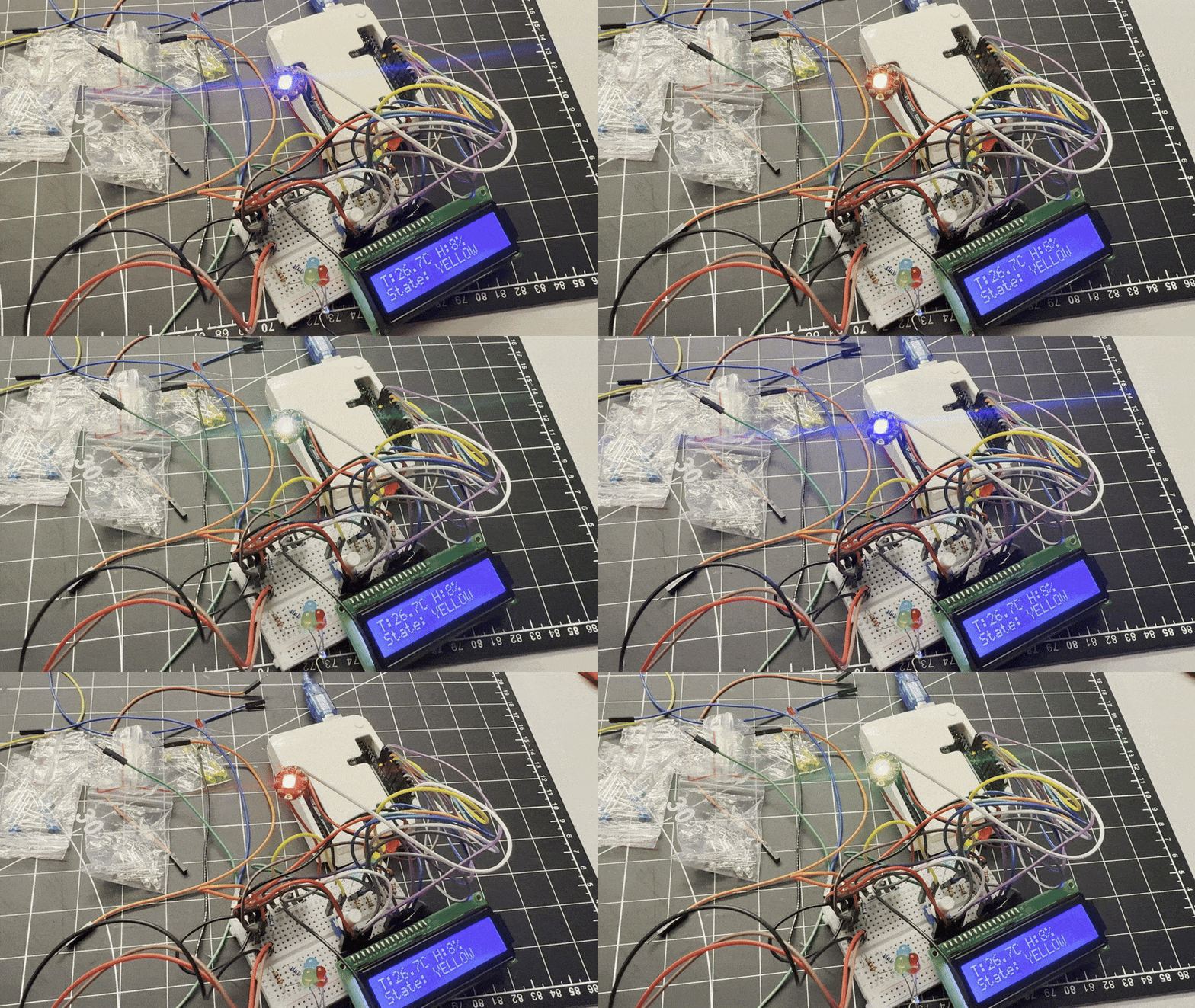
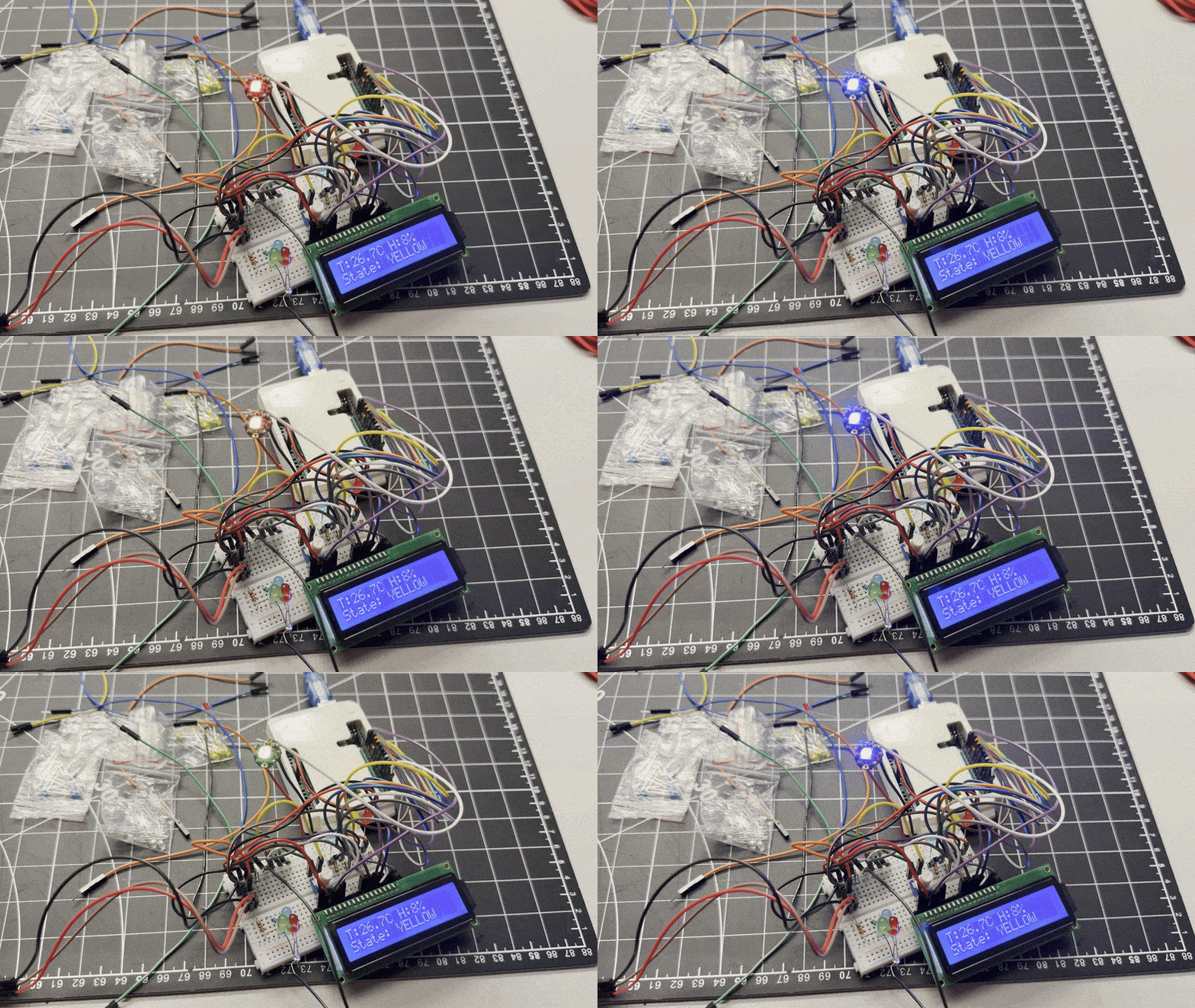
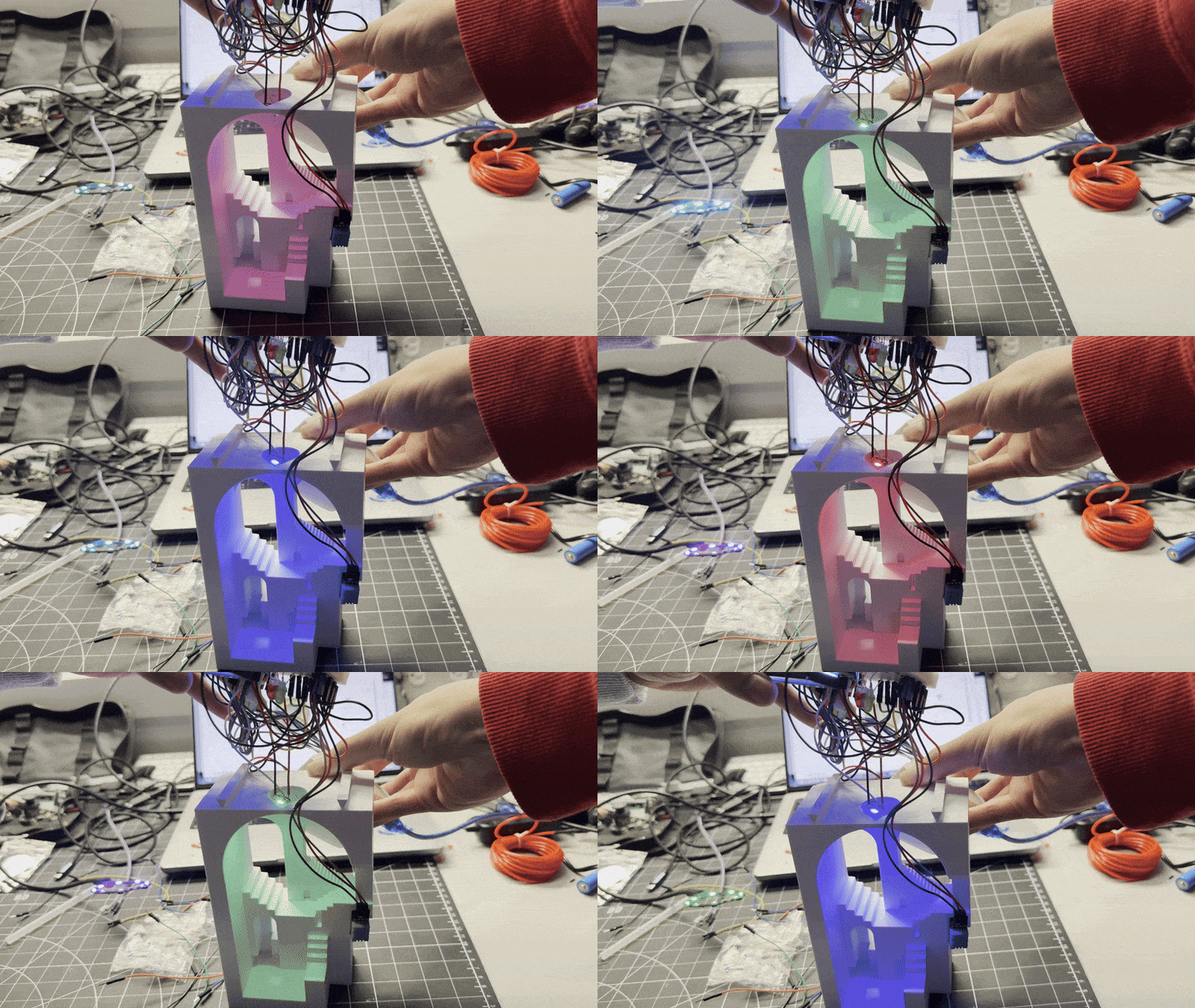
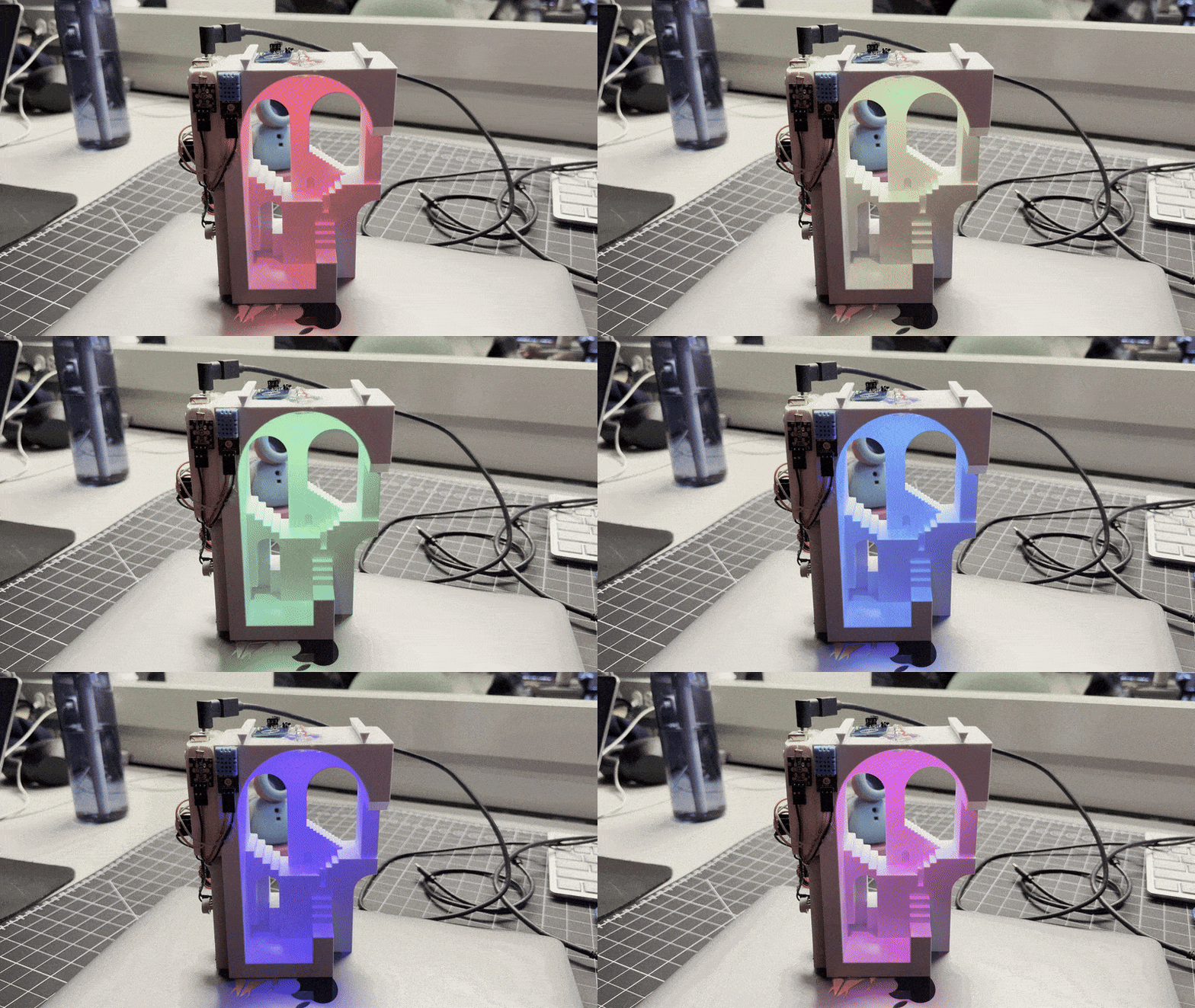
Built the core circuit: DHT11 reads temperature & humidity, Arduino maps values to four colour tiers (BLUE < 16 °C, GREEN 16–26 °C, YELLOW 27–34 °C, RED ≥ 35 °C) with hysteresis. Added LCD1602 for live readout. Guerrilla prototyping sessions tested cardboard lamp housings.

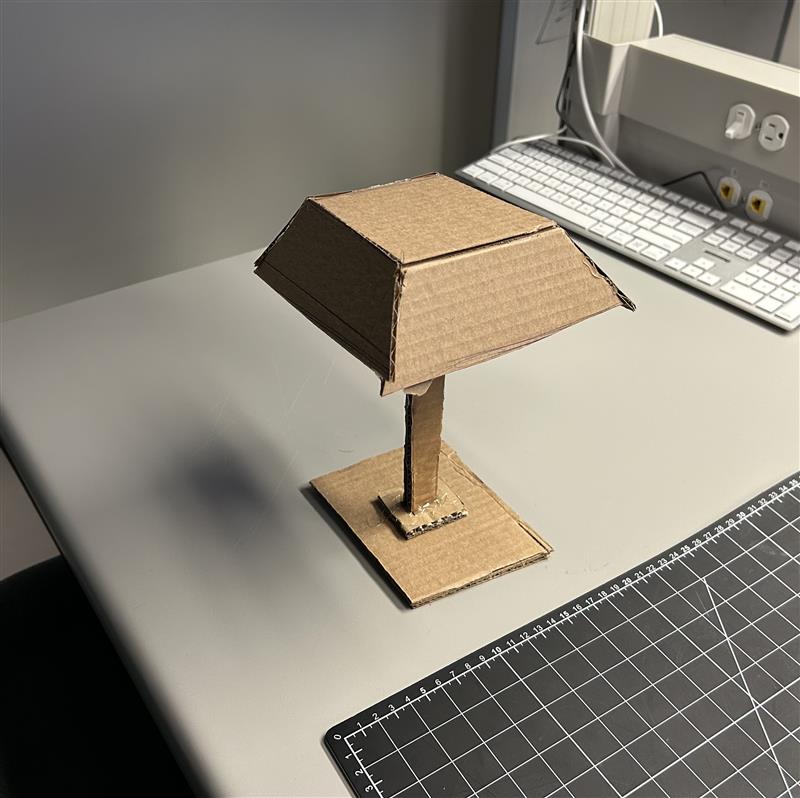
Guerrilla Prototyping I — Cardboard Stand
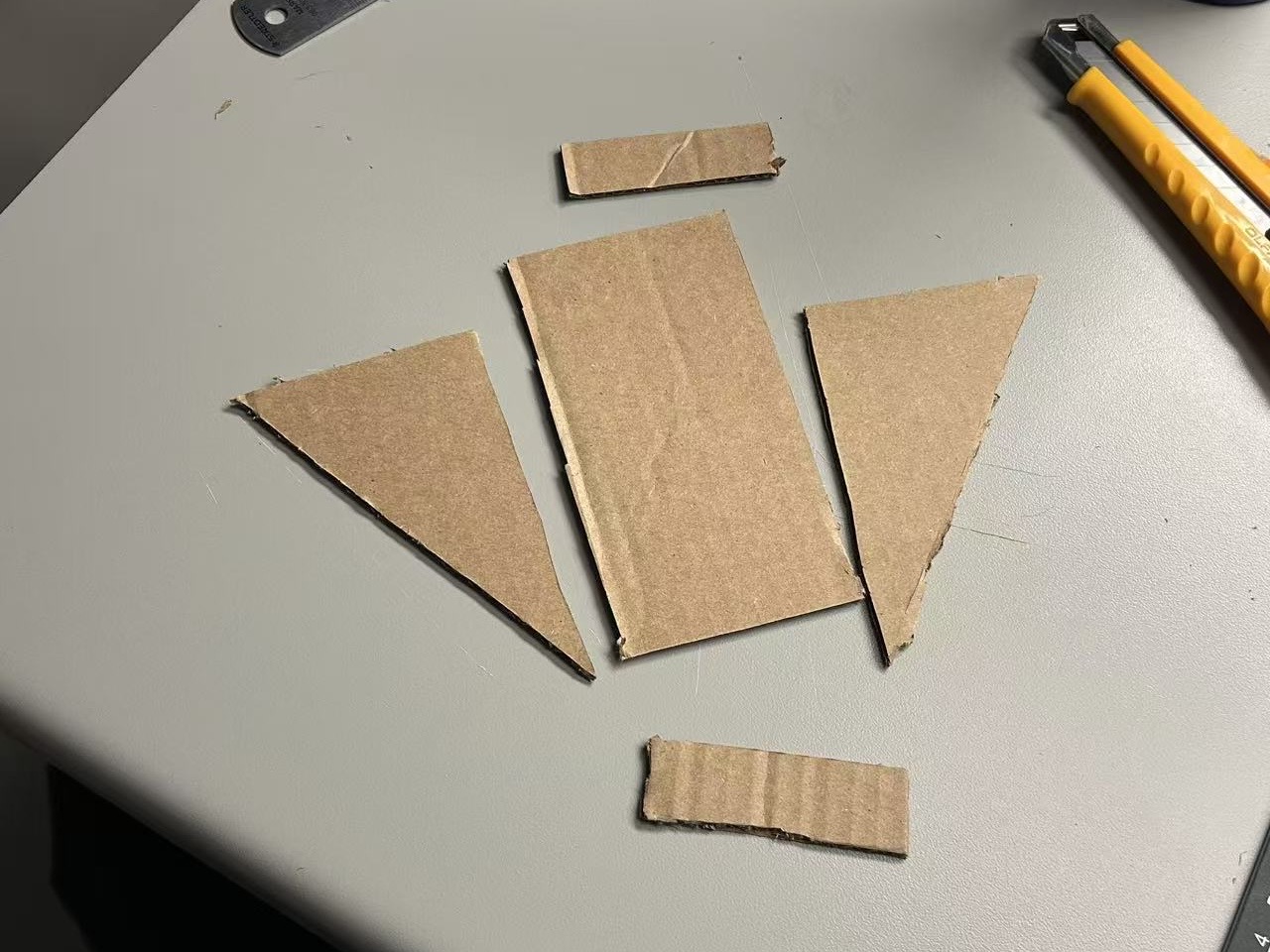
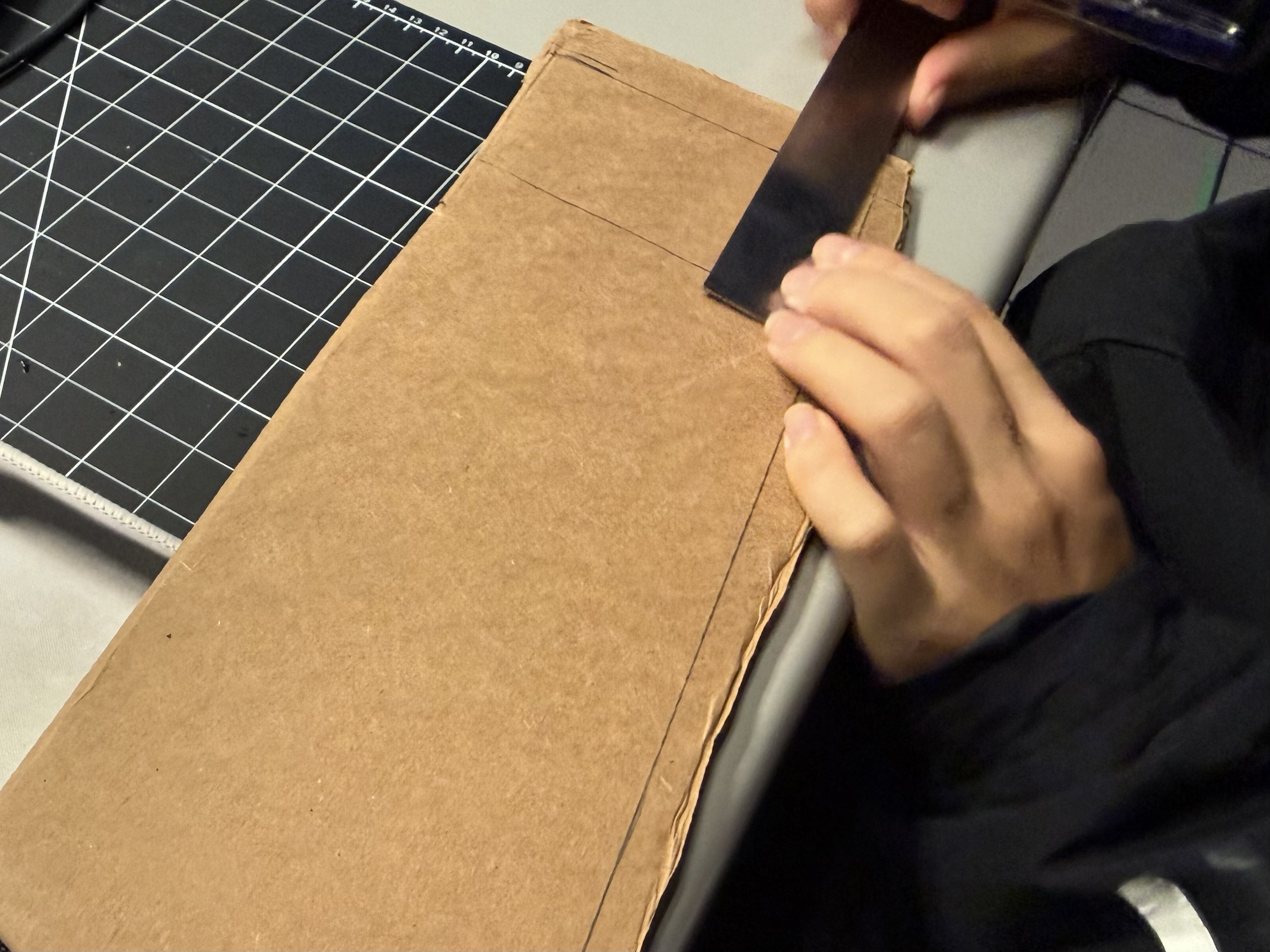
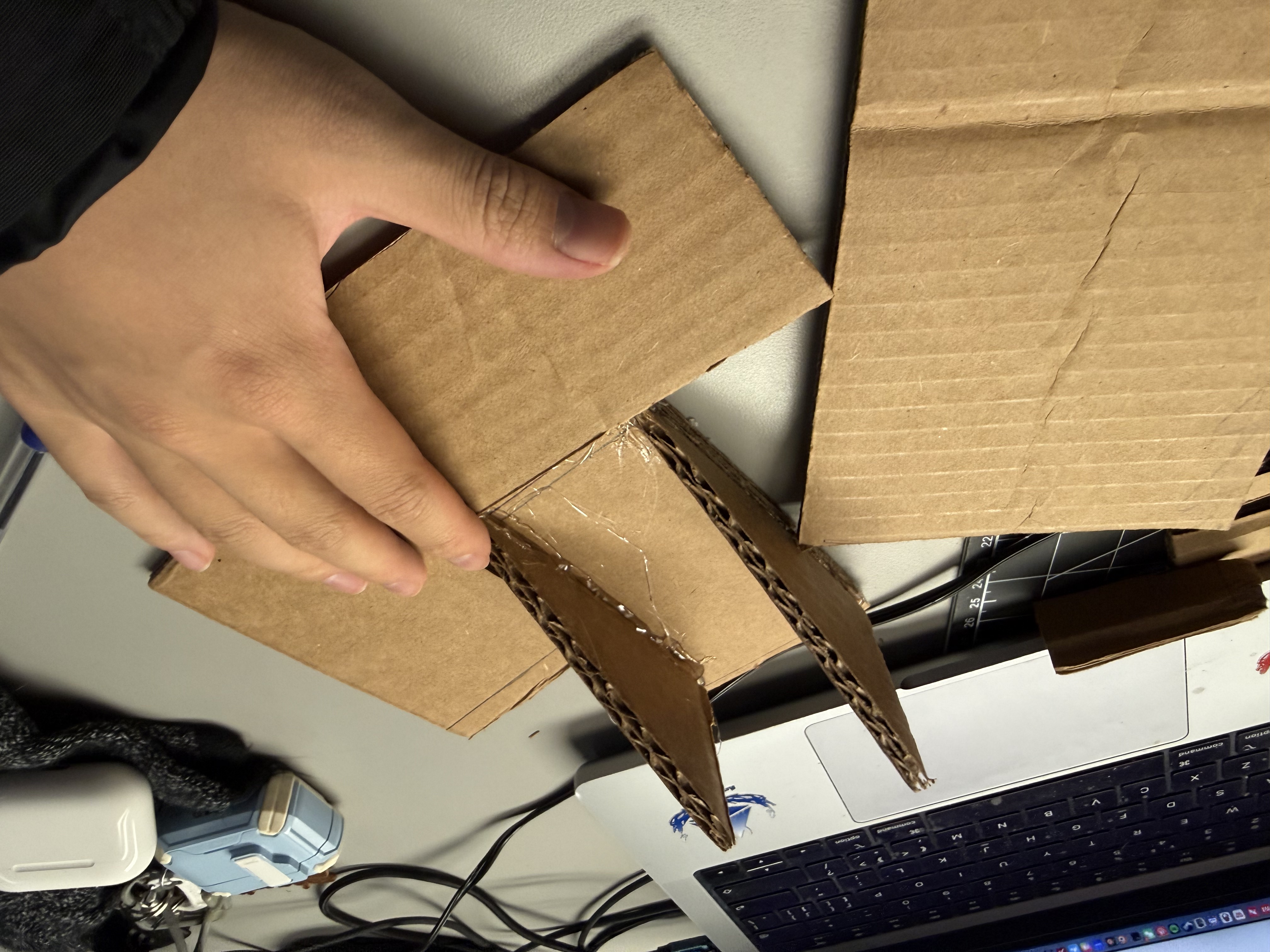
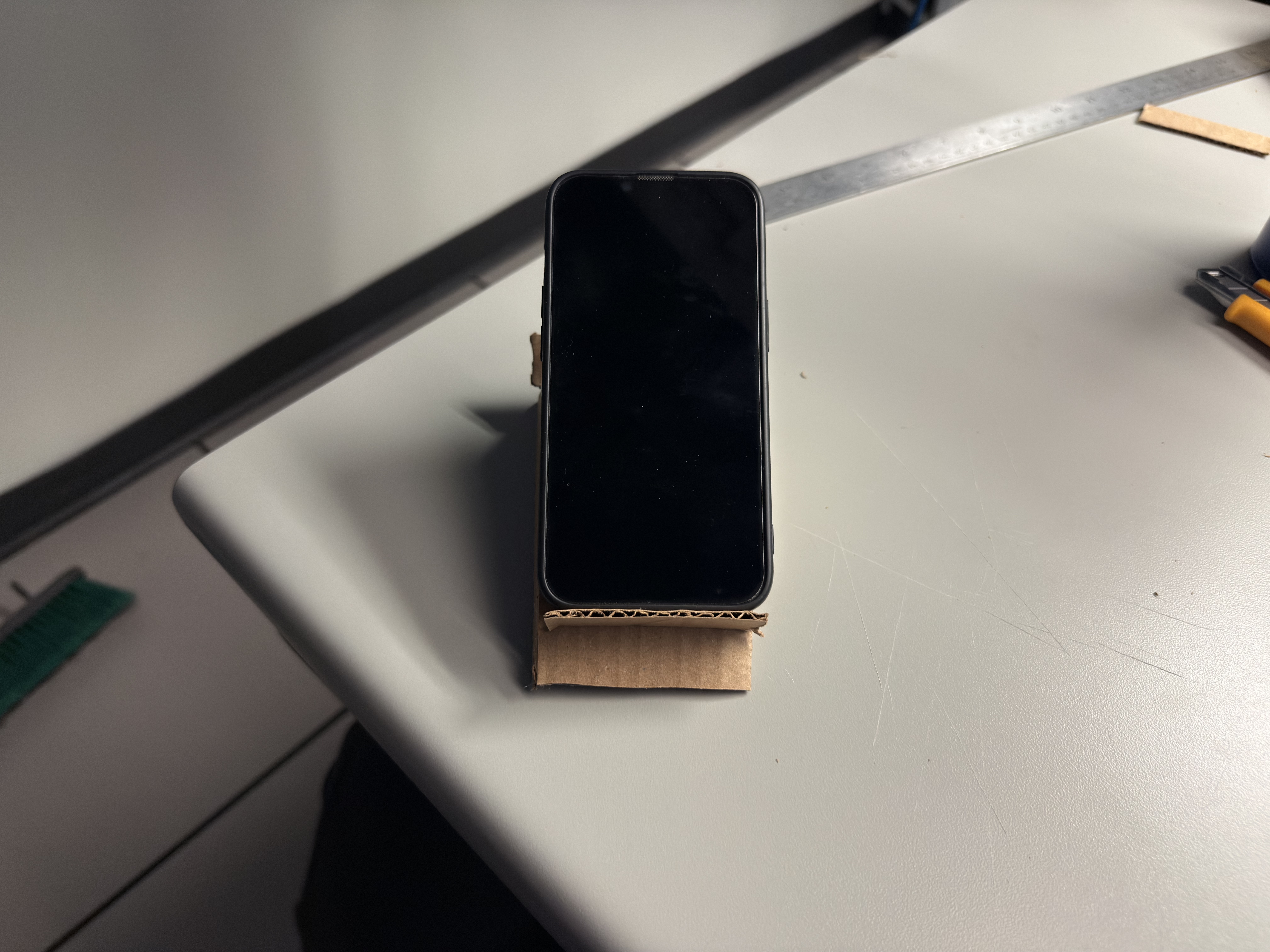
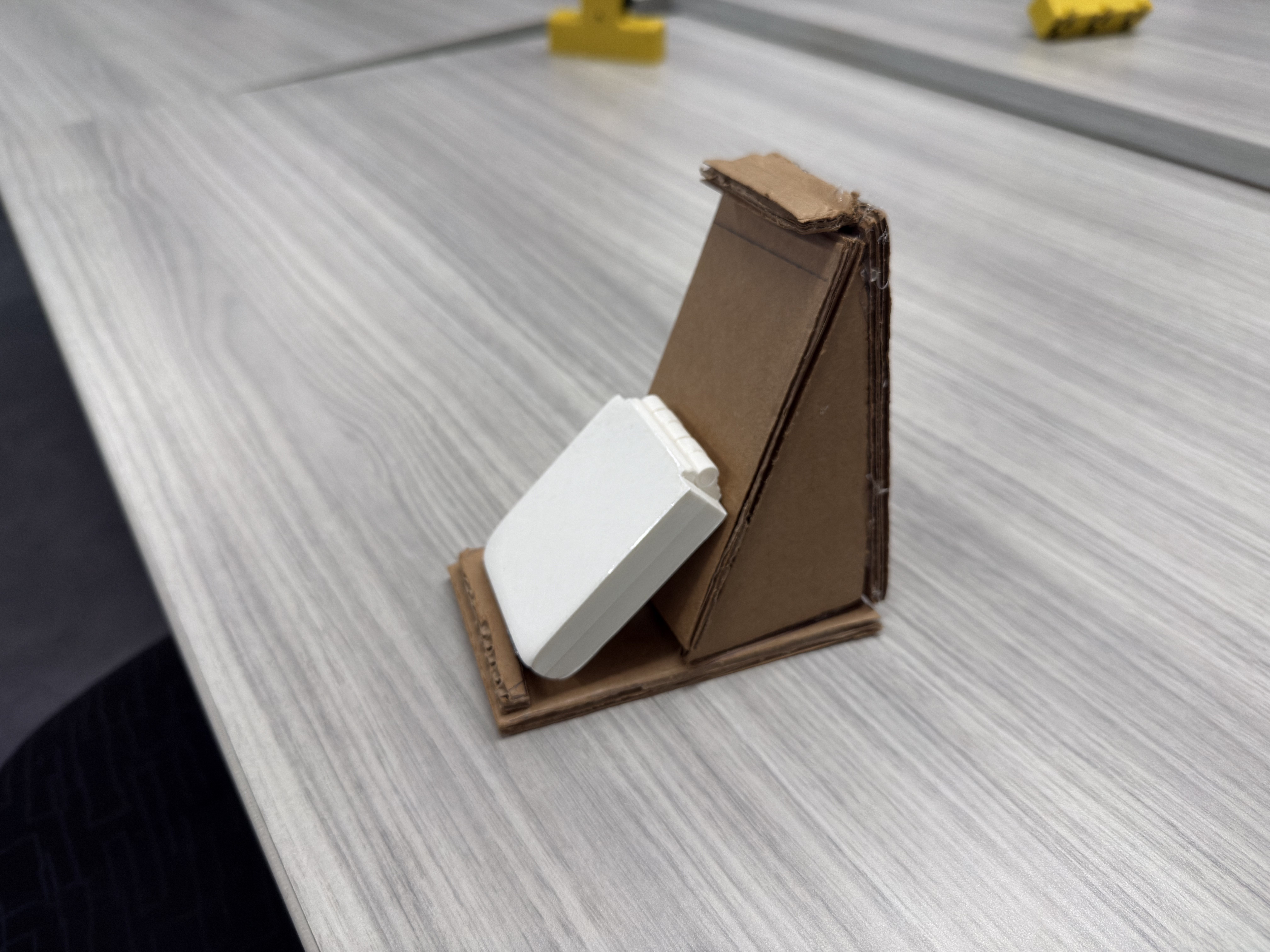
Cut cardboard parts — base, ribs, slot pieces Measuring and layout Assembly with hot glue Prototype V1 — limited angle range Prototype V2 — wider base, rear wedge

DHT11 Sensor Exploration

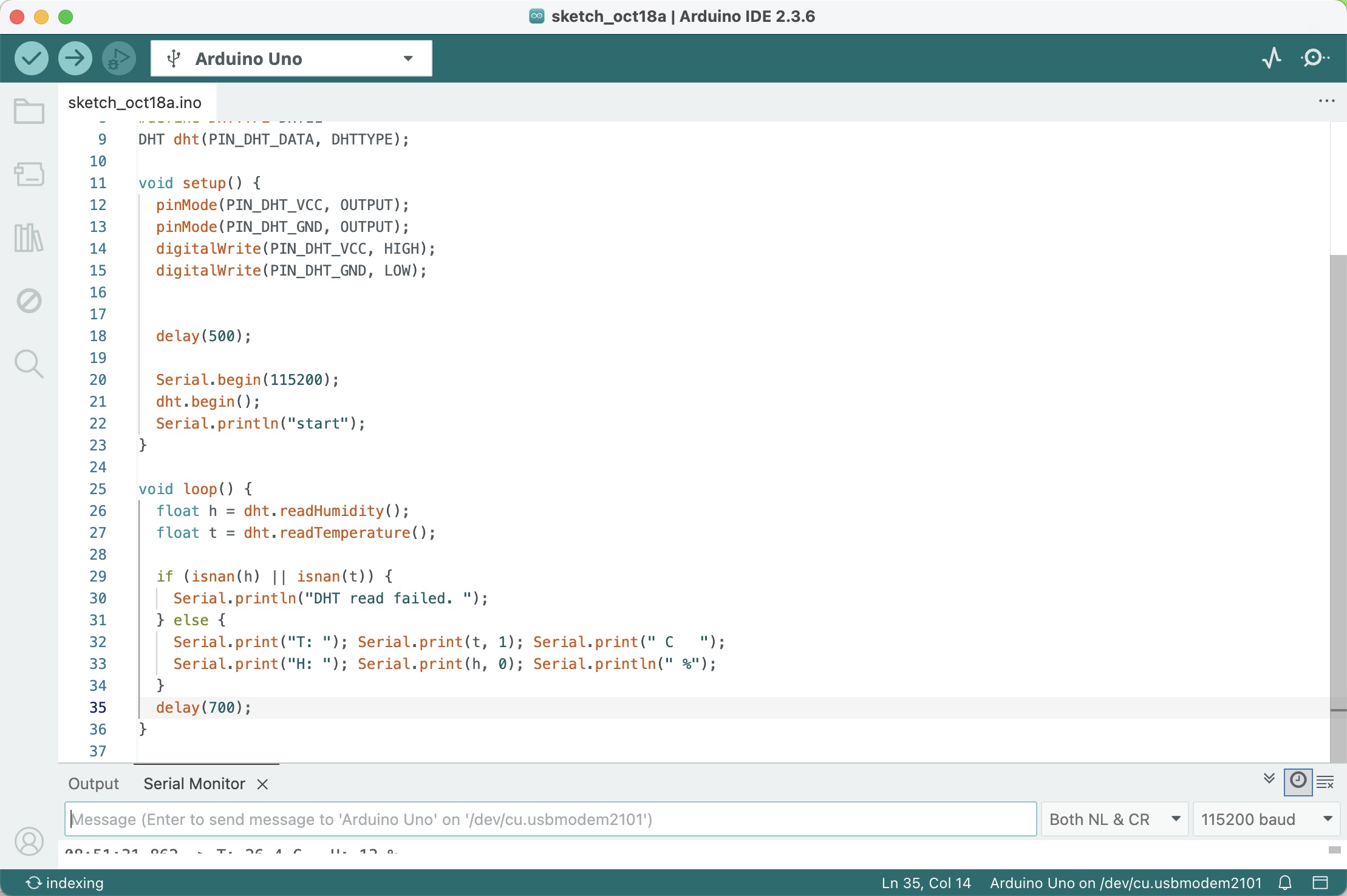
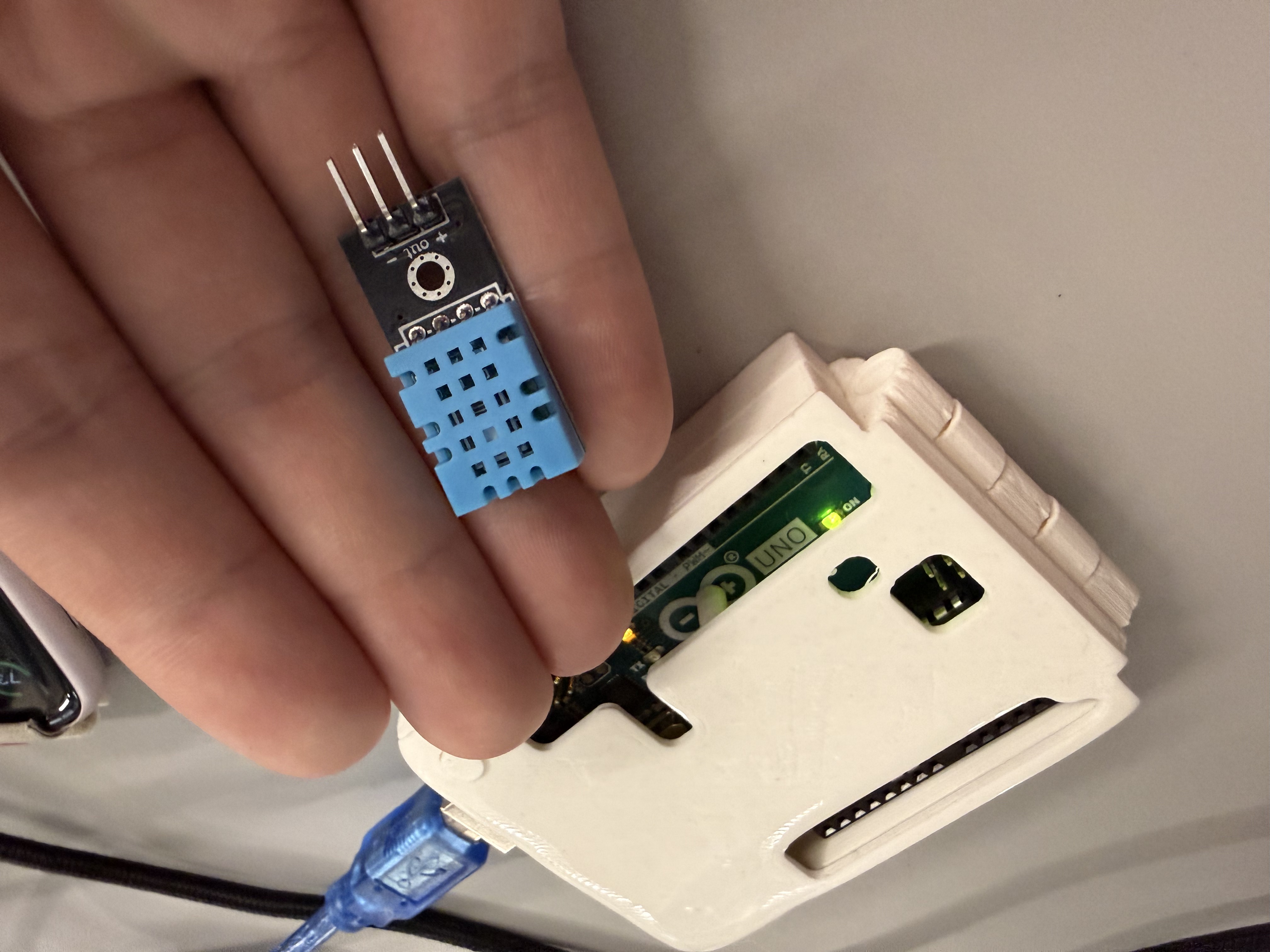
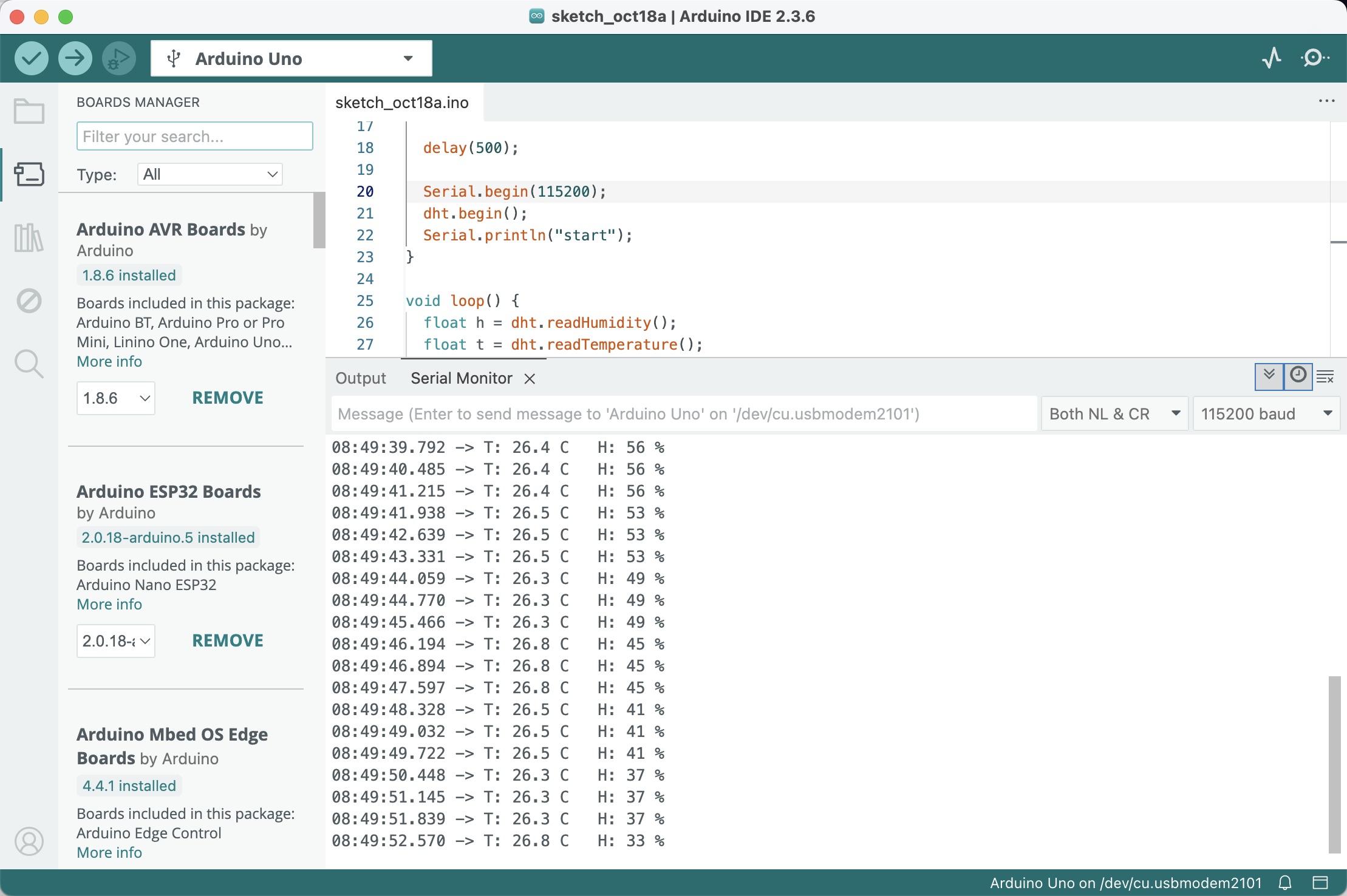
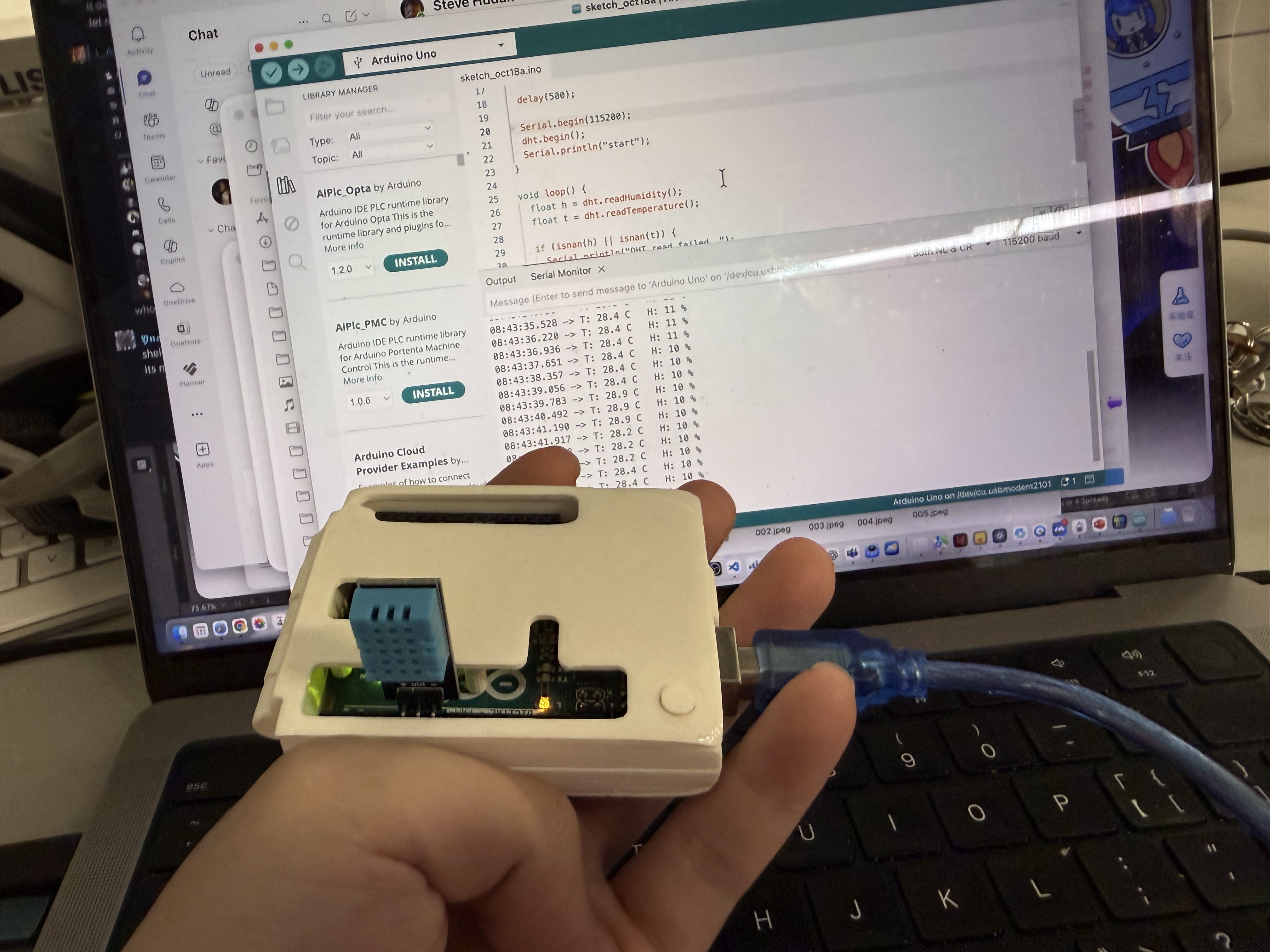
Cardboard prototype checking balance and internal volume Arduino IDE DHT11 sketch DHT11 wiring close-up Serial Monitor streaming sensor data Sensor mounted in temporary case

Iterating DHT Data → LED Signals

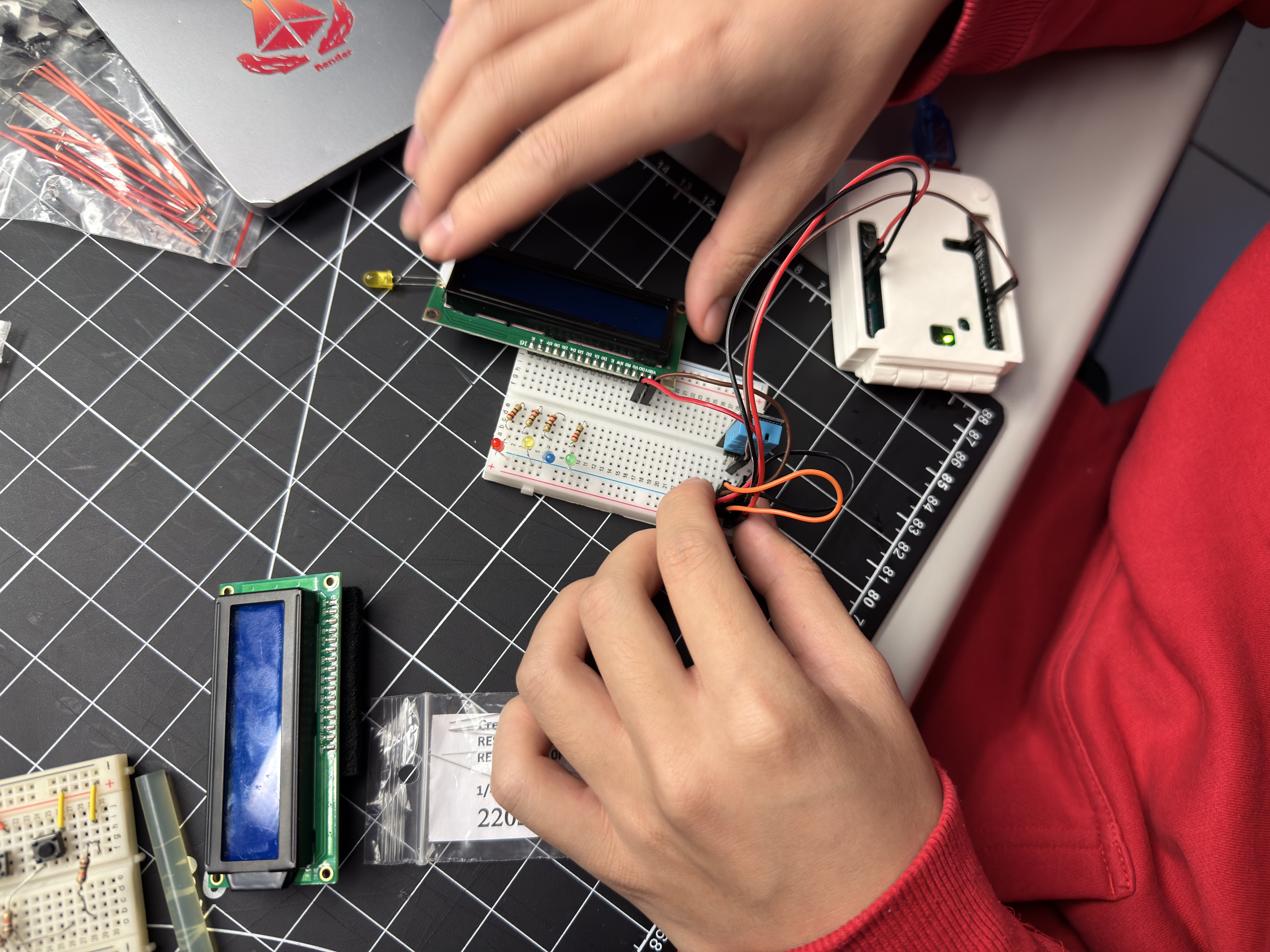
Board selection and sensor choice Breadboard layout — DHT wired Wiring refinement — DATA/VCC/GND verified Arduino sketch with tiers and hysteresis End-to-end serial test — live T/H readings

Action Research — Adding LCD1602
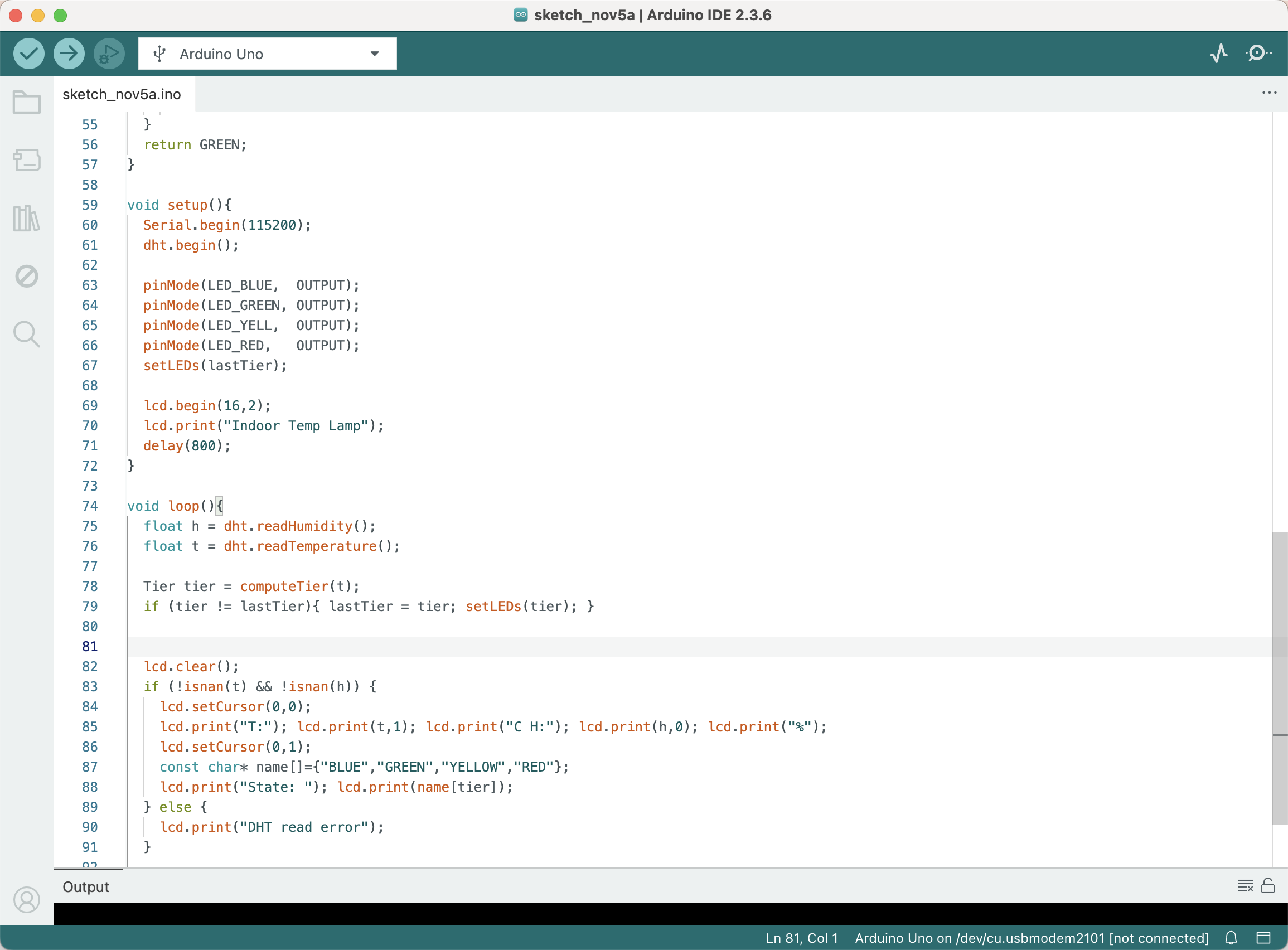

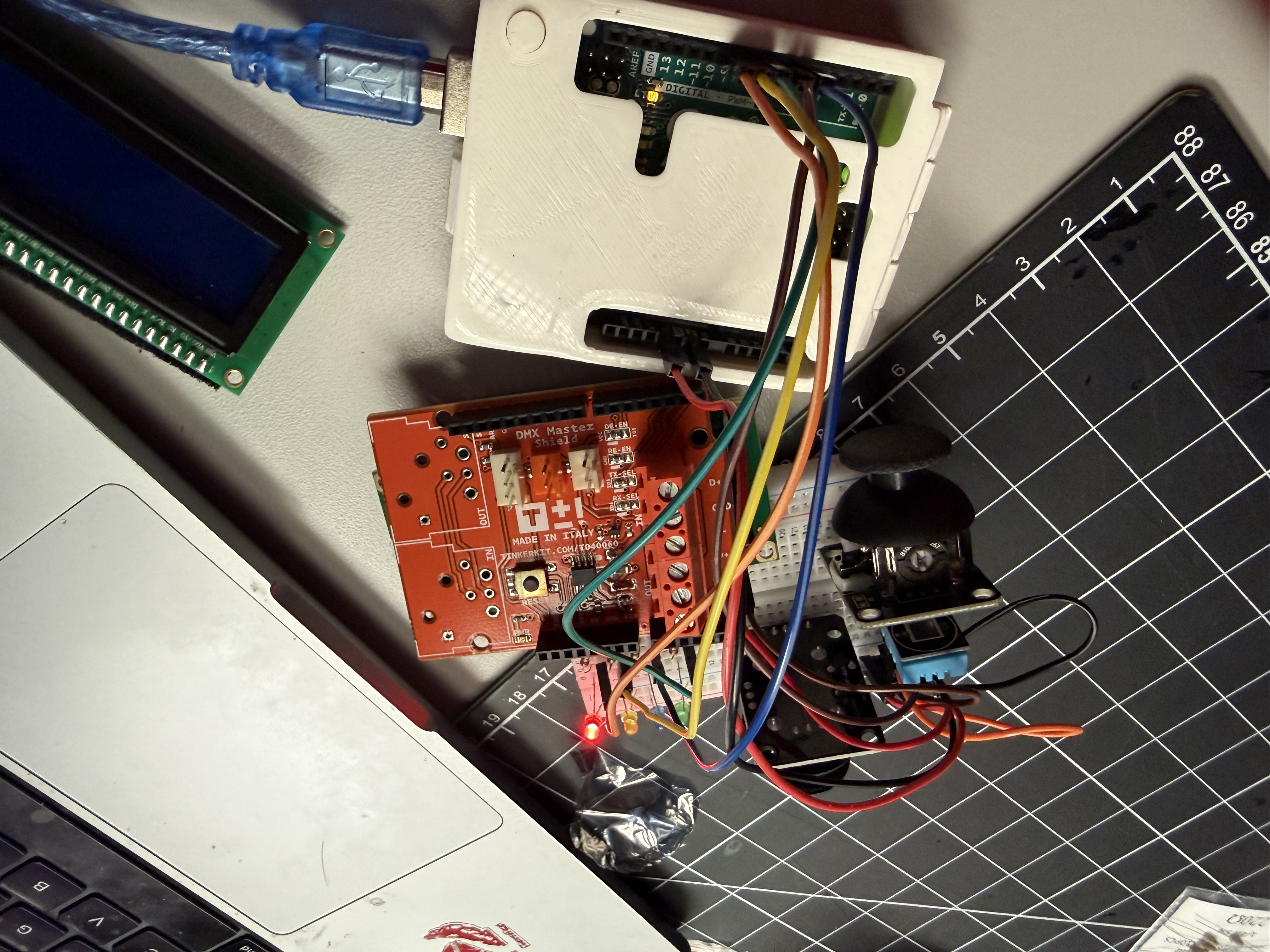
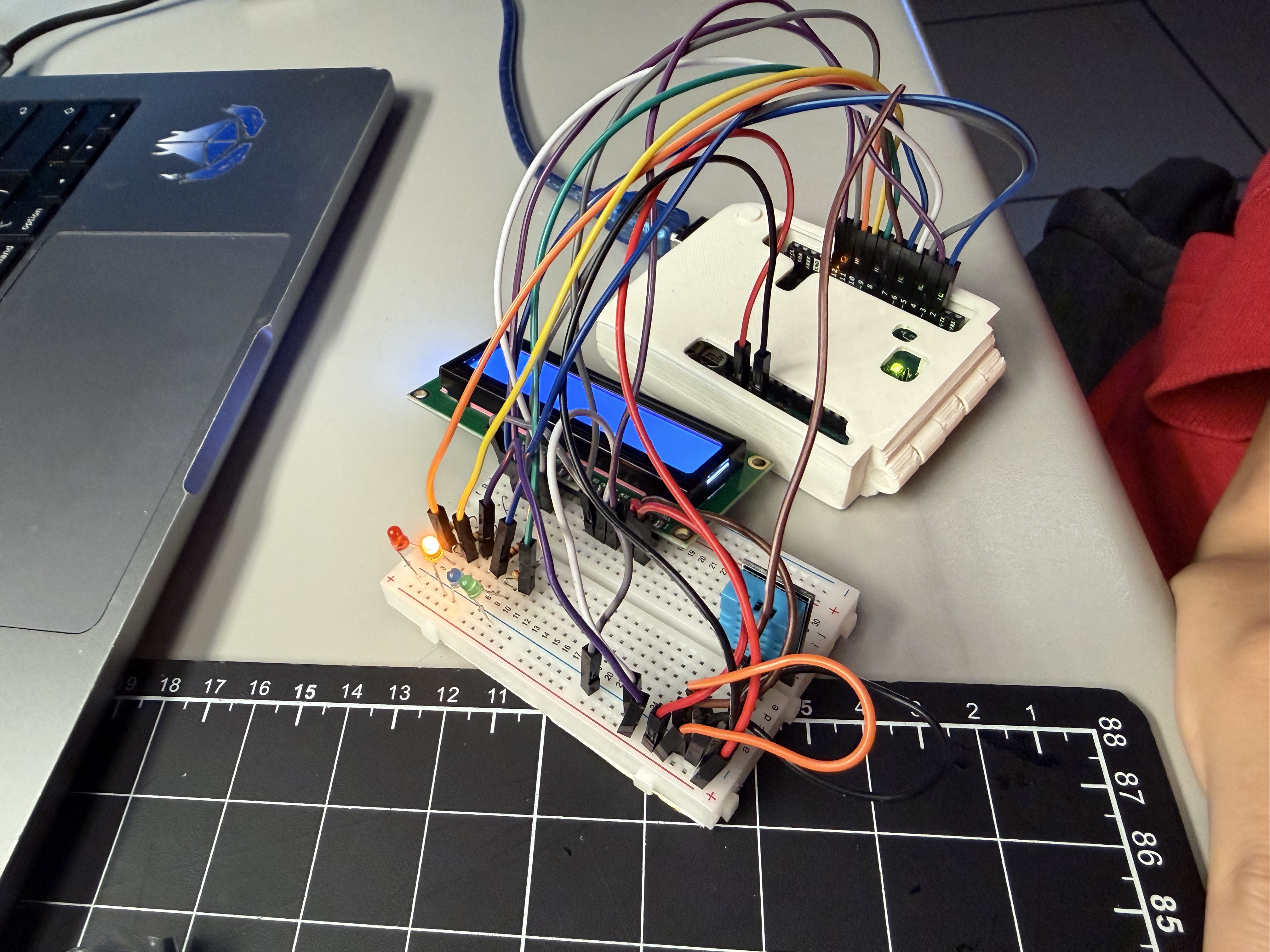
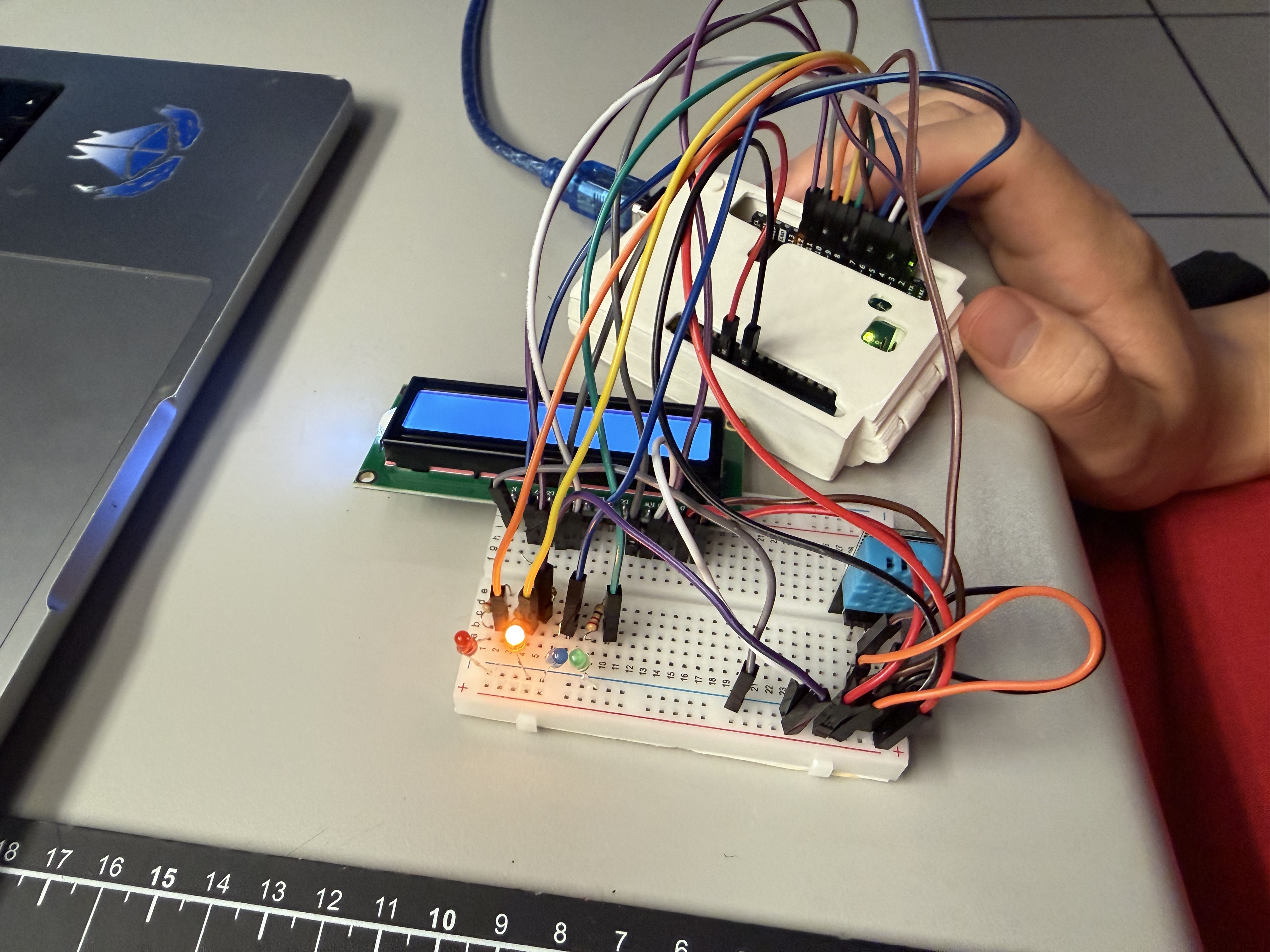
Arduino sketch — DHT, tier, LED, LCD Wiring full stack Breadboard refinement with POT for contrast LED cues live — tier colours LCD readout: T, H, and tier label

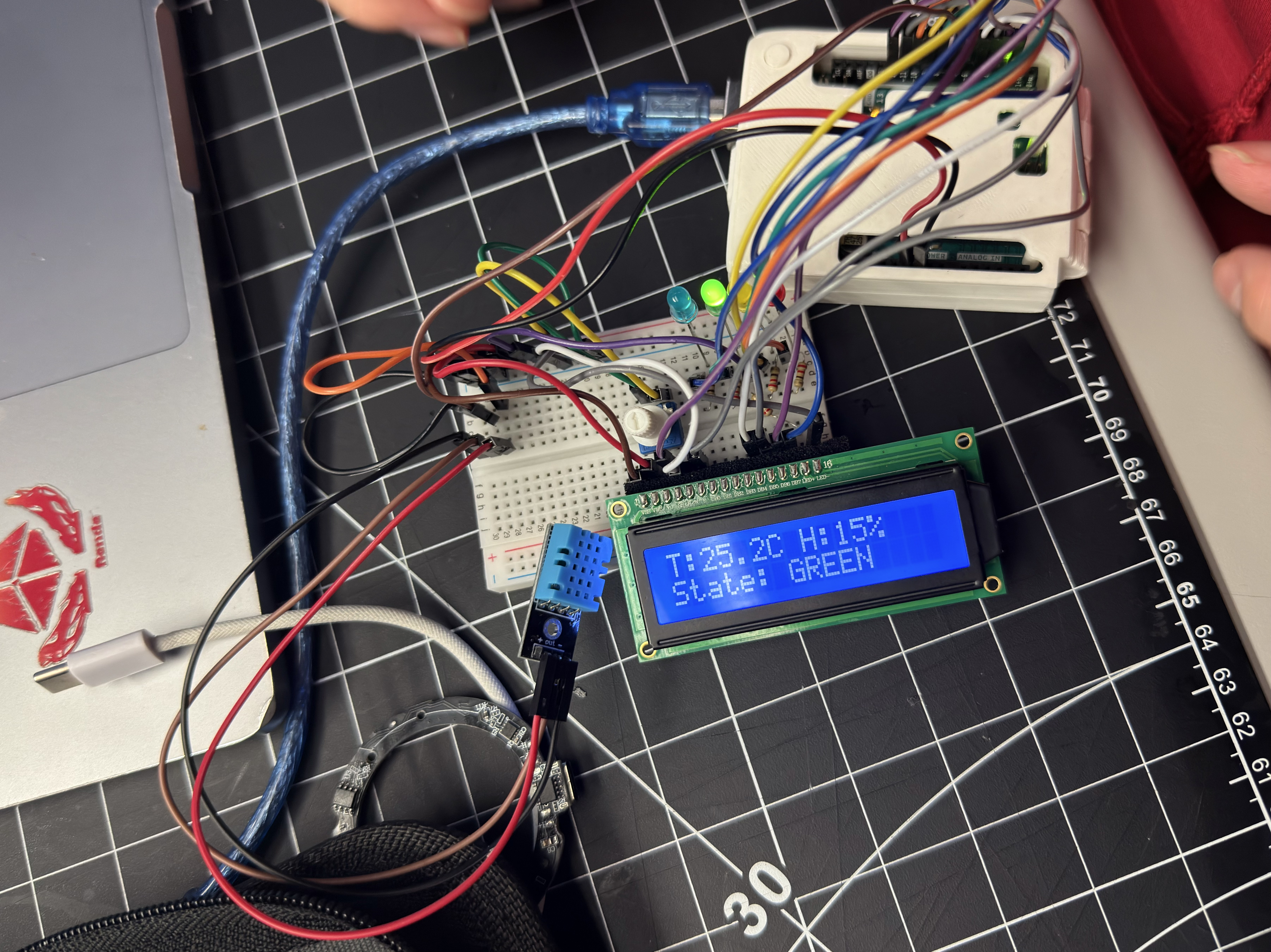
P2 Prototype Result

Comfort Lamp v1 — Arduino, DHT, LCD showing GREEN tier
Module 3 — 3D Housing & Final Prototype

From Circuit to Ambient Object

Evolved the comfort lamp into a finished ambient object. Researched and 3D-printed a staircase/arch housing, removed the LCD, added a light sensor and latching touch switch, and connected to a ProtoPie mobile UI for richer feedback.

Workshop 1 — Bodystorming

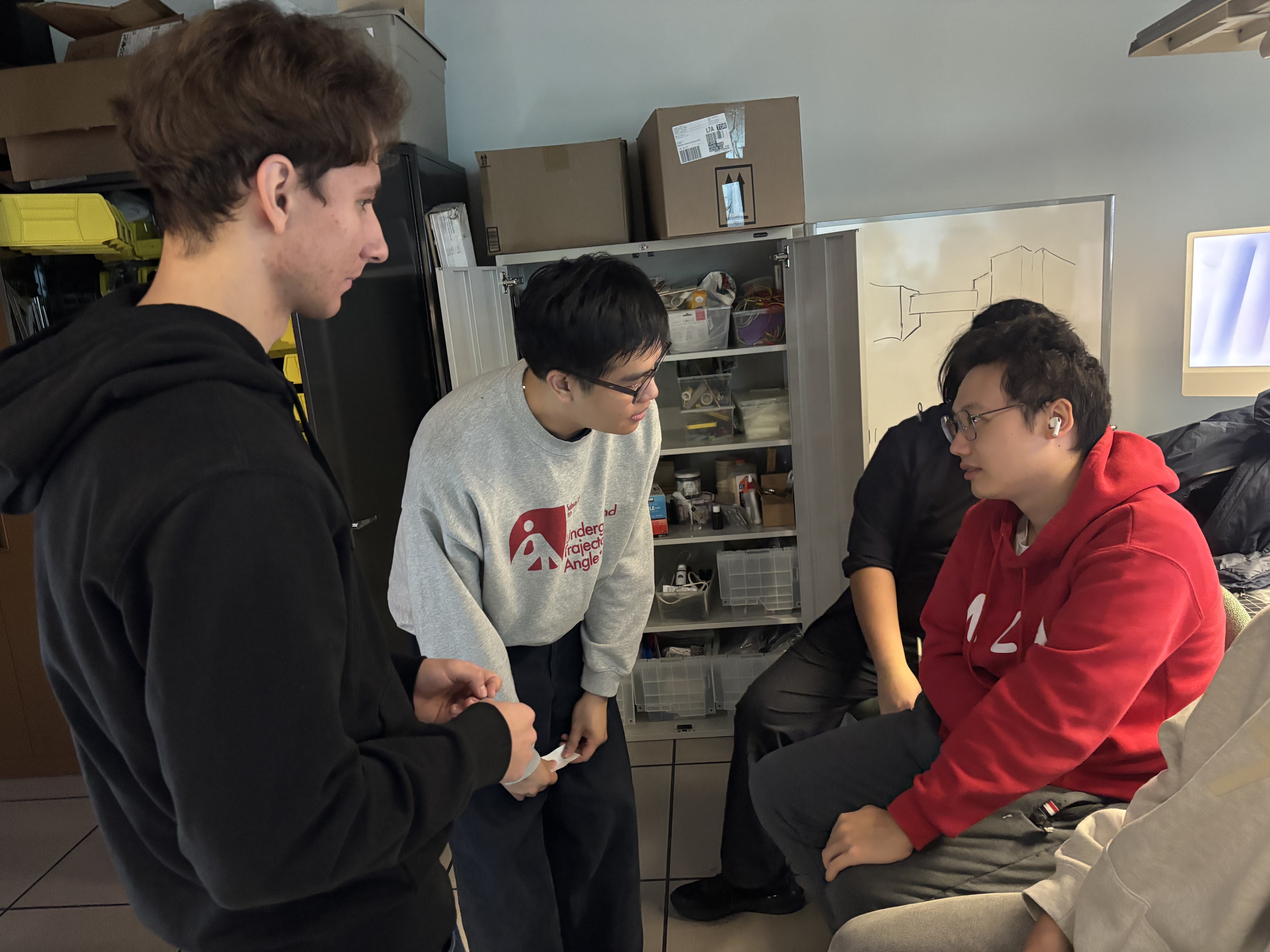
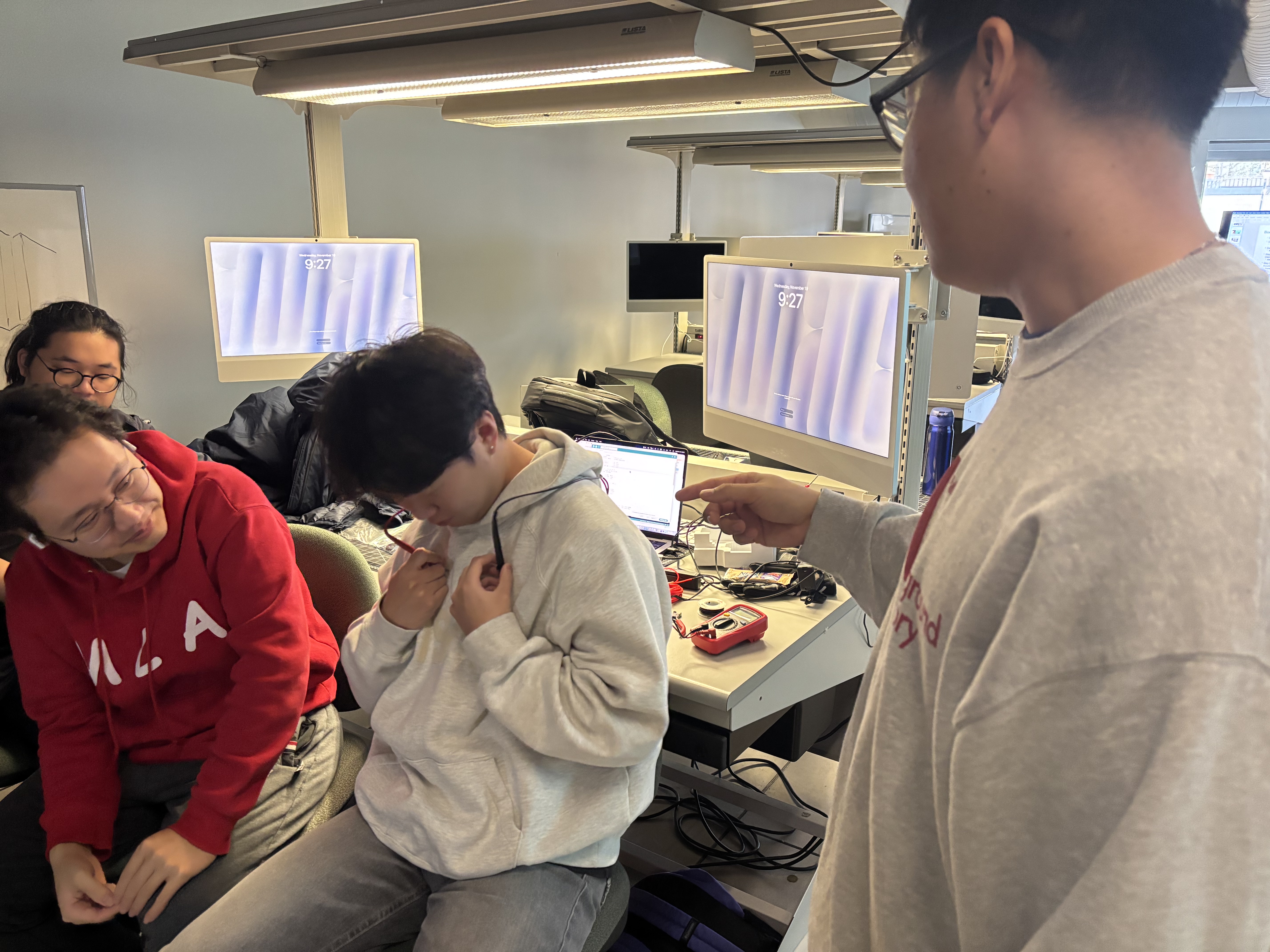
Role-played a clinic visit to study doctor–patient communication: eye contact, body language, tone, and digital tools for trust and comfort.
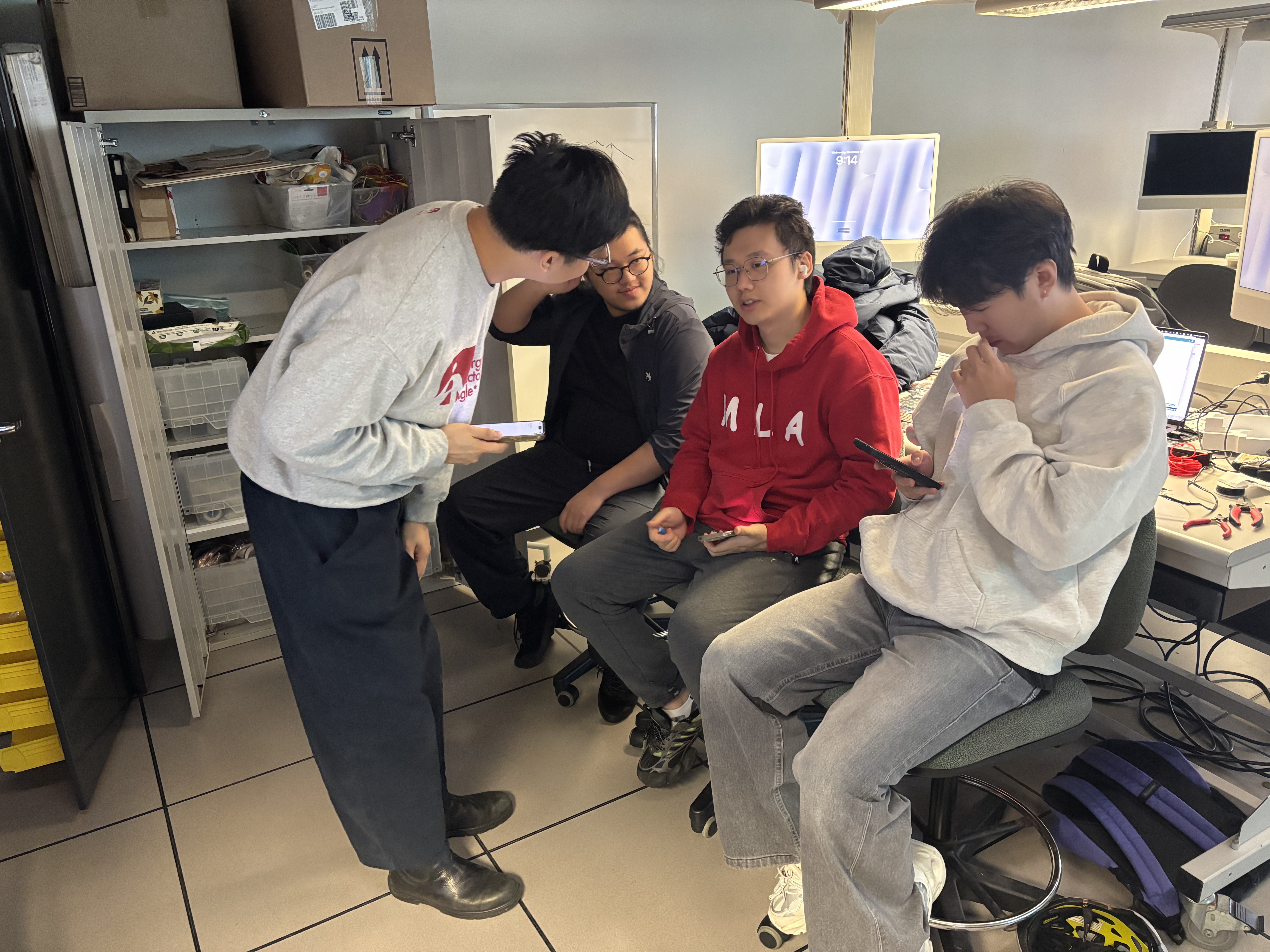
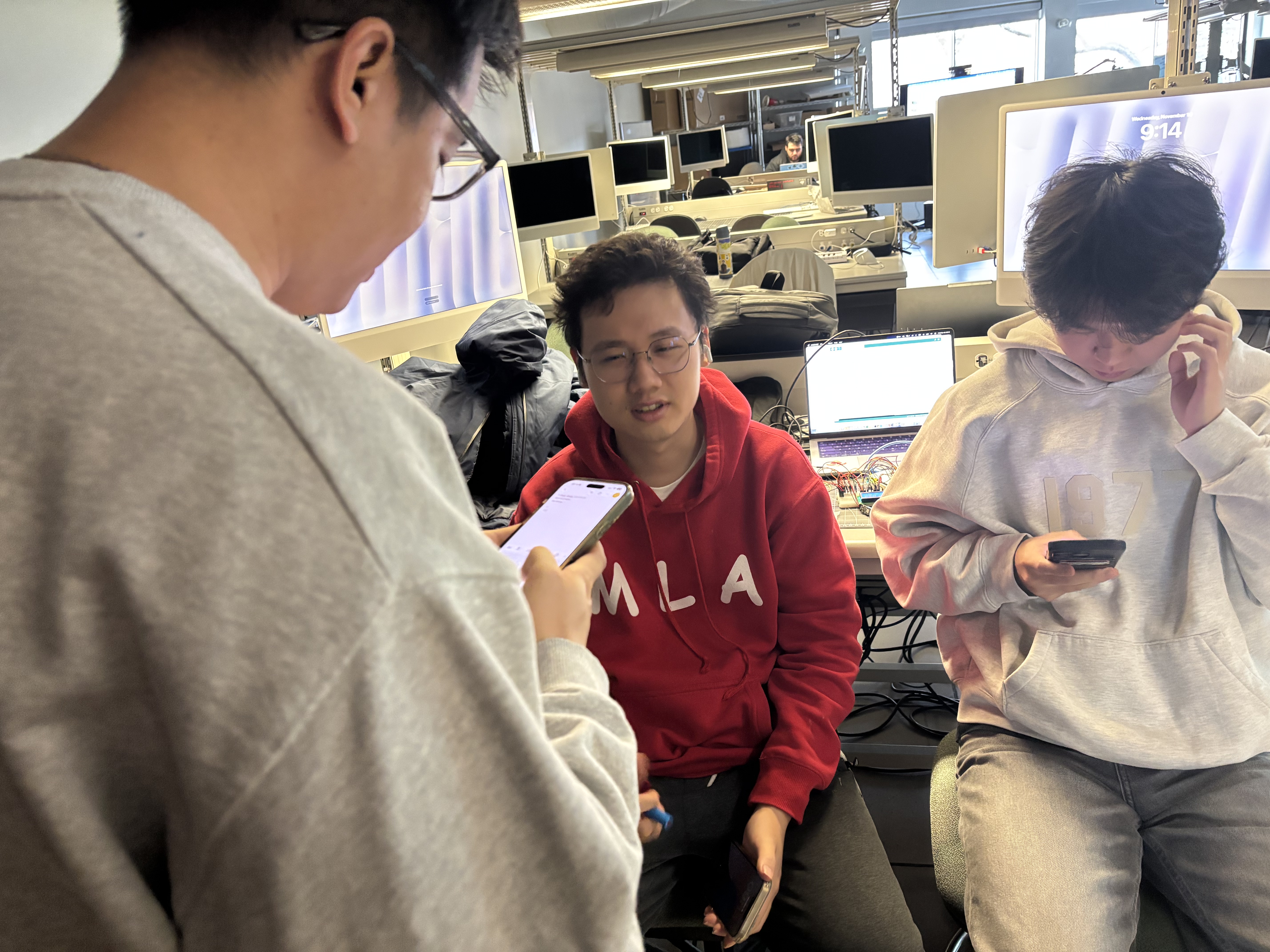
Setting up the consultation role-play Doctor reads symptom checklist on phone Doctor leans in to talk to patient Patient describes chest pain Emergency scenario — patient faints

Activity 1 — Enclosure Design & 3D Printing

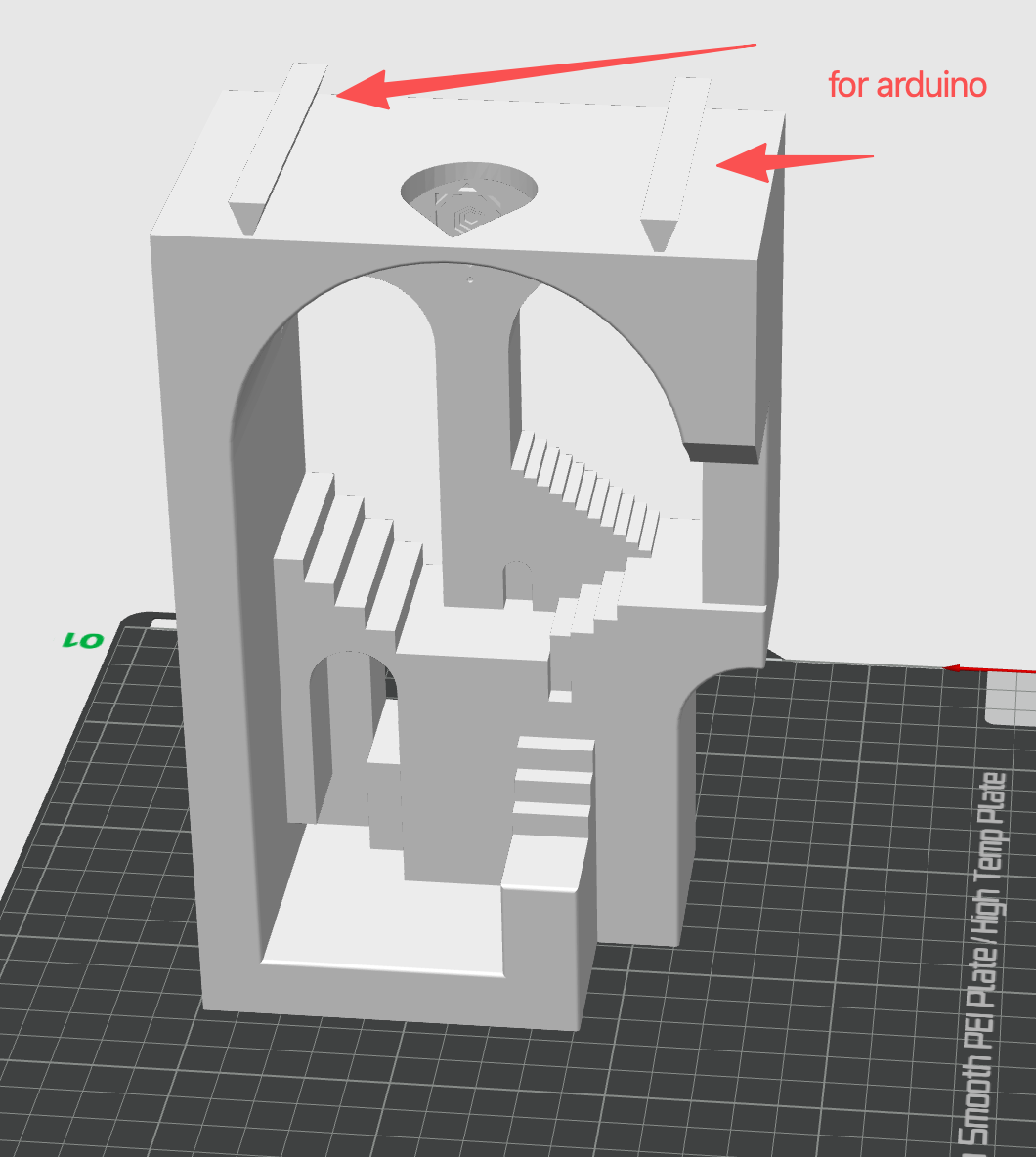
Found a staircase/arch model on Thingiverse, modified it in CAD, and 3D-printed a housing for the Arduino and sensors.
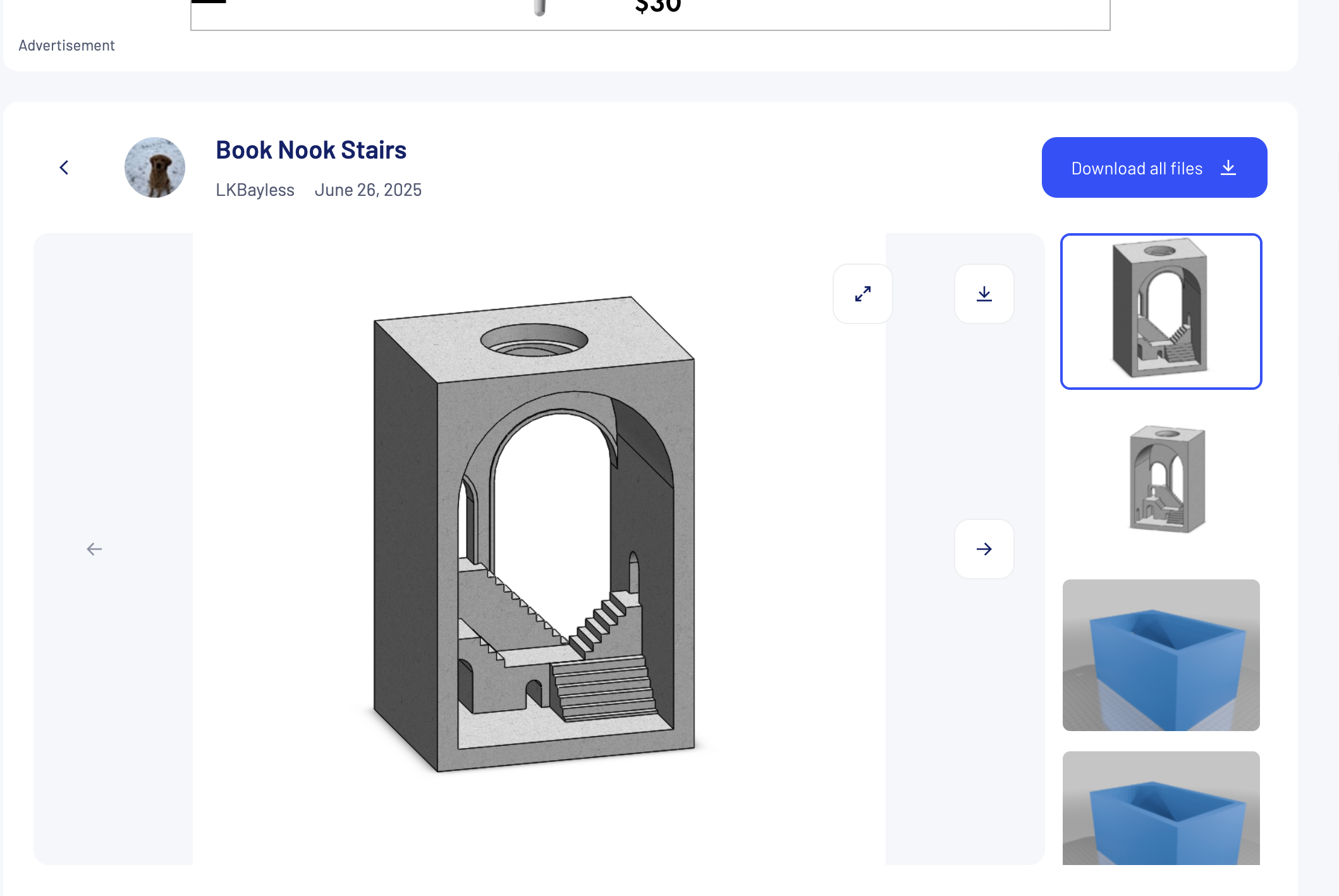
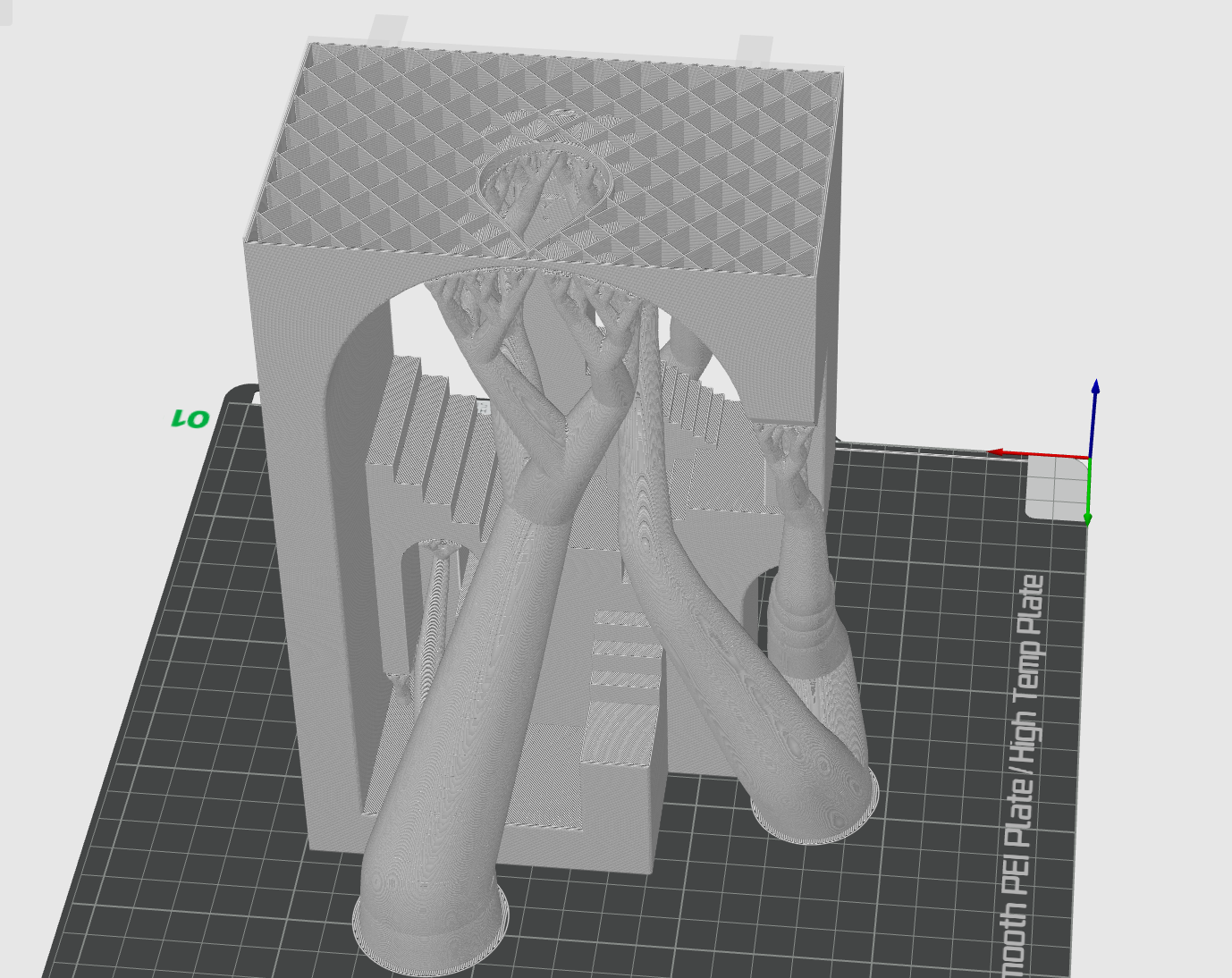
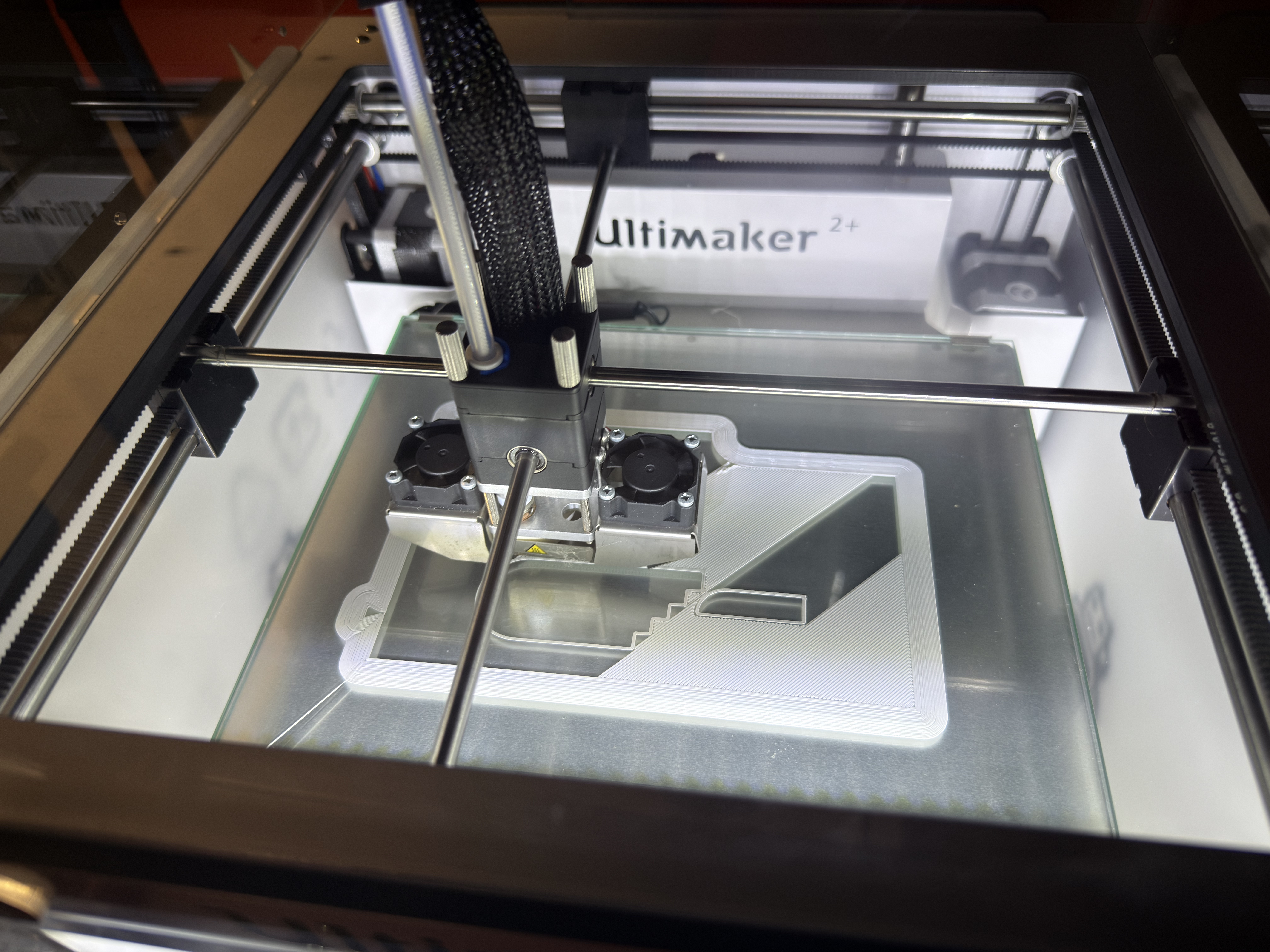
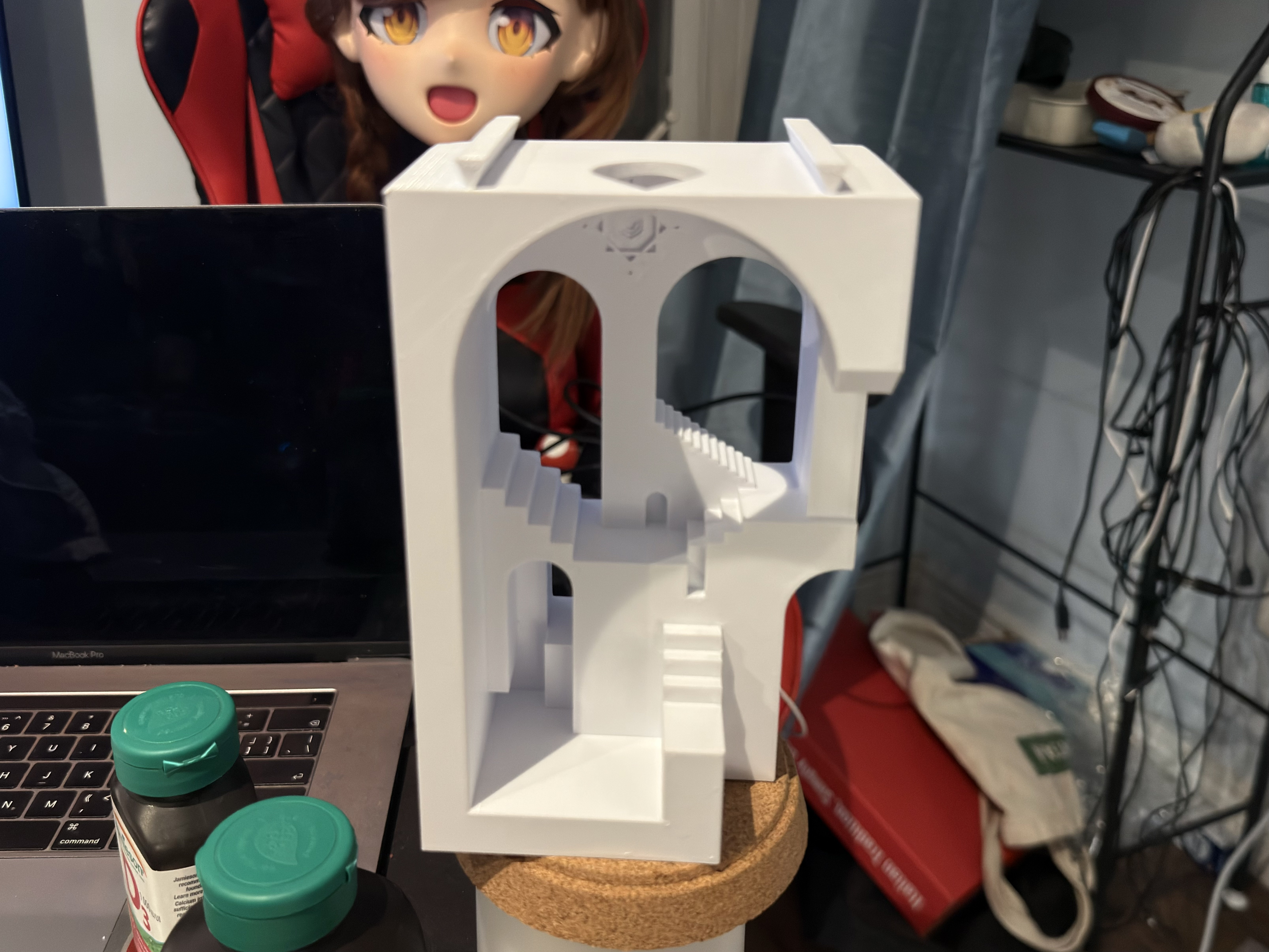
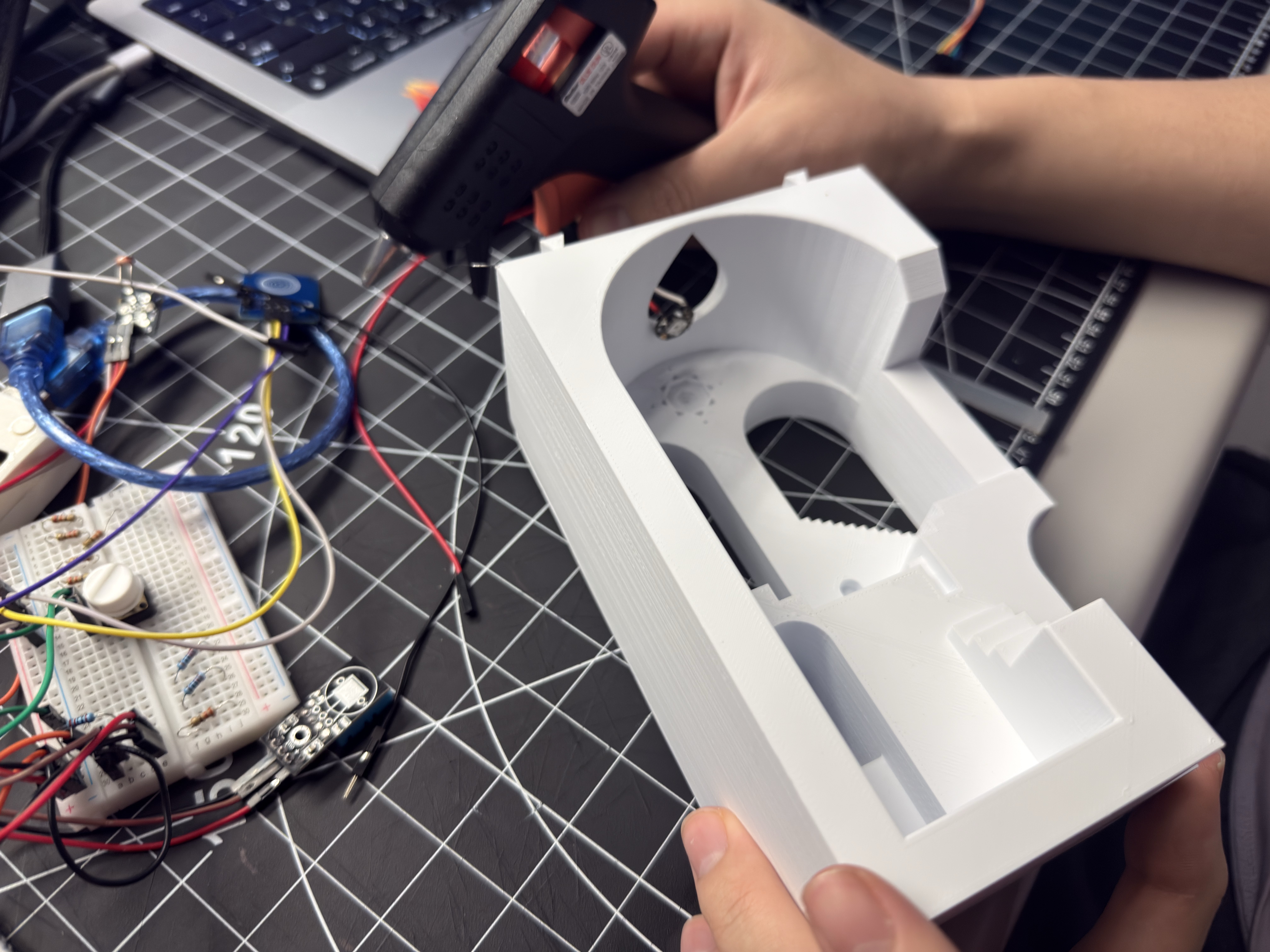
Reference 3D model from Thingiverse First CAD modification — interior architecture Second CAD iteration — Arduino slot 3D printing in progress on Ultimaker Finished 3D-printed housing

Activity 2 — Electronics & Lighting Integration
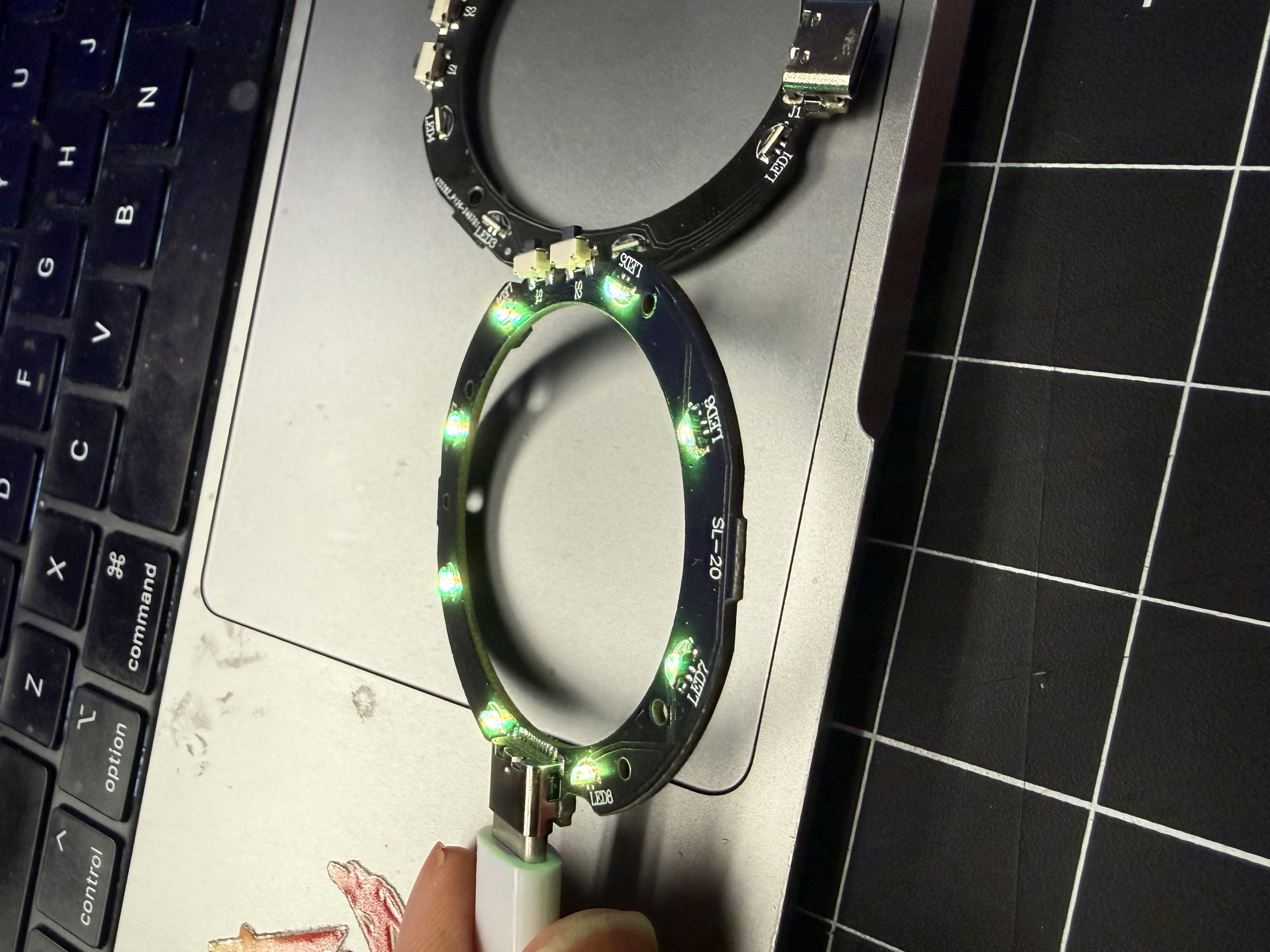
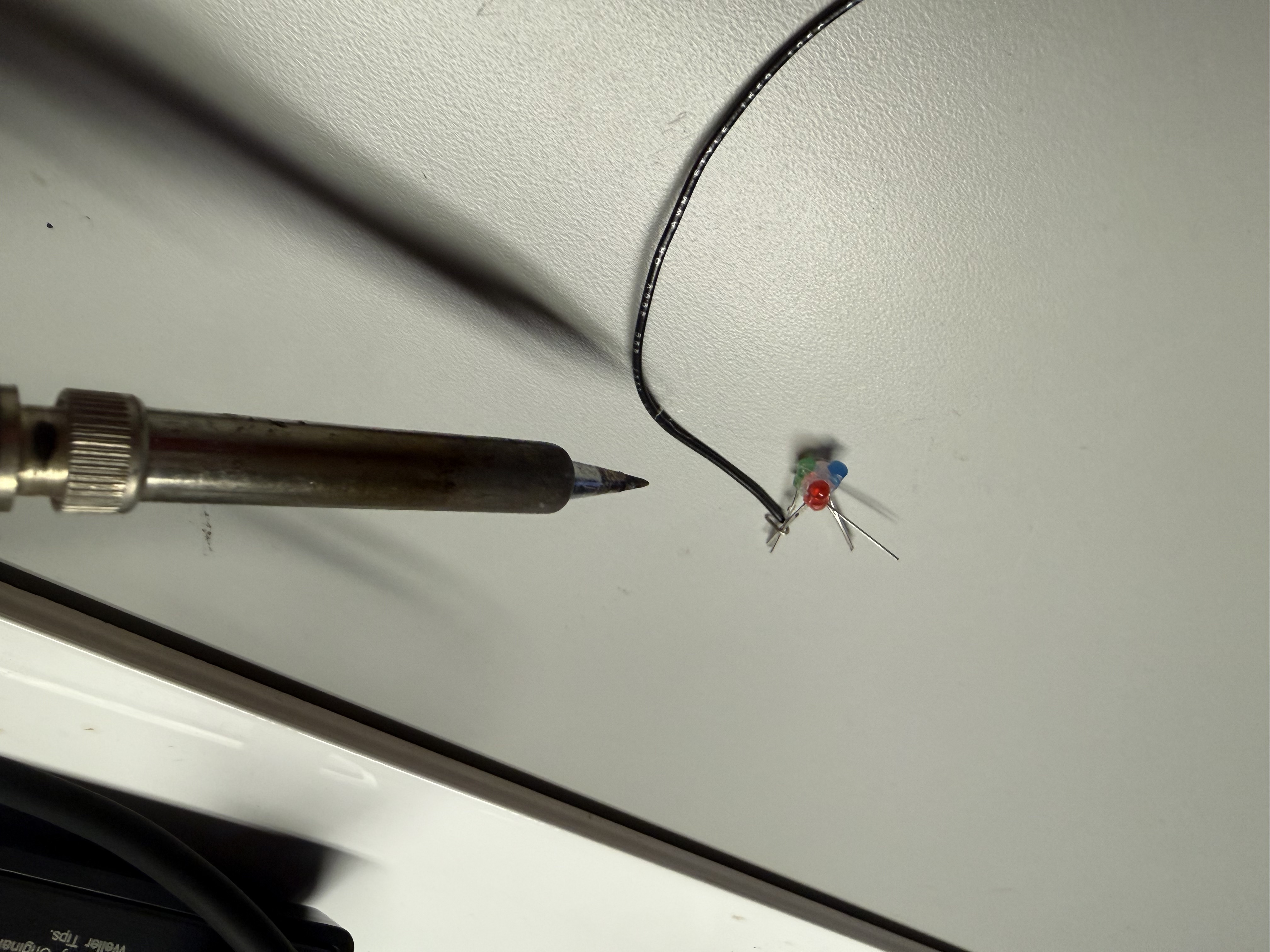
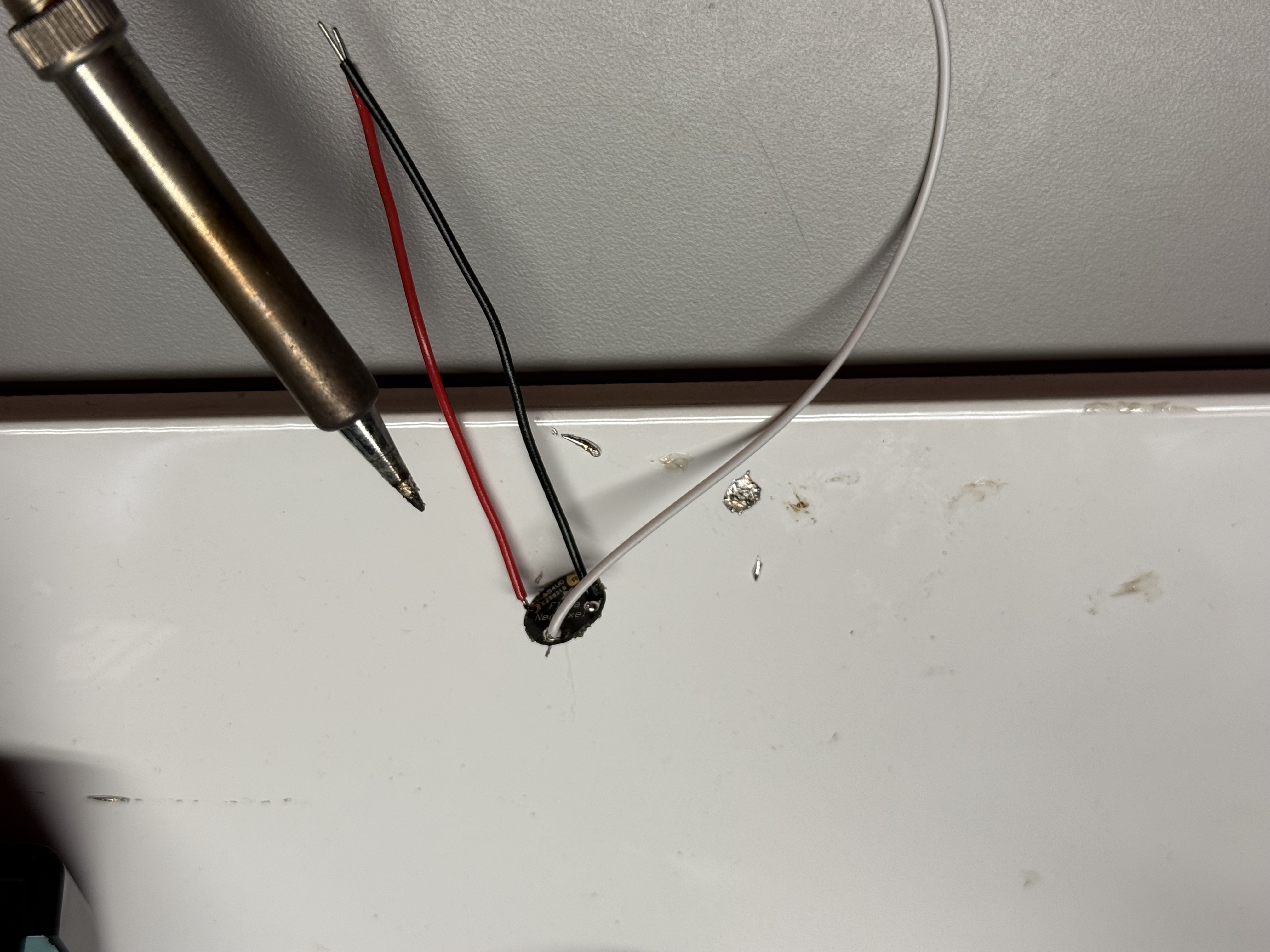
Testing RGB LED ring Soldering longer wires to LED Wired connector for NeoPixel strip Breadboard test — full comfort-lamp logic First test placing electronics in housing
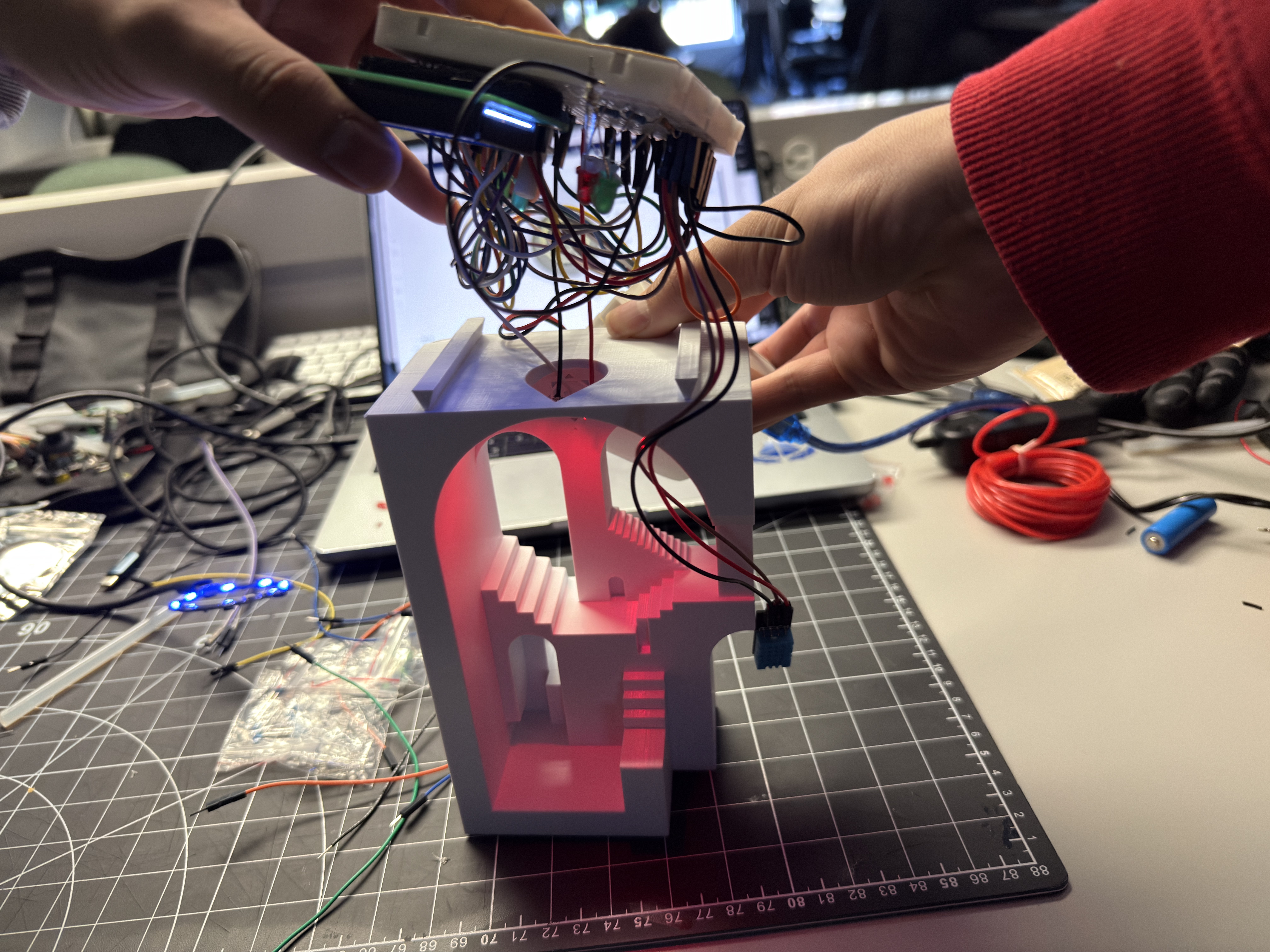
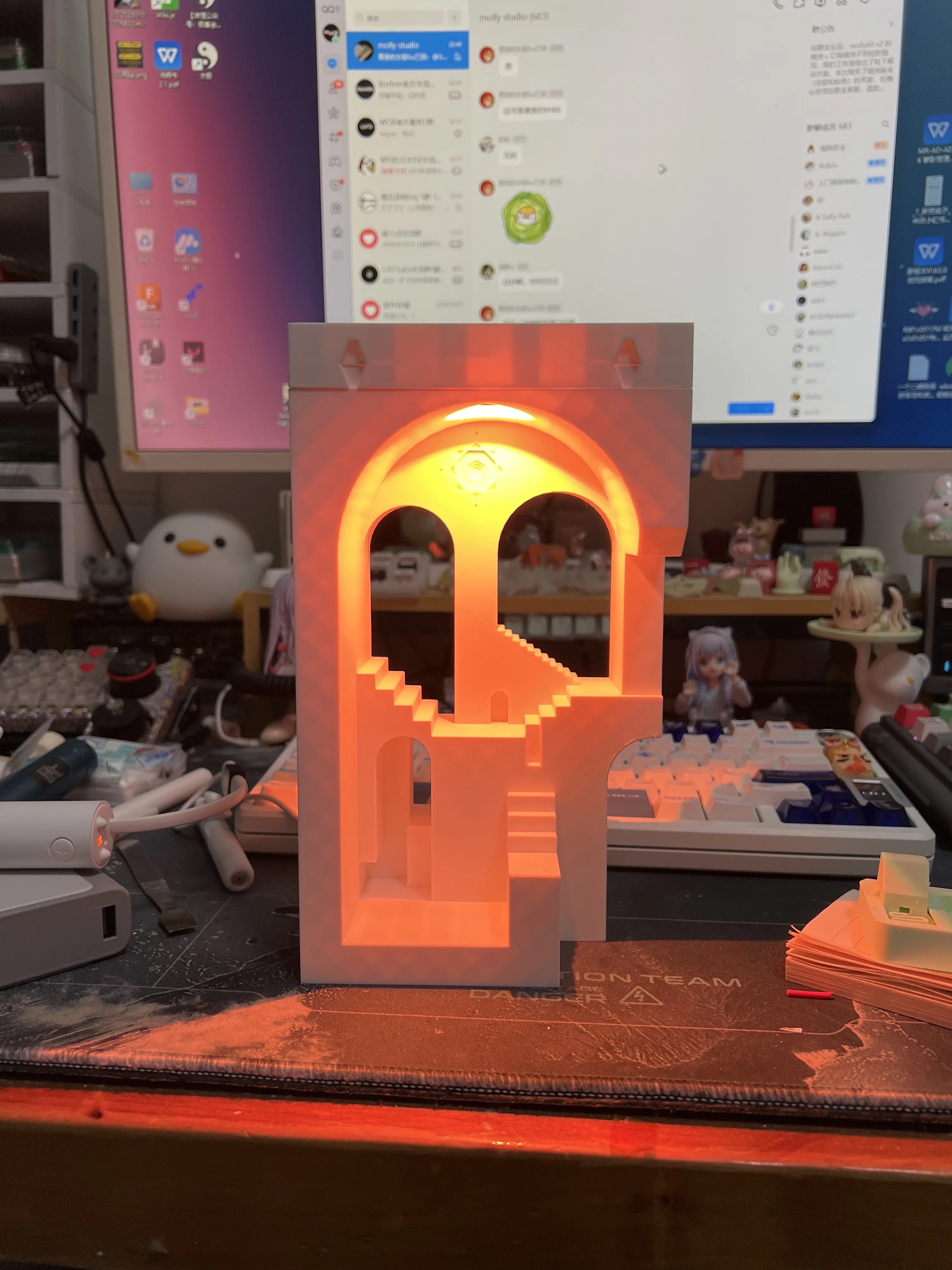
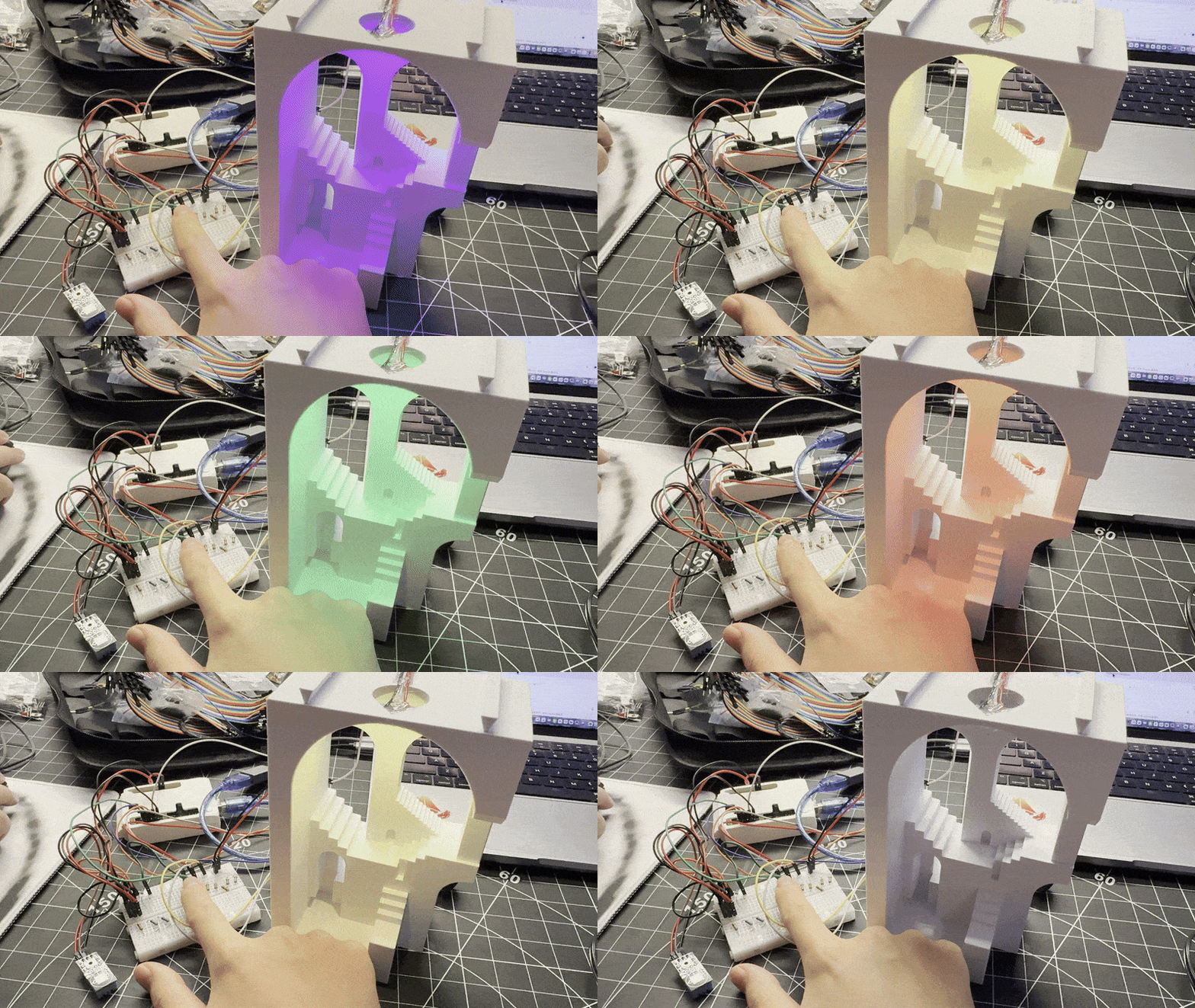
Warm glow inside staircase housing Adjusting LED ring position for light gradient Cool/green tier test Warm/orange tier test Bright magenta tier test

Additional Research — Sensors & Switch

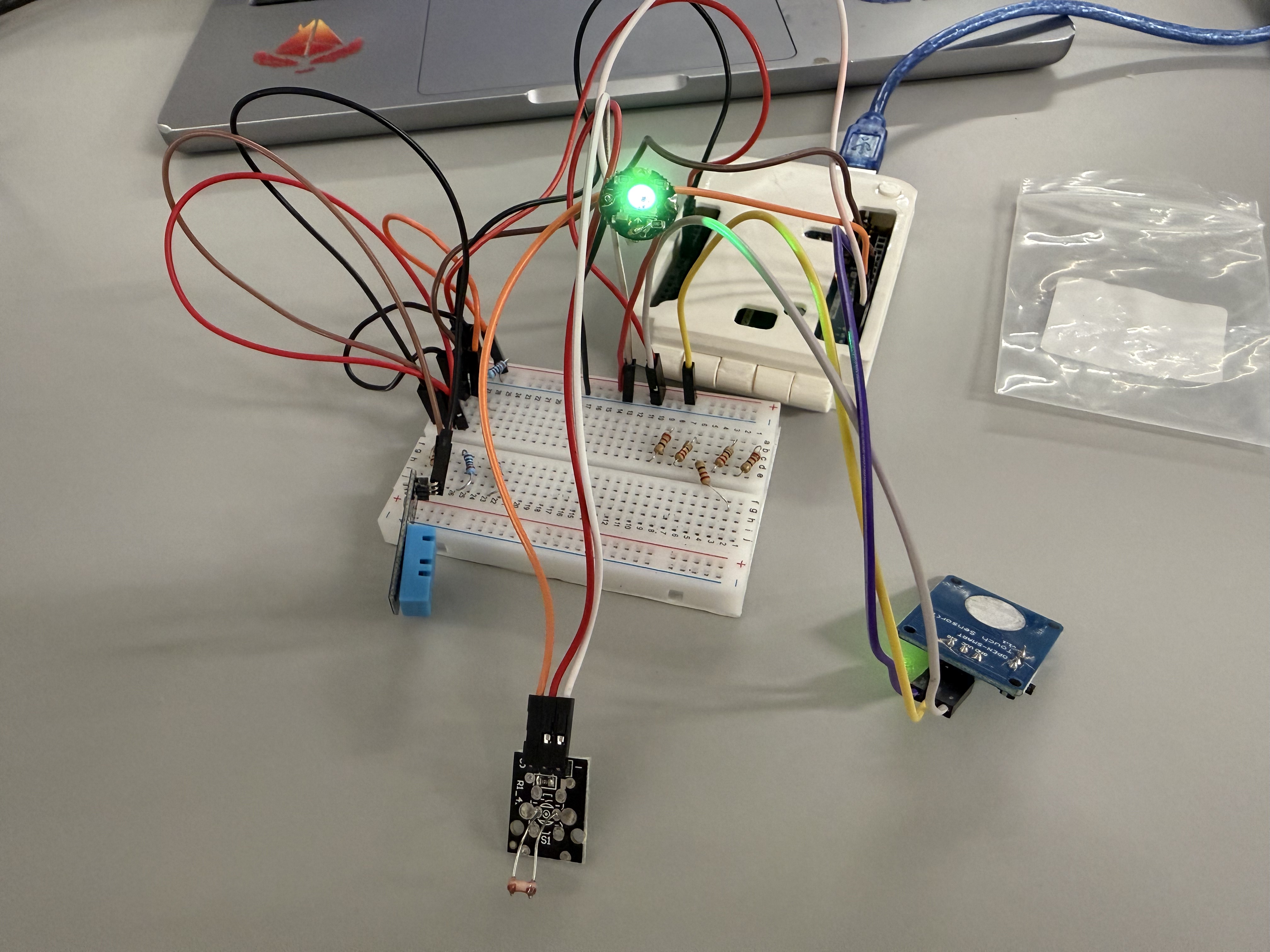
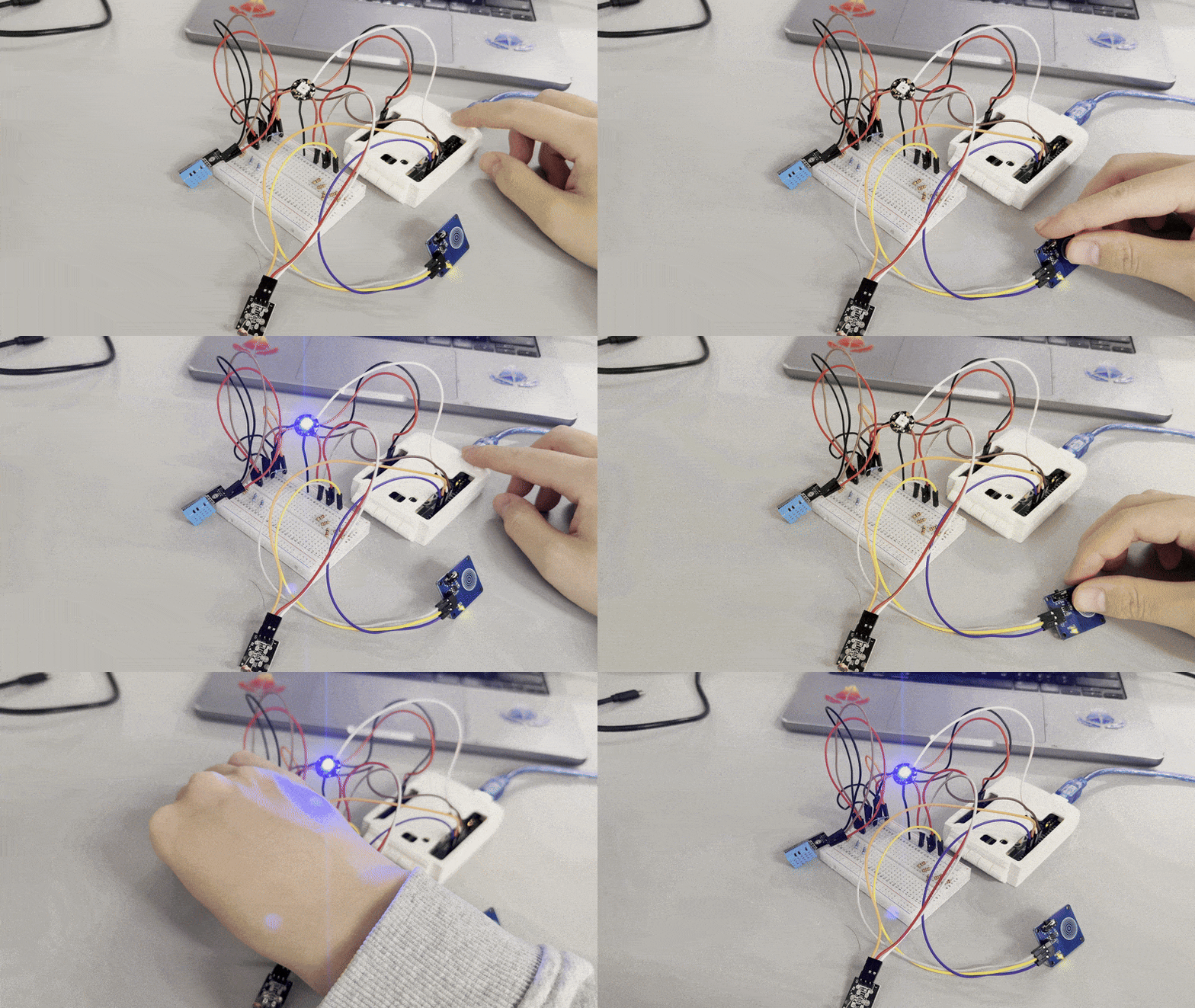
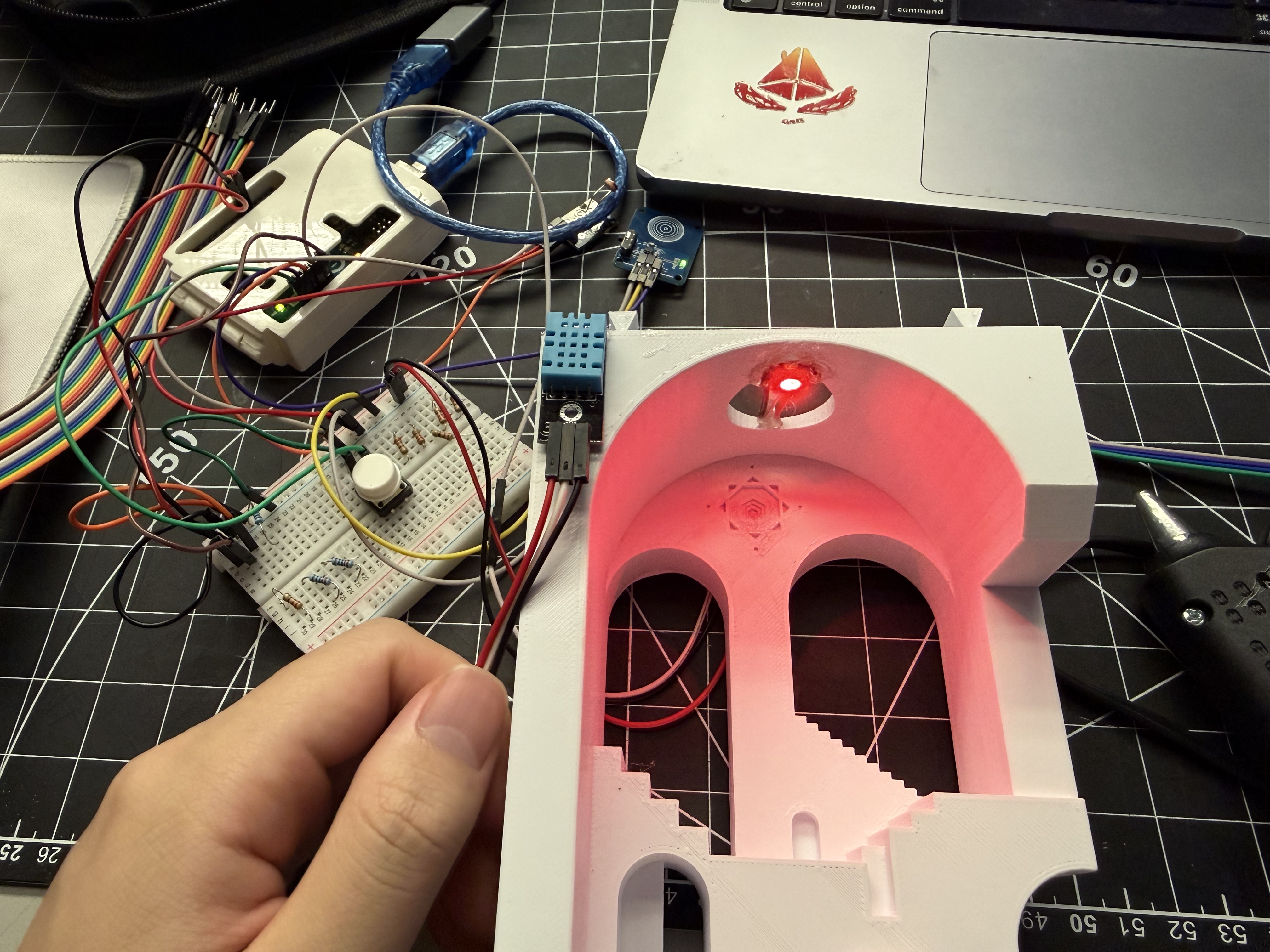
Removed LCD, added light sensor for ambient brightness, tested a latching touch switch for clear on/off control.
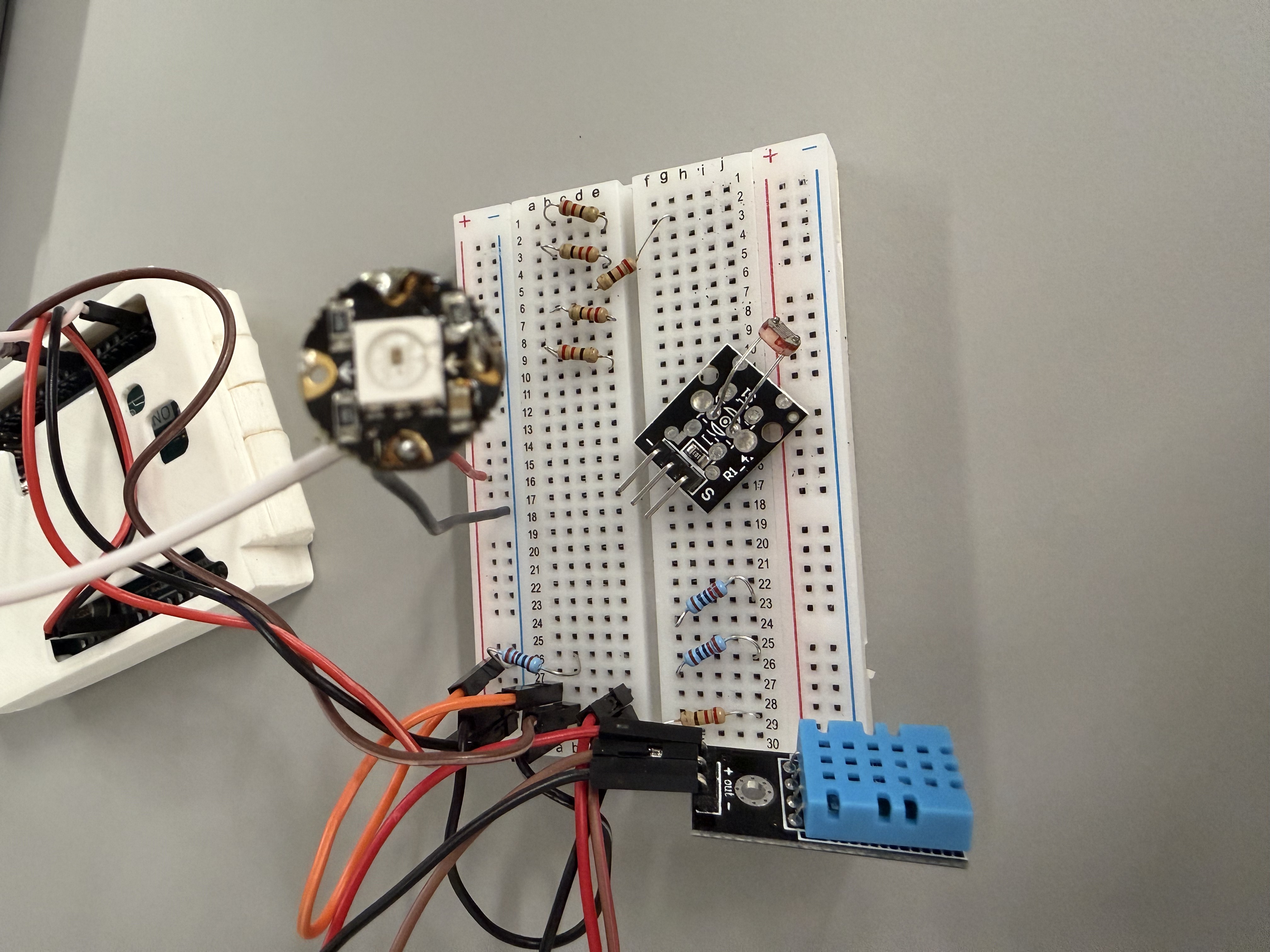
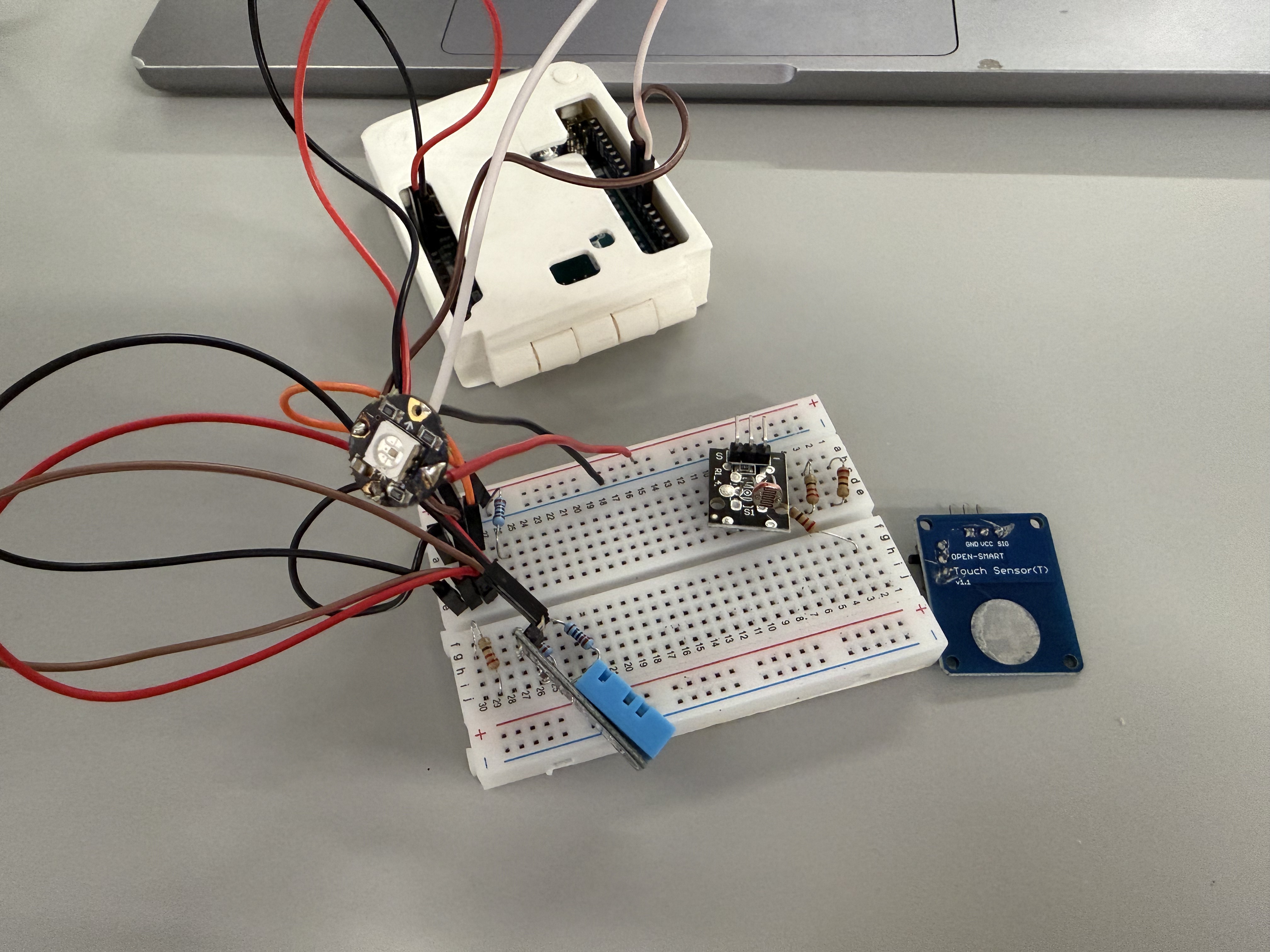
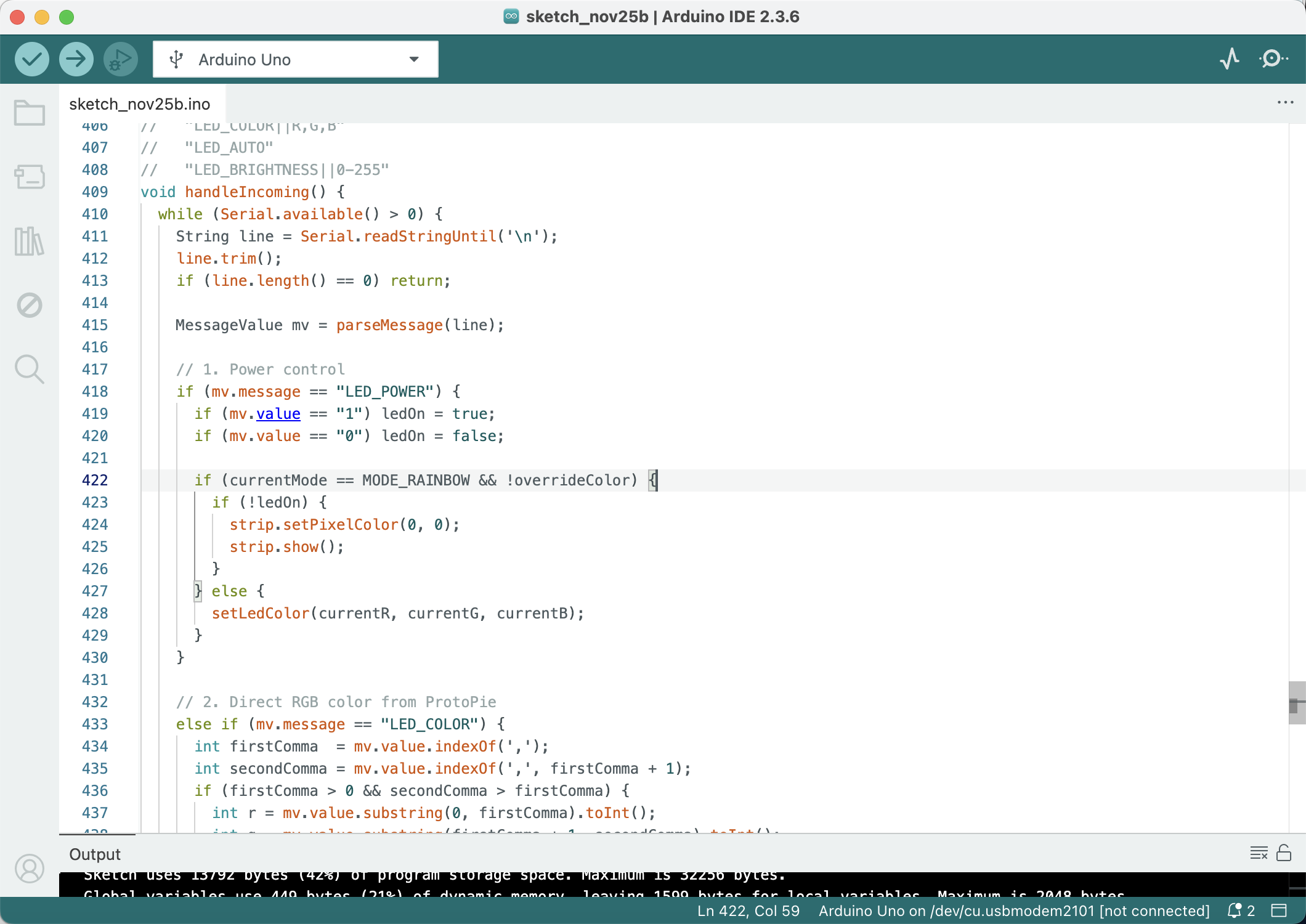
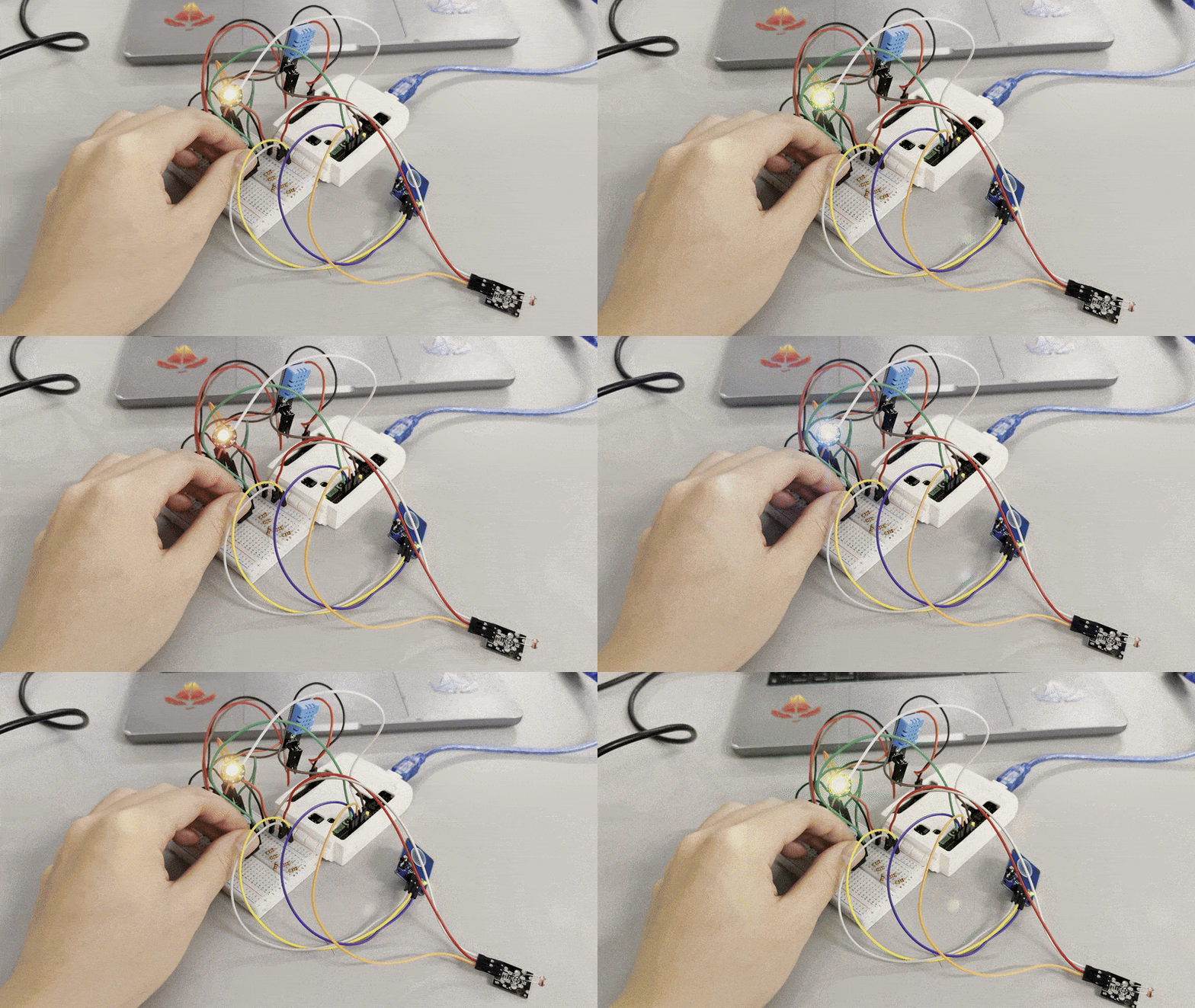
Breadboard without LCD — added light sensor Added latching touch switch Tidied circuit — RGB LED lit Updated Arduino code for touch switch Live test — LED responds to switch and sensors
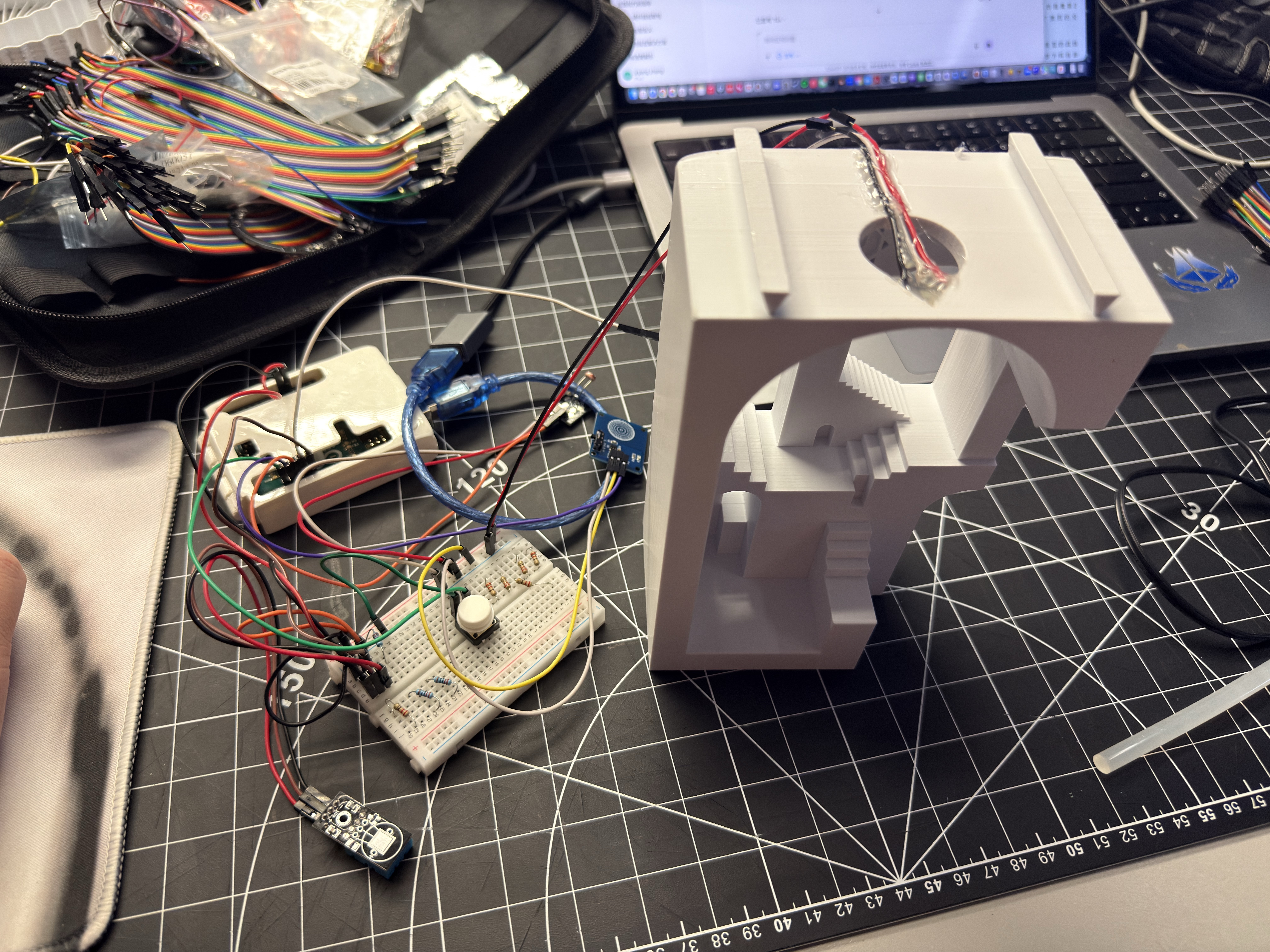
Touch switch and sensors test Checking enclosure for electronics fit Circuit beside enclosure — testing cable reach Interior glowing with external circuit Red tier glow inside enclosure
Final Prototype

Comfort Lamp — Finished Ambient Object

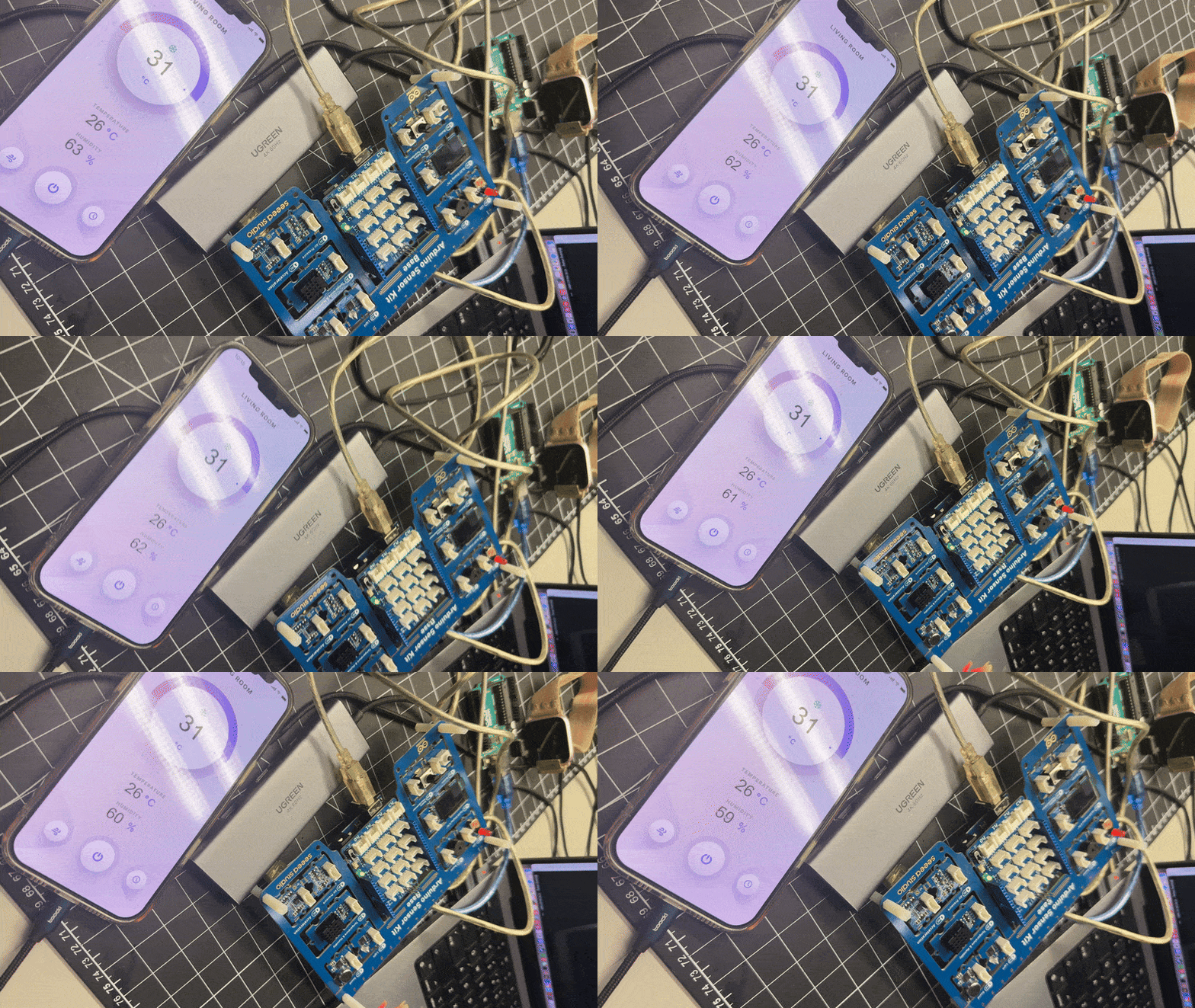
The completed lamp uses tiered colour states driven by sensors, a latching touch switch for physical on/off, and a ProtoPie mobile UI that shows live data and sends commands back to the Arduino. The phone handles detailed information; the lamp communicates through colour and glow.